INTRO
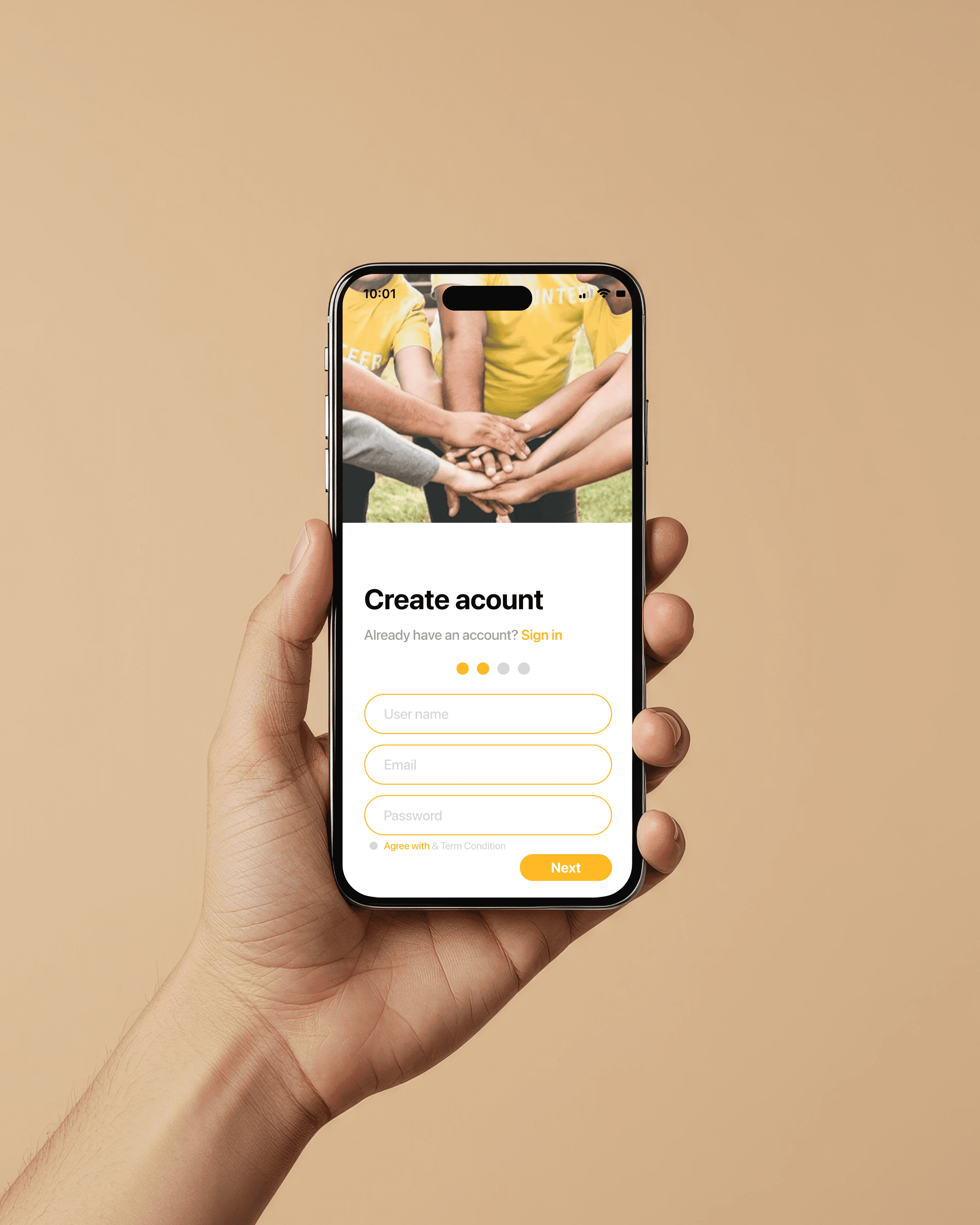
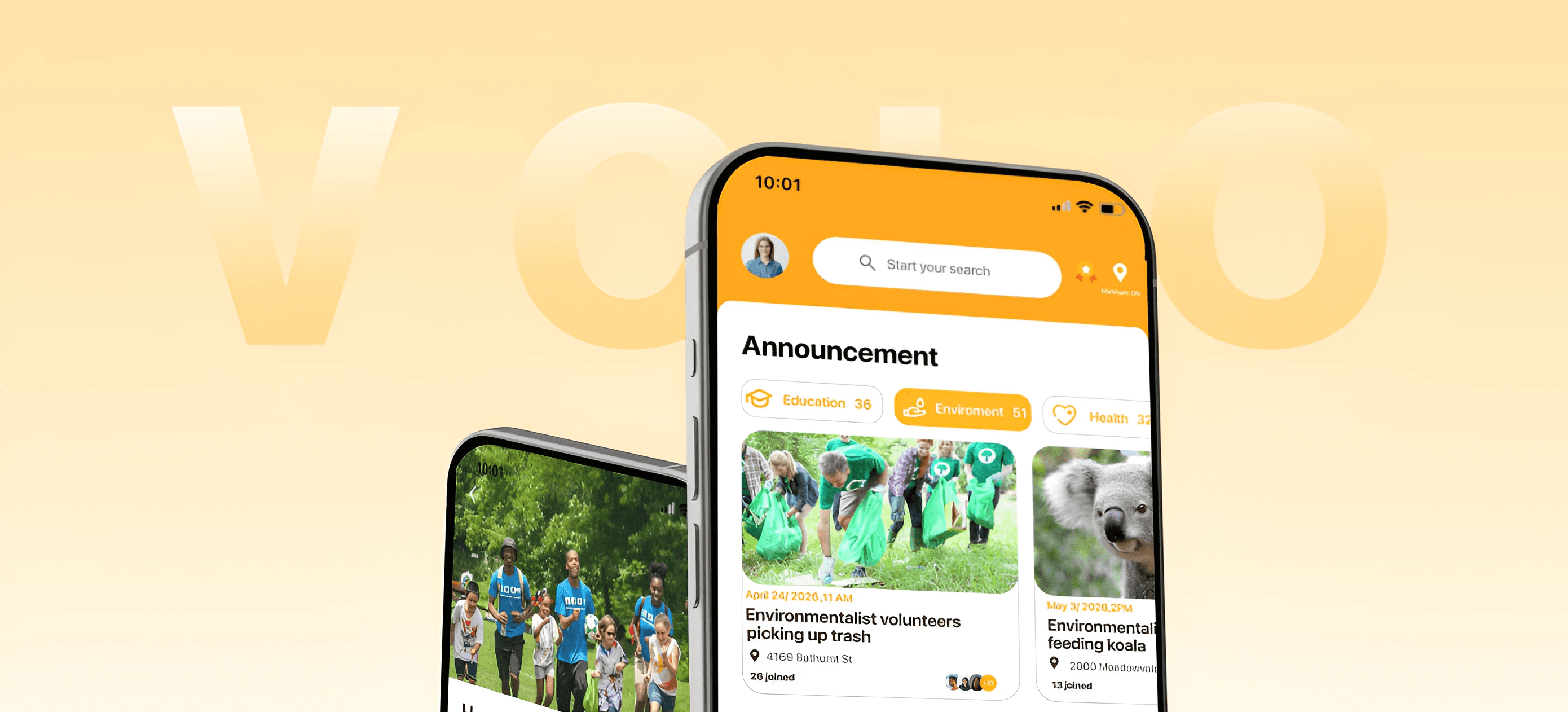
A mobile volunteer matching platform that connects organizations with volunteers through interest, skill, and availability-based matching.
The goal is to improve volunteer engagement and enable faster, more meaningful placements for both individuals and organizations.
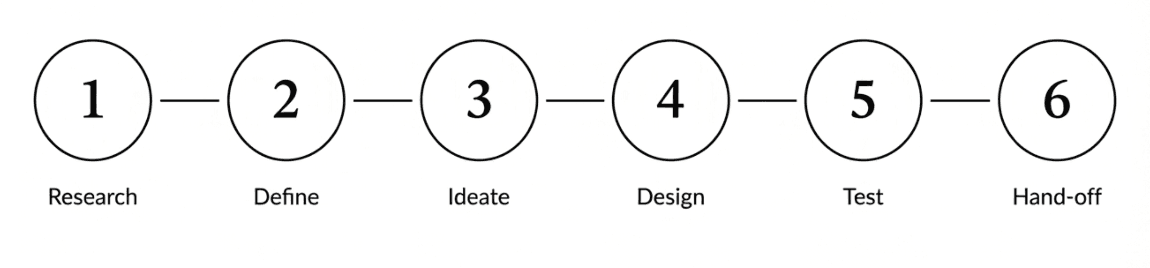
CHALLENGES
Canada strongly encourages and relies on volunteering, yet participation is declining.
With 81.8% of non-profit organizations depending on volunteers and the volunteer rate falling from 79% in 2018 to 73% in 2023, there is a growing need for better volunteer discovery and matching systems.
The volunteer ecosystem is fragmented, organizations struggle to source effectively, and volunteers rarely find opportunities that are relevant to them.
Trust and safety concerns further reduce confidence in the matching process for both sides.
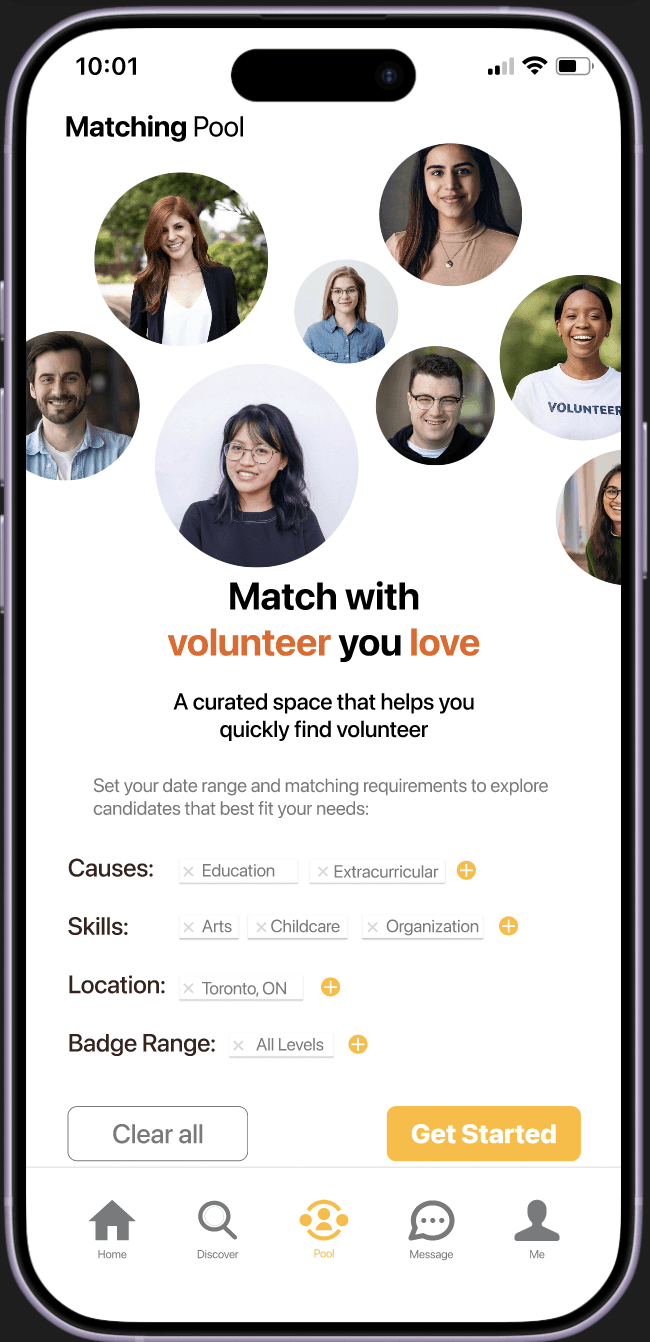
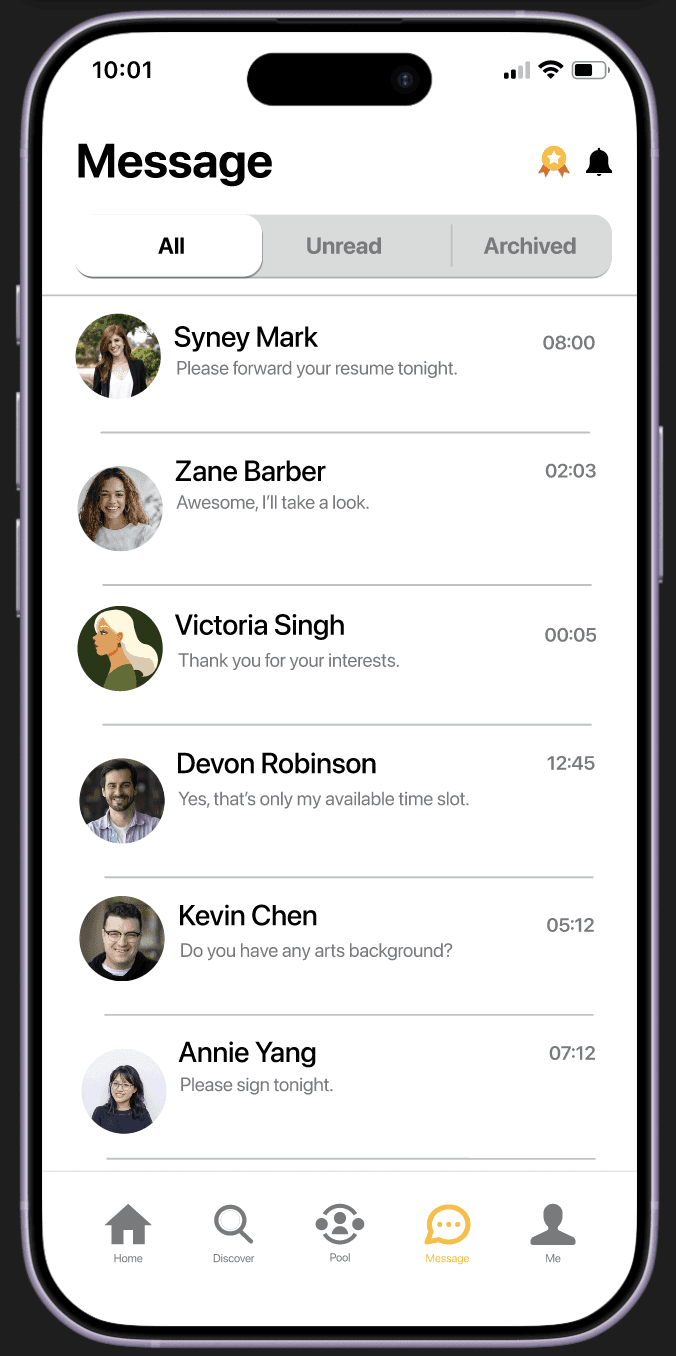
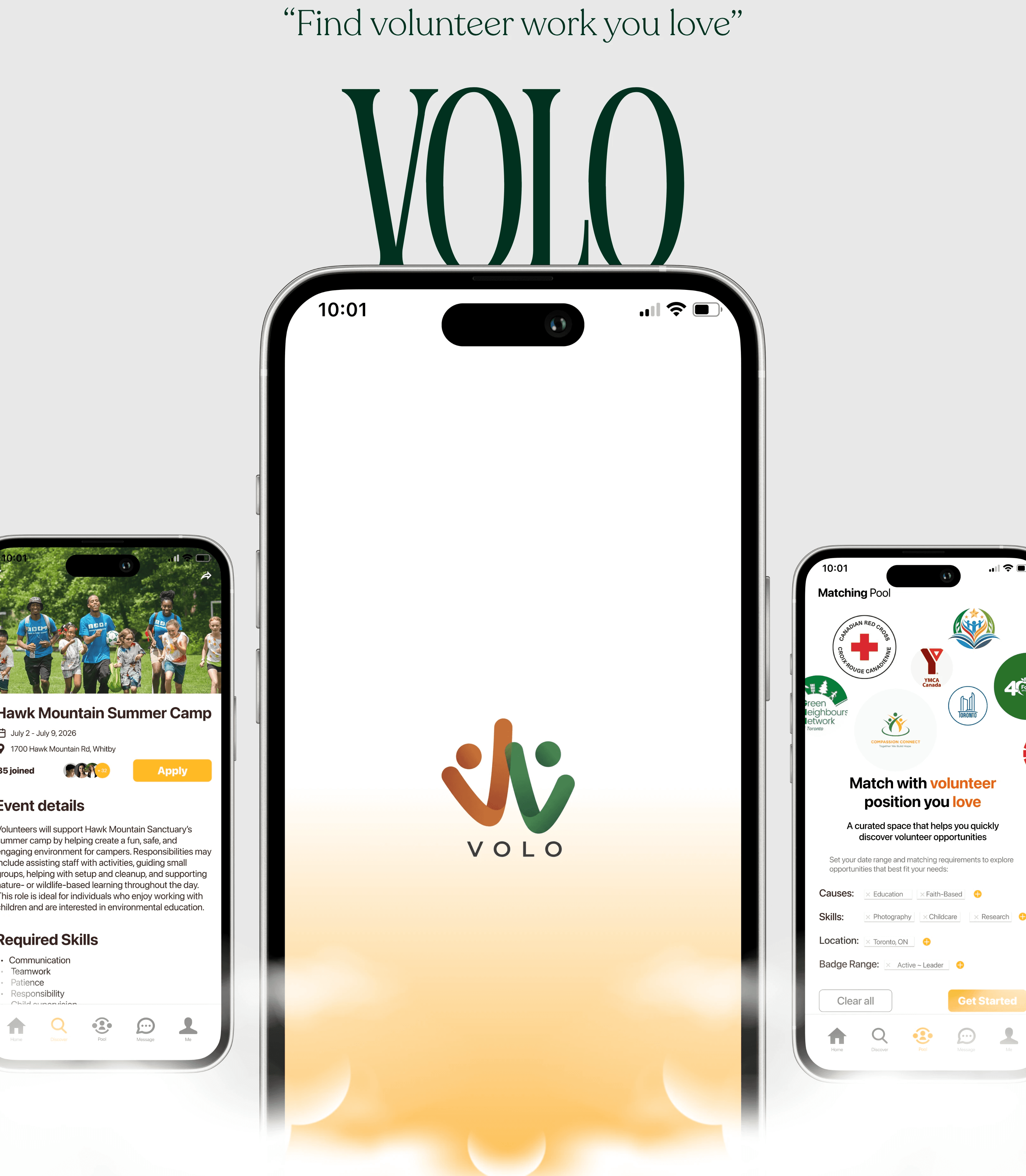
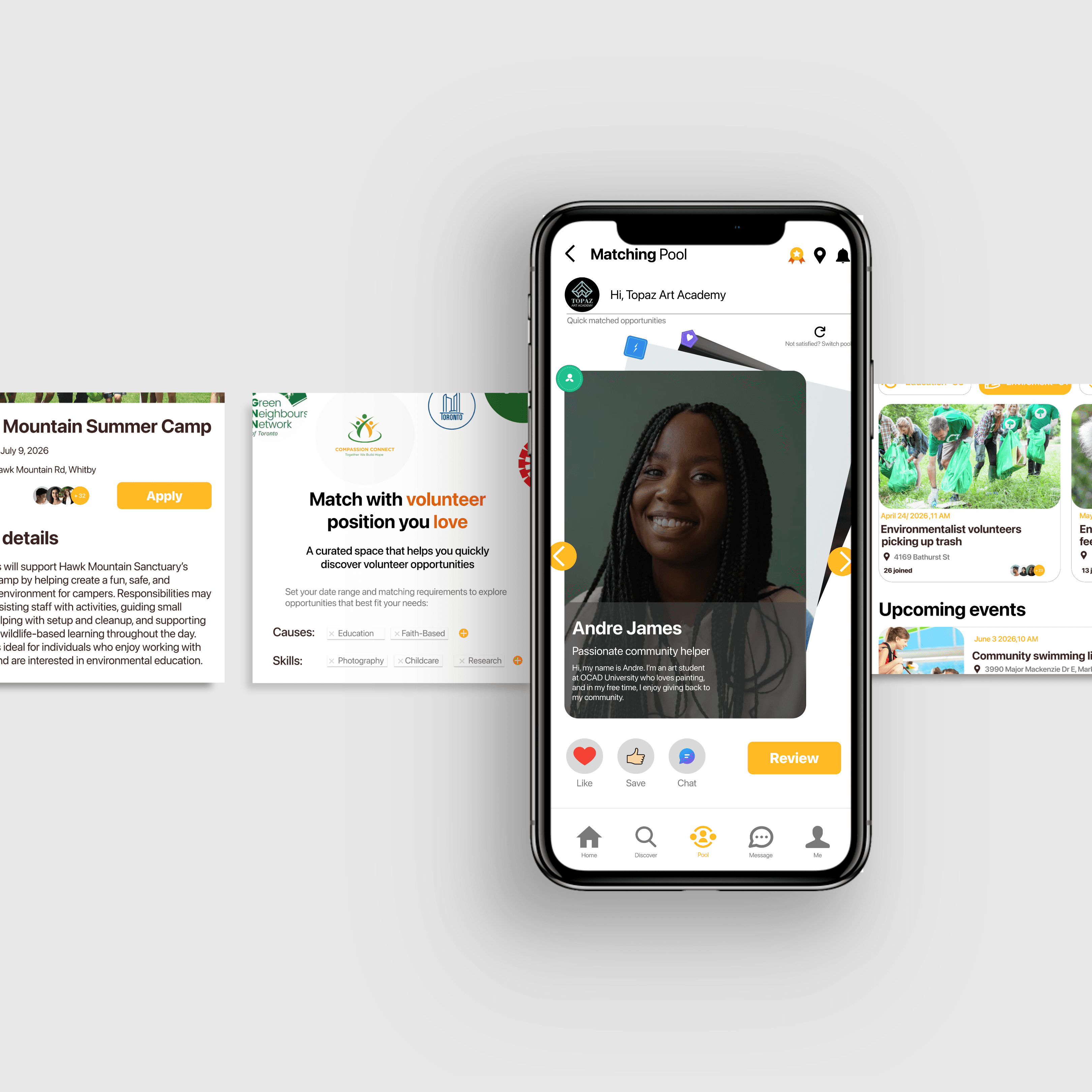
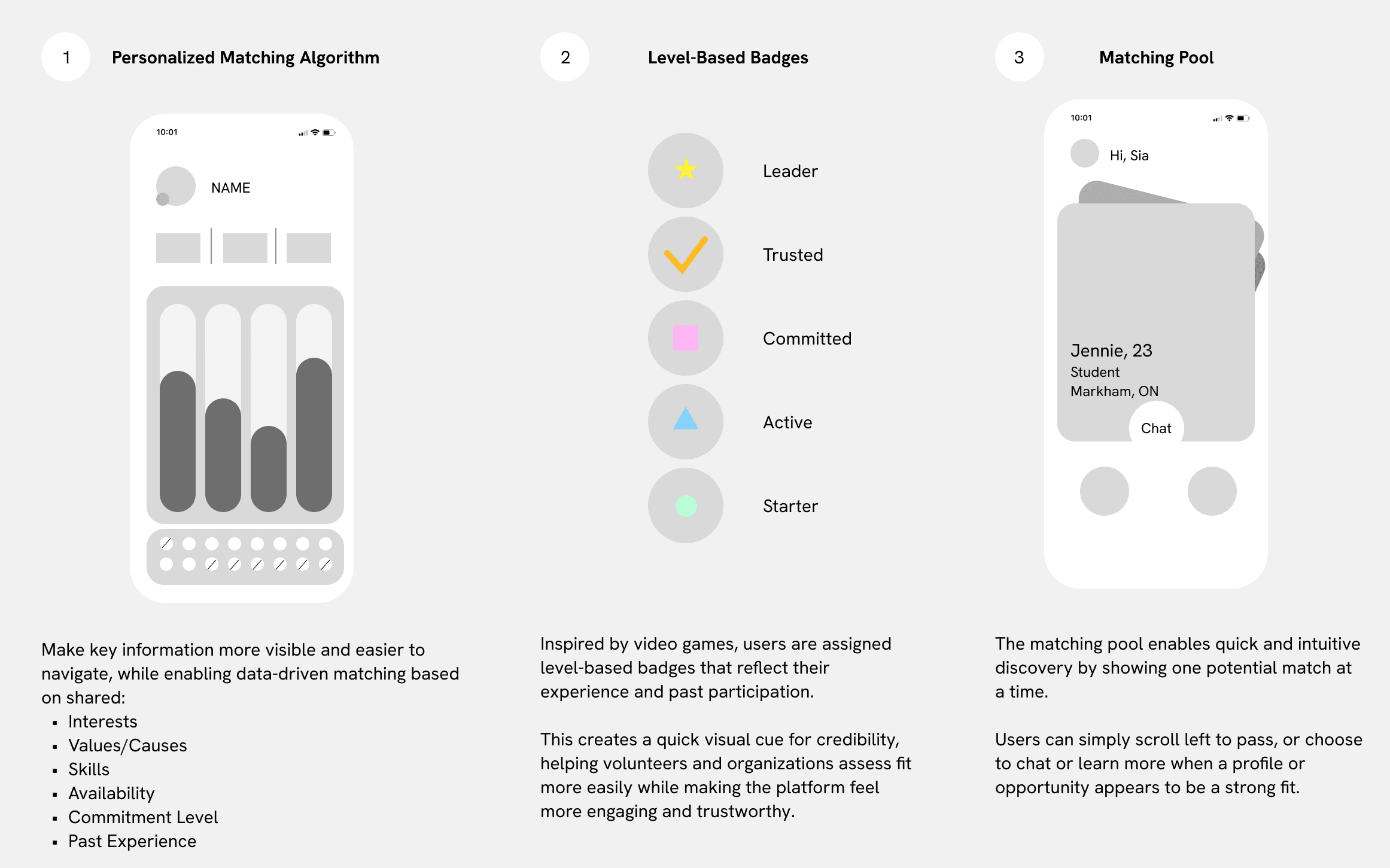
Volo uses personalized matching to connect volunteers and organizations based on shared interests, values, skills, and availability for more relevant opportunities.
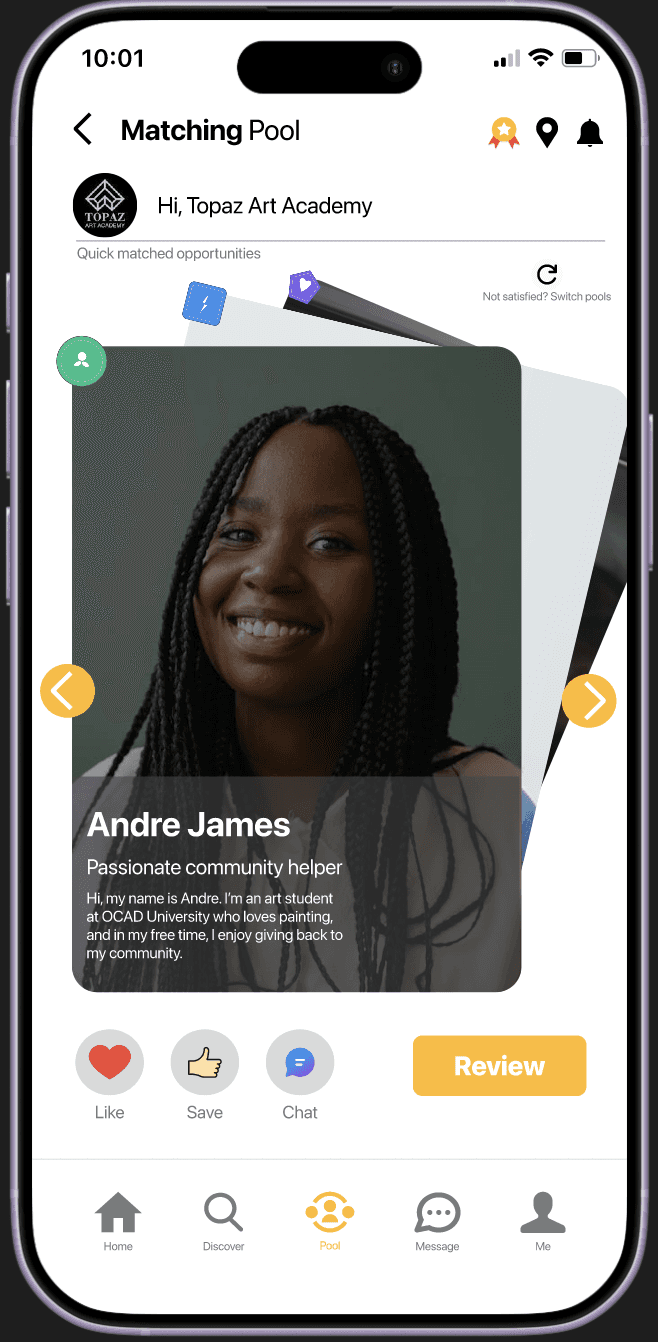
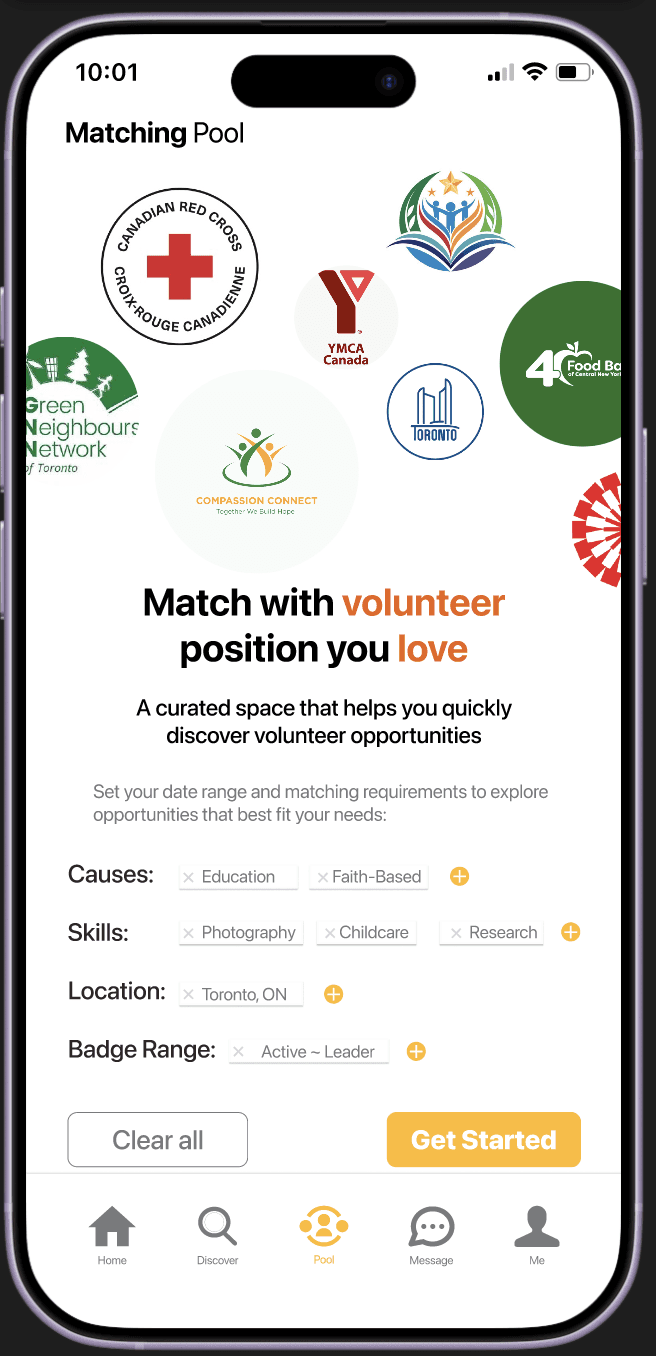
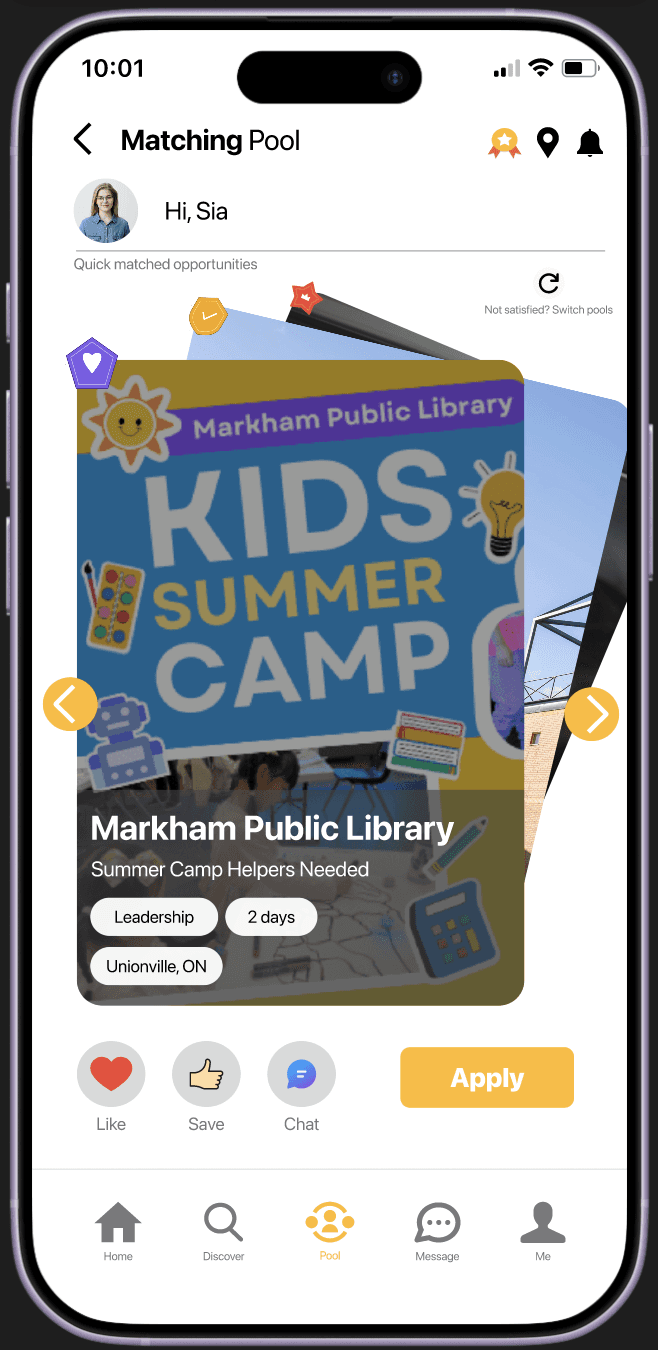
Volo introduces a swipe-based Match Pool for faster, more intuitive discovery with less effort on both sides.
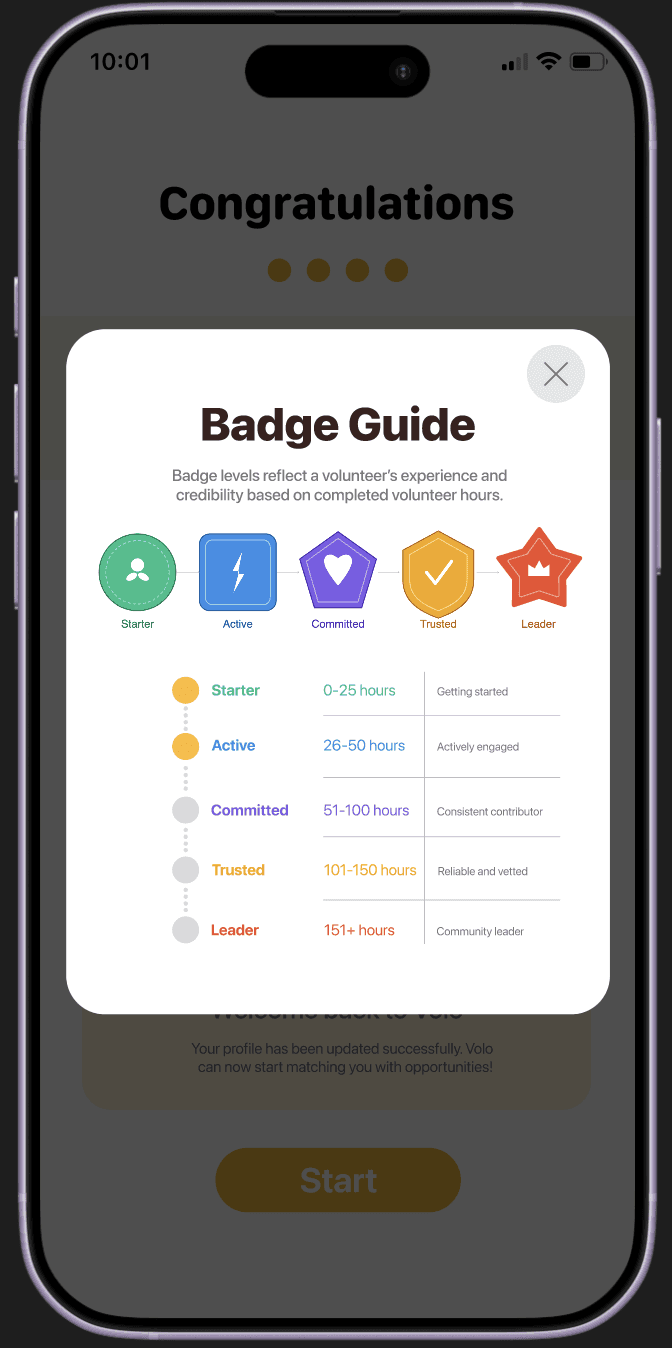
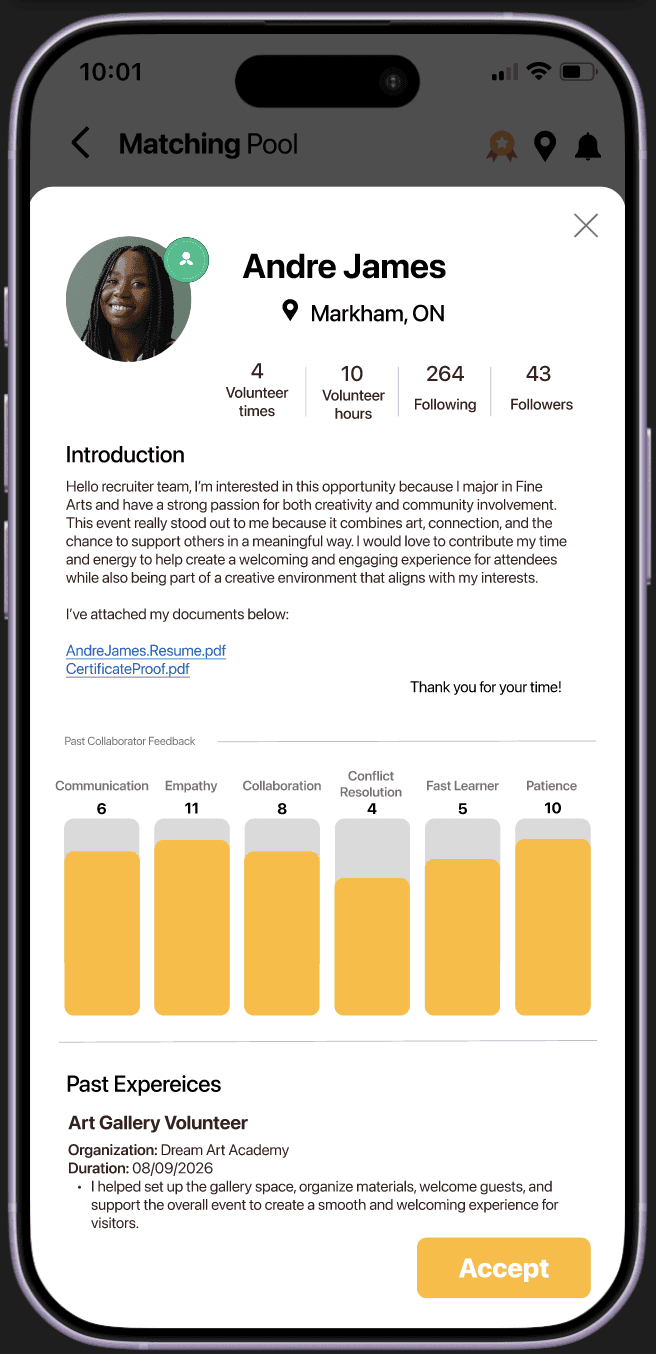
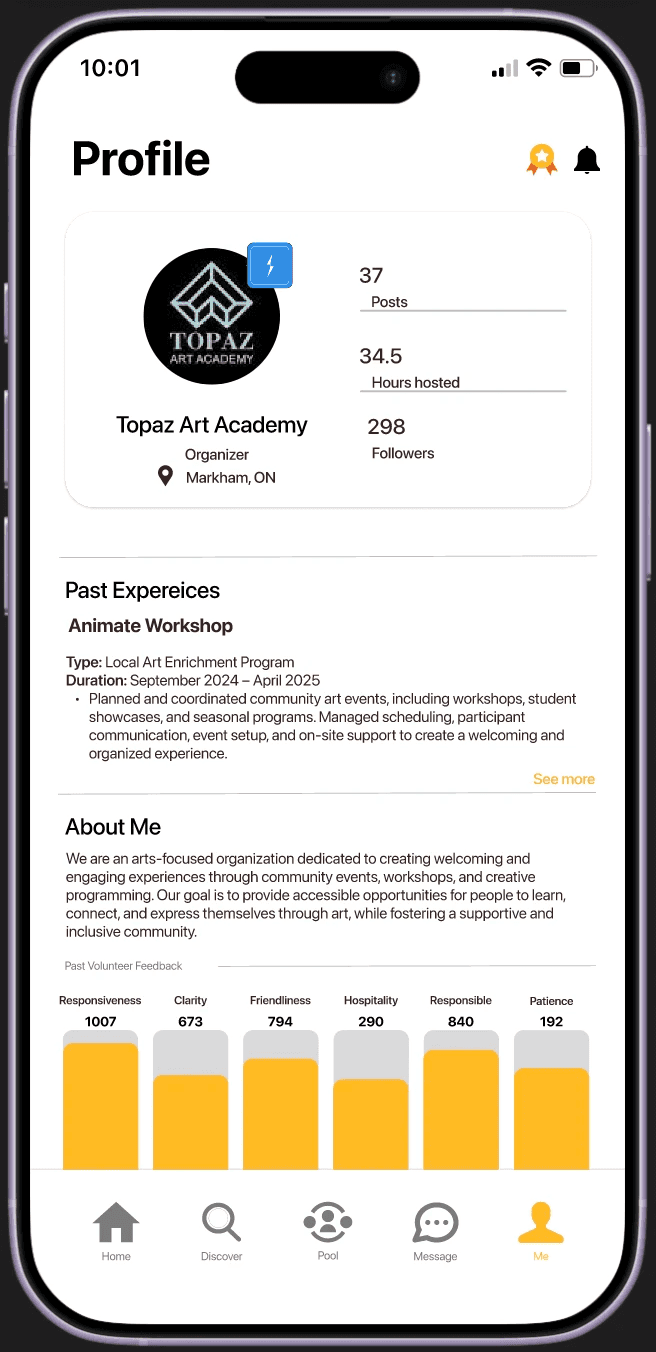
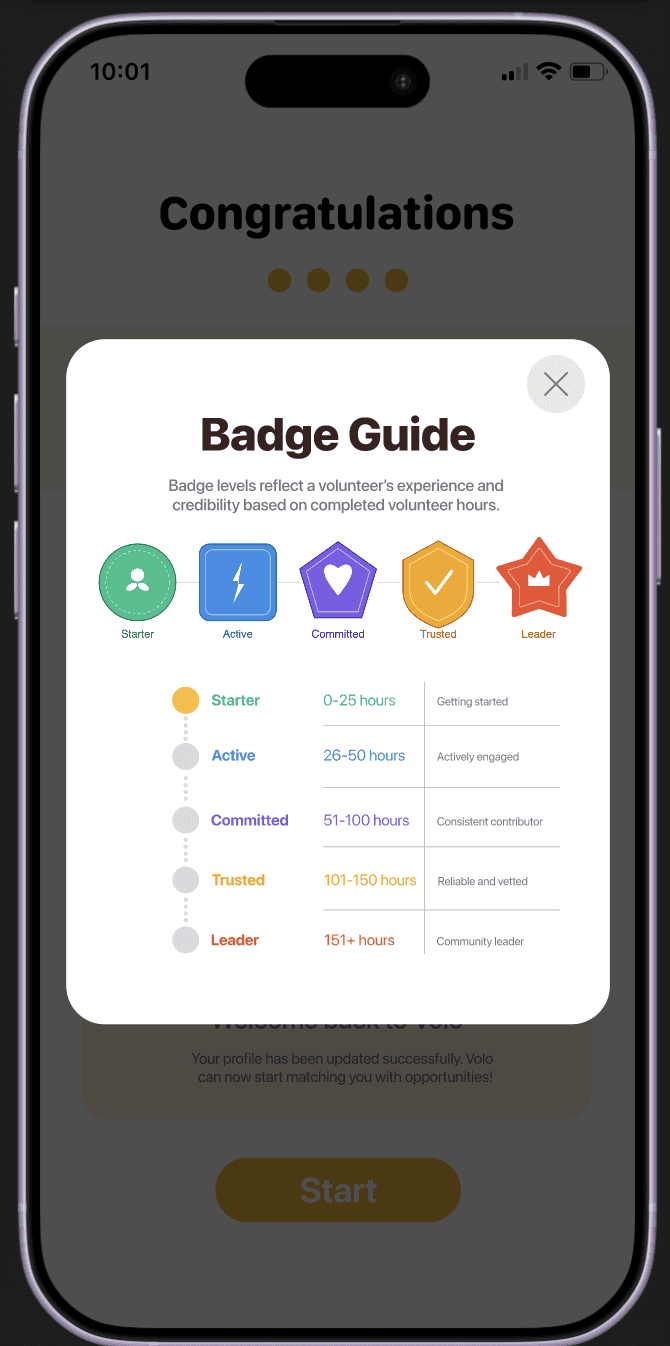
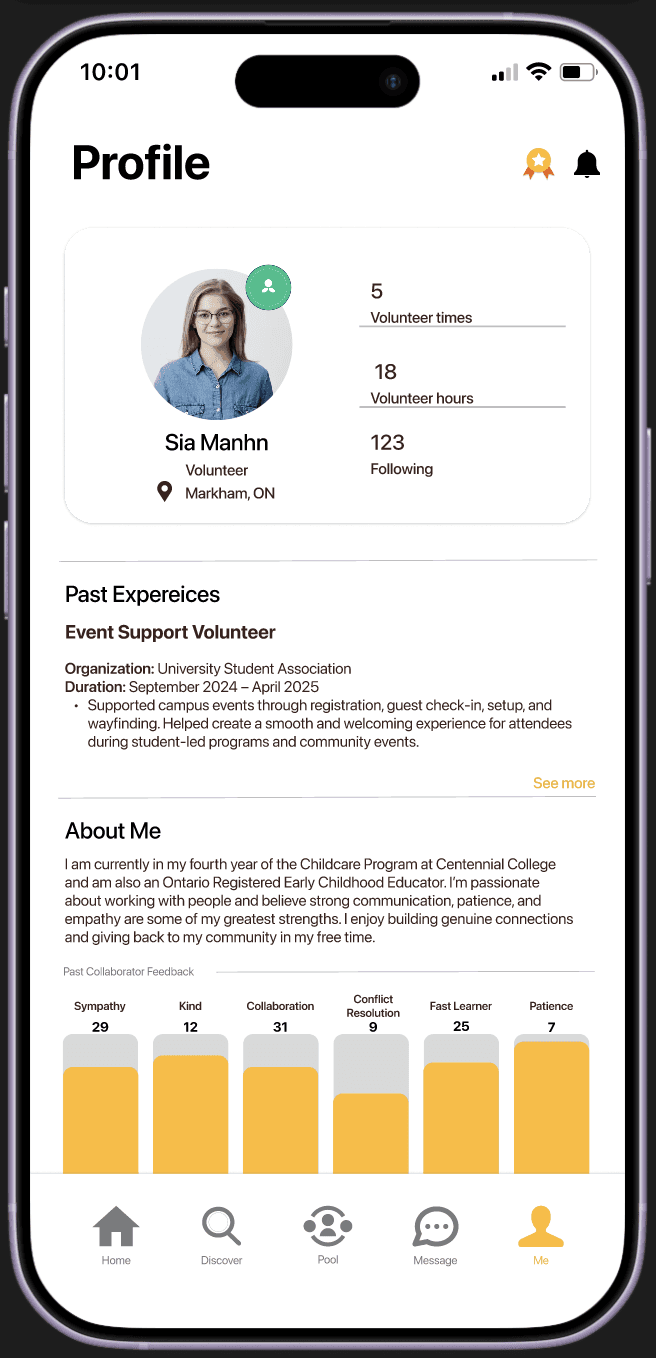
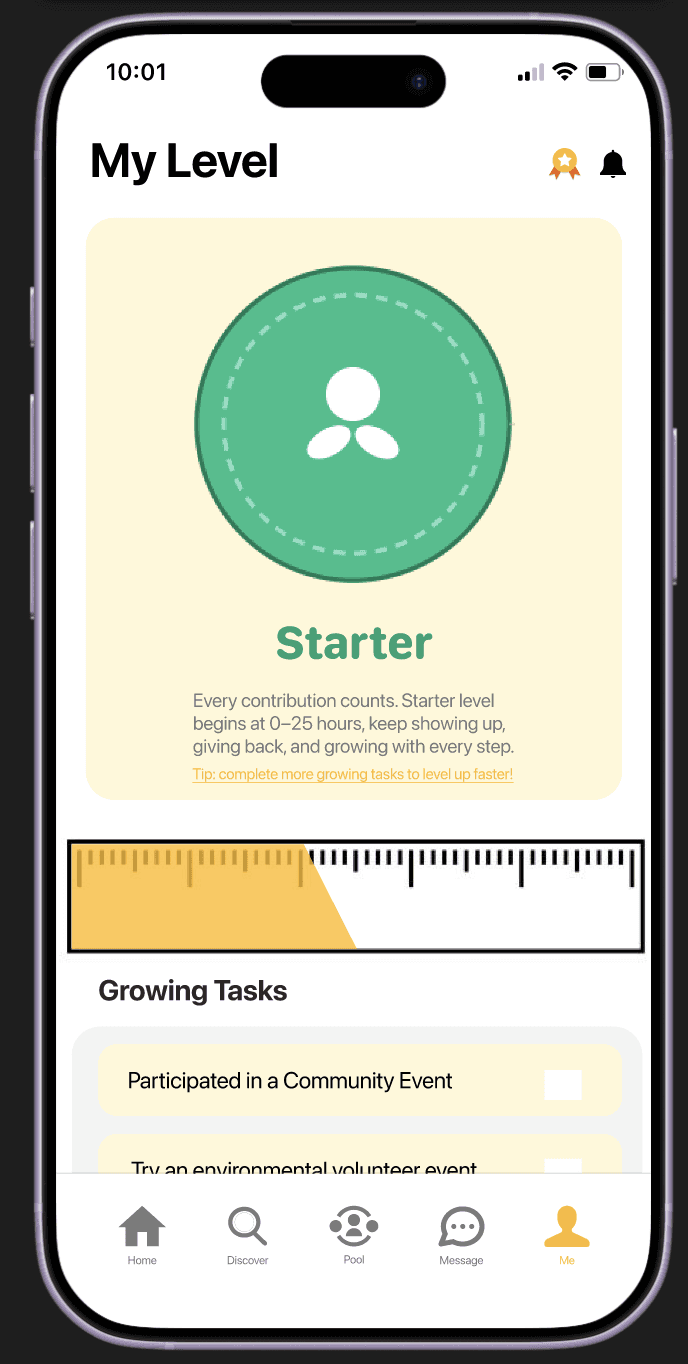
Verified and level-based badges communicate credibility at a glance, helping improve trust and safety.
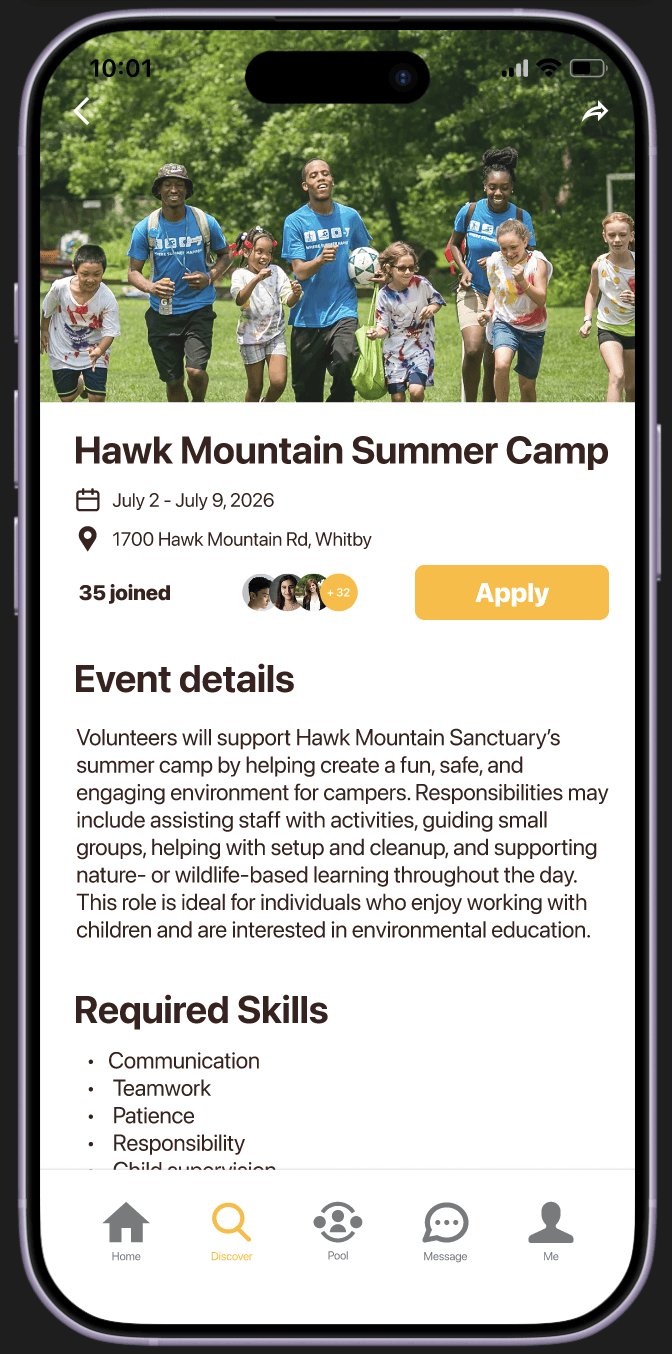
Presents opportunities clearly and transparently, surfacing expectations, time commitment, and key details before anyone commits.

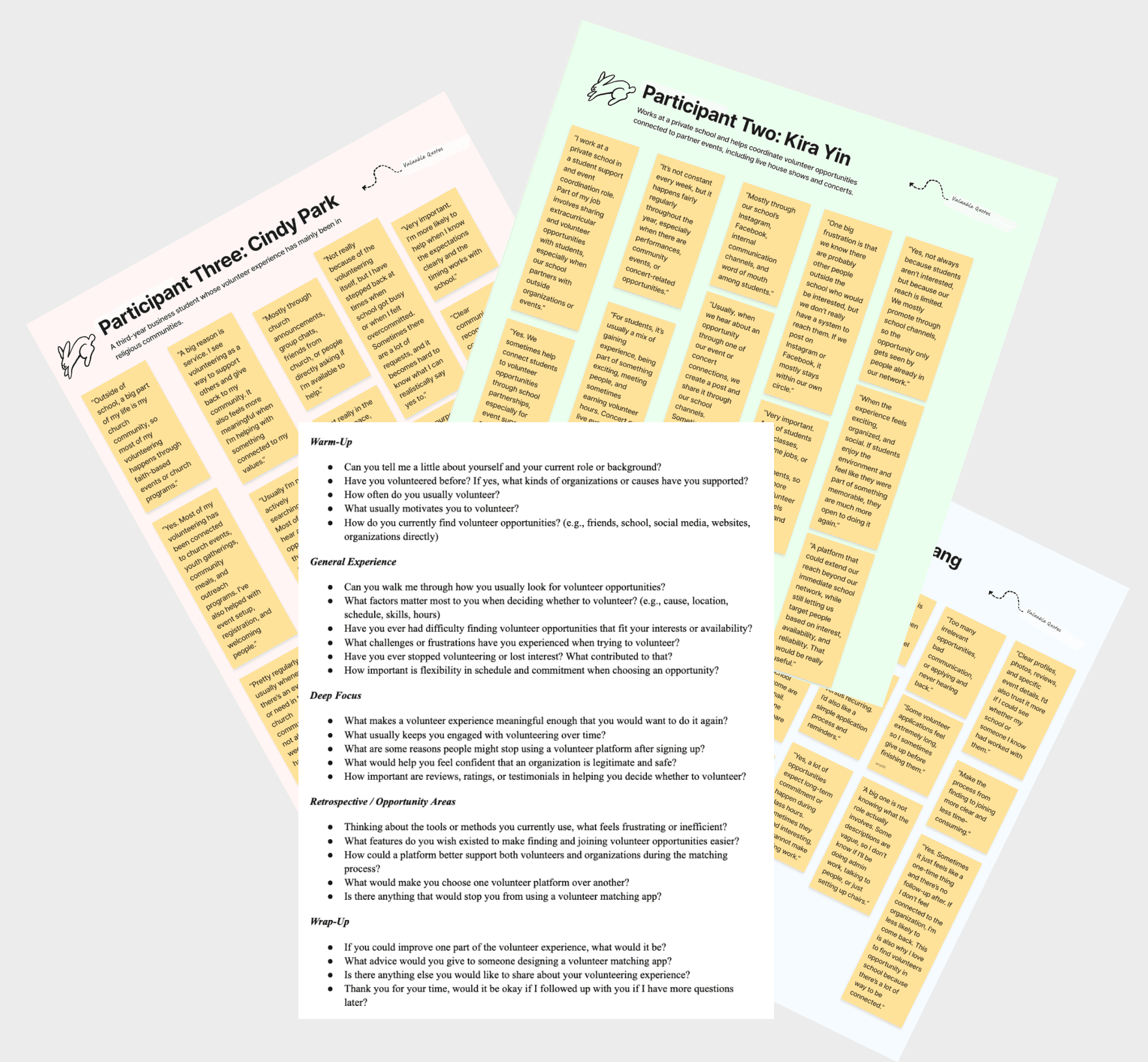
I used ChatGPT to develop the interview guide and spoke with one volunteer coordinator and two volunteers. Key findings:
67% struggled to find relevant opportunities
All three participants prioritized clear role details such as responsibilities, time commitment before committing
2 out of 3 said trust and familiarity strongly influence their decision to volunteer
Both volunteers cited schedule and availability as major barriers
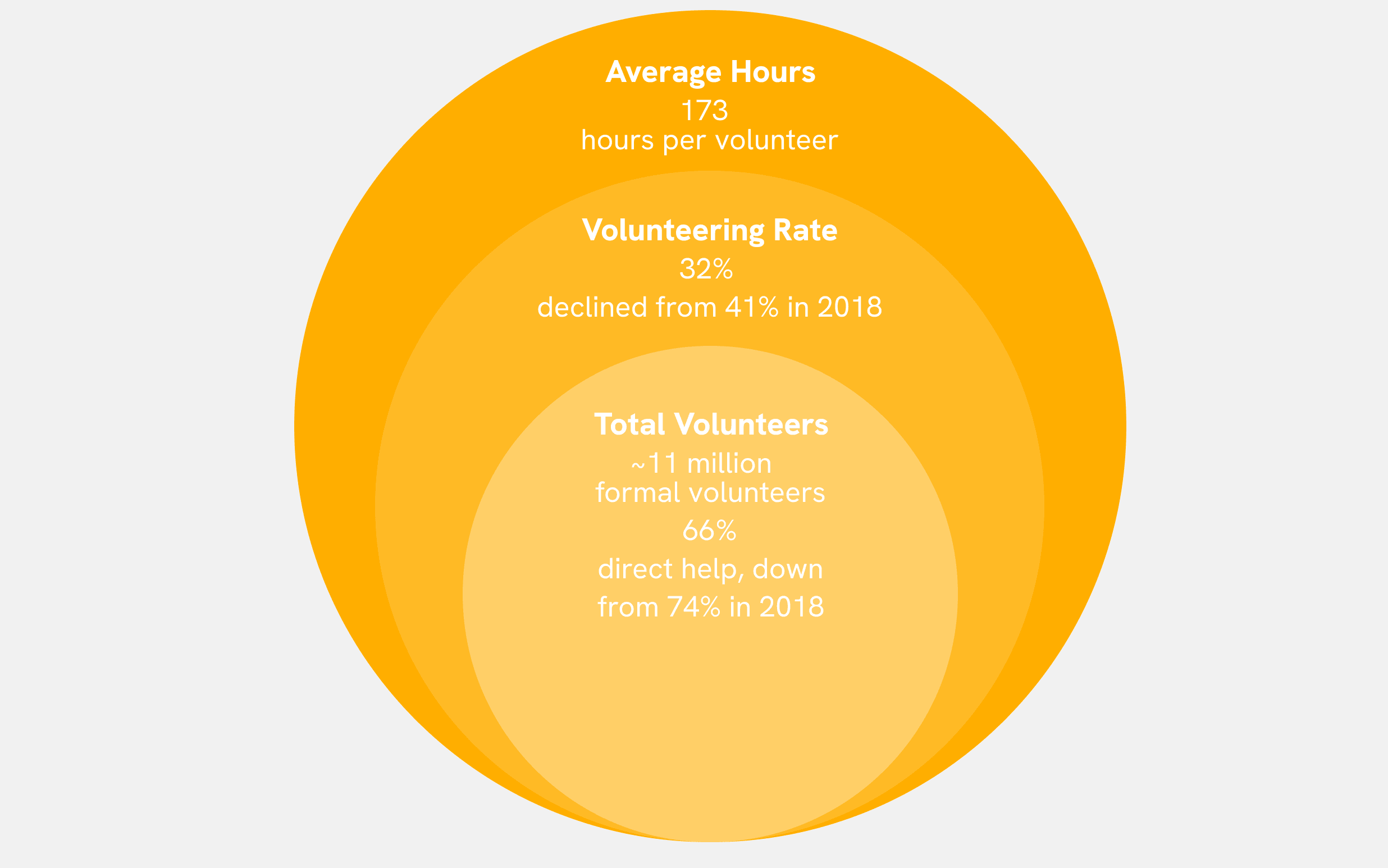
To better understand the market landscape, I reviewed Statistics Canada Data and learned that:
Approximately half of all charitable organizations report a shortage of volunteers to meet their needs
In Ontario, volunteerism carries real weight, high school students must complete 40 community involvement hours to graduate, making early engagement especially meaningful
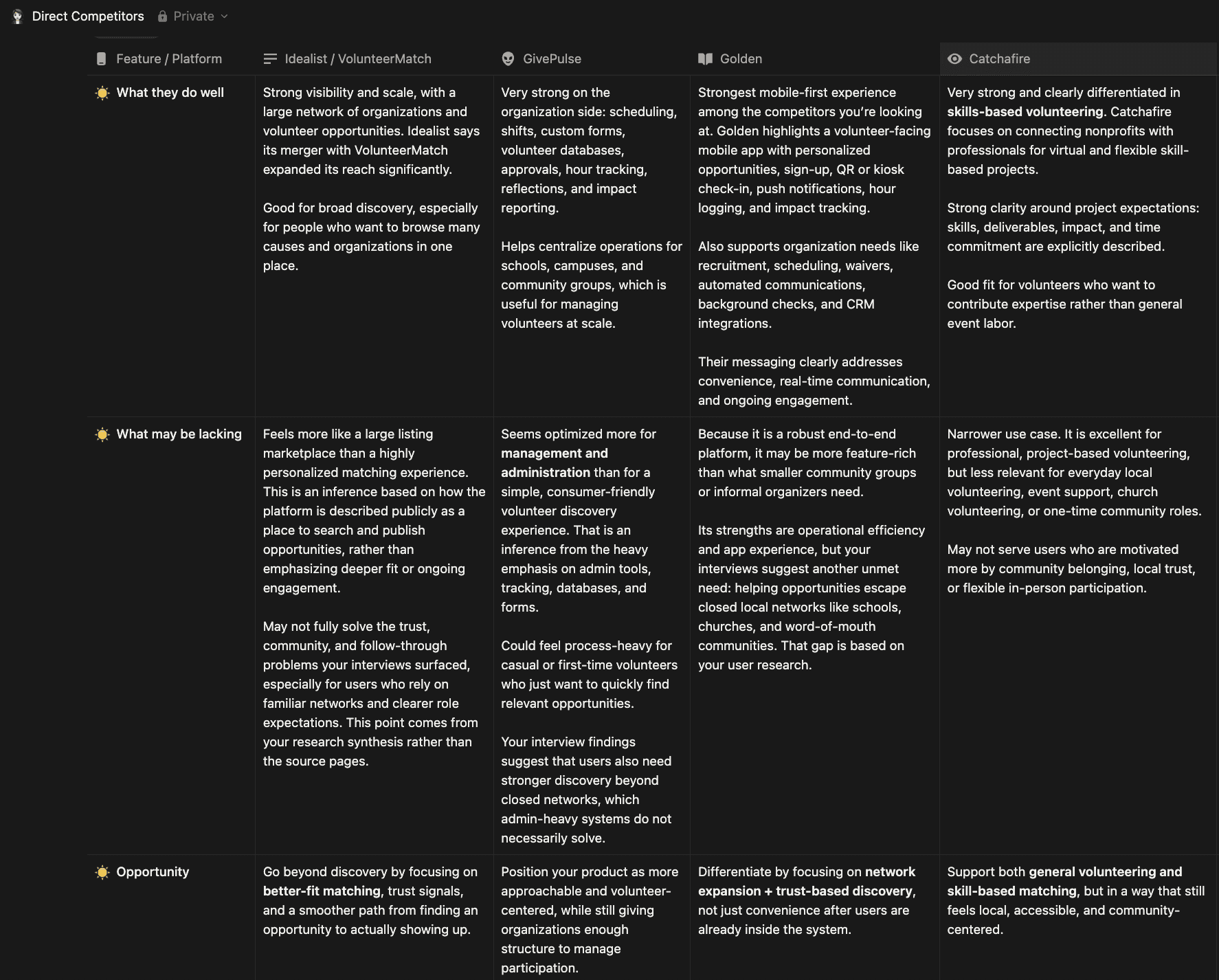
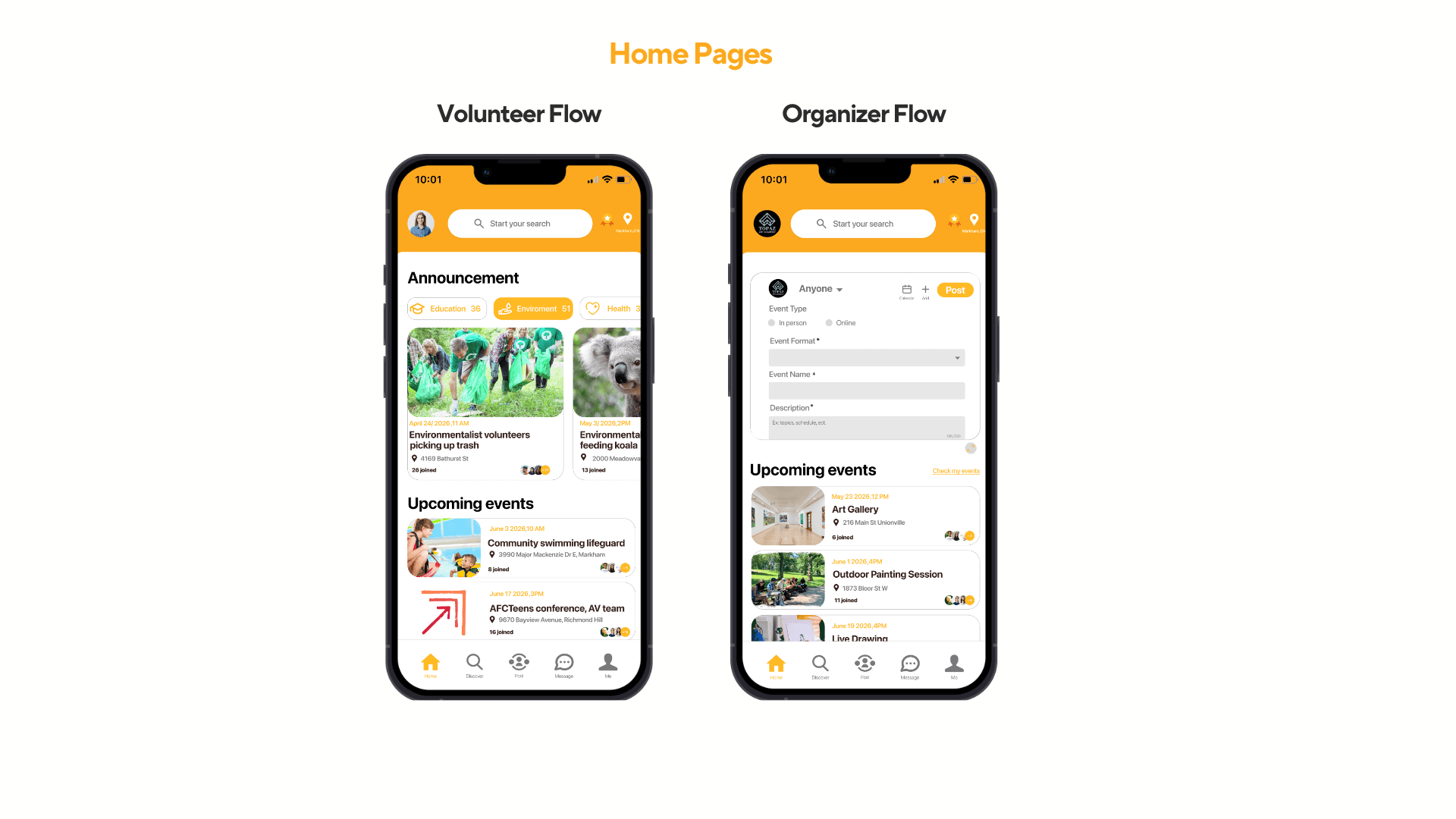
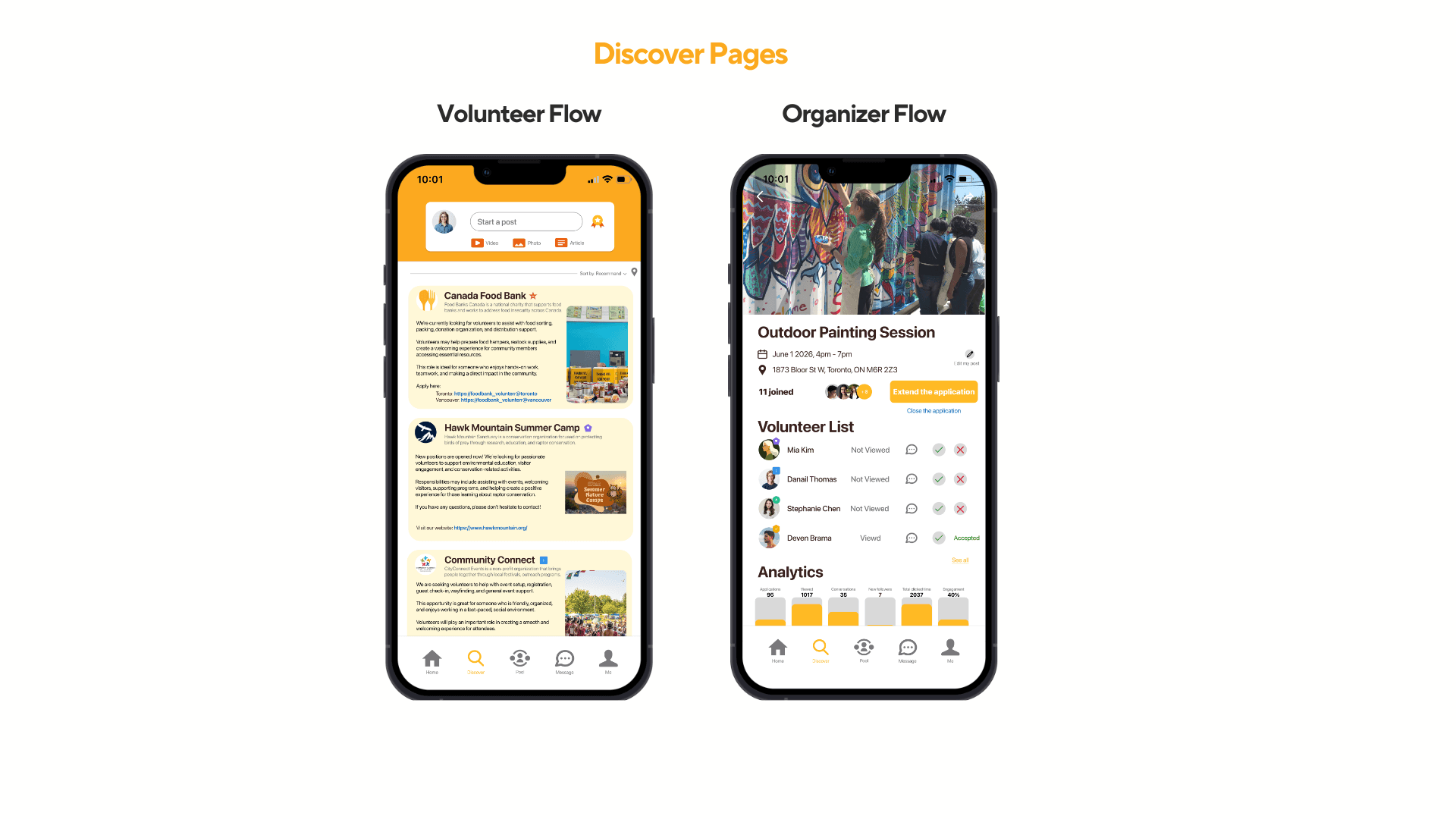
Competitive Analysis
After analyzing the current market, I developed four personas based on my target customers, each representing a distinct user group:
Small non-profit coordinator
Program lead
Student volunteer
Skilled-based volunteer
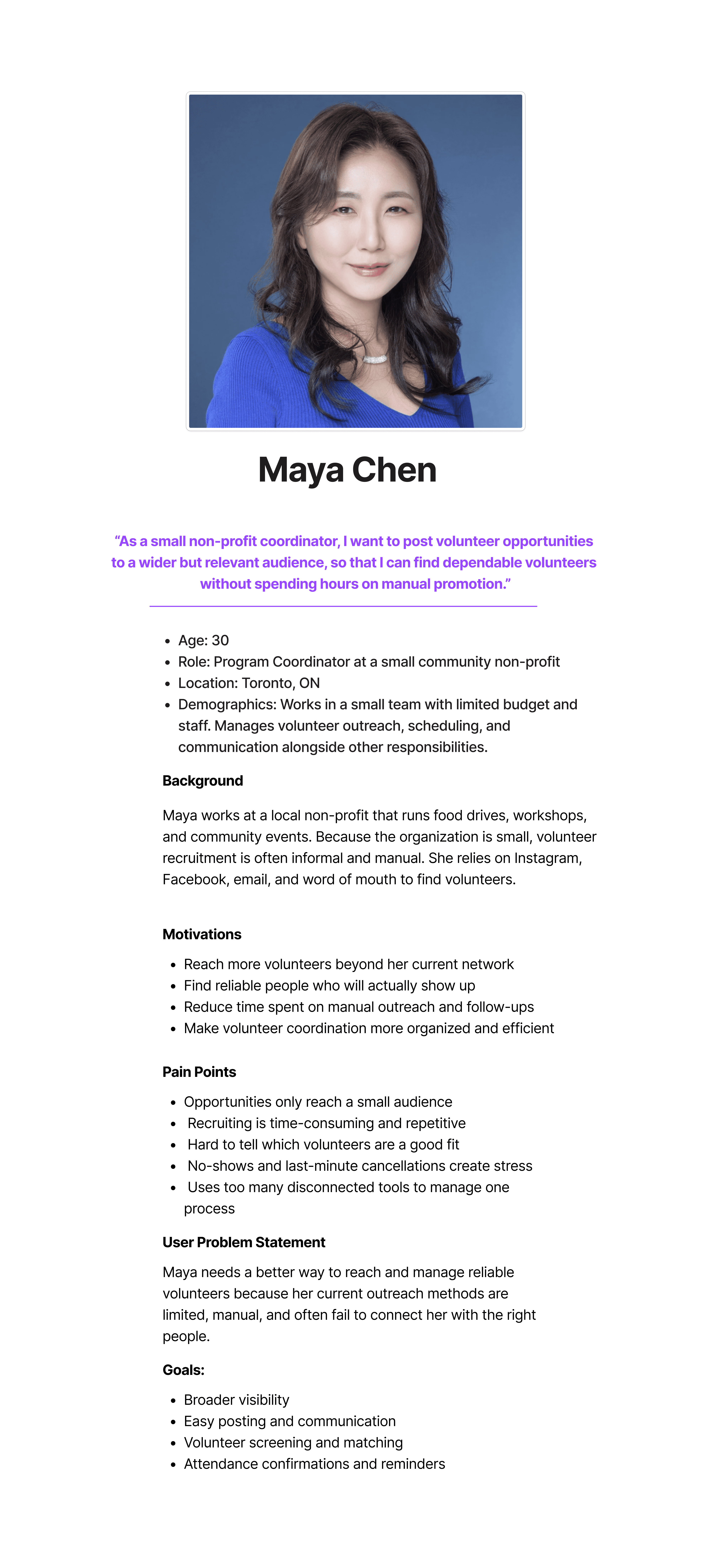
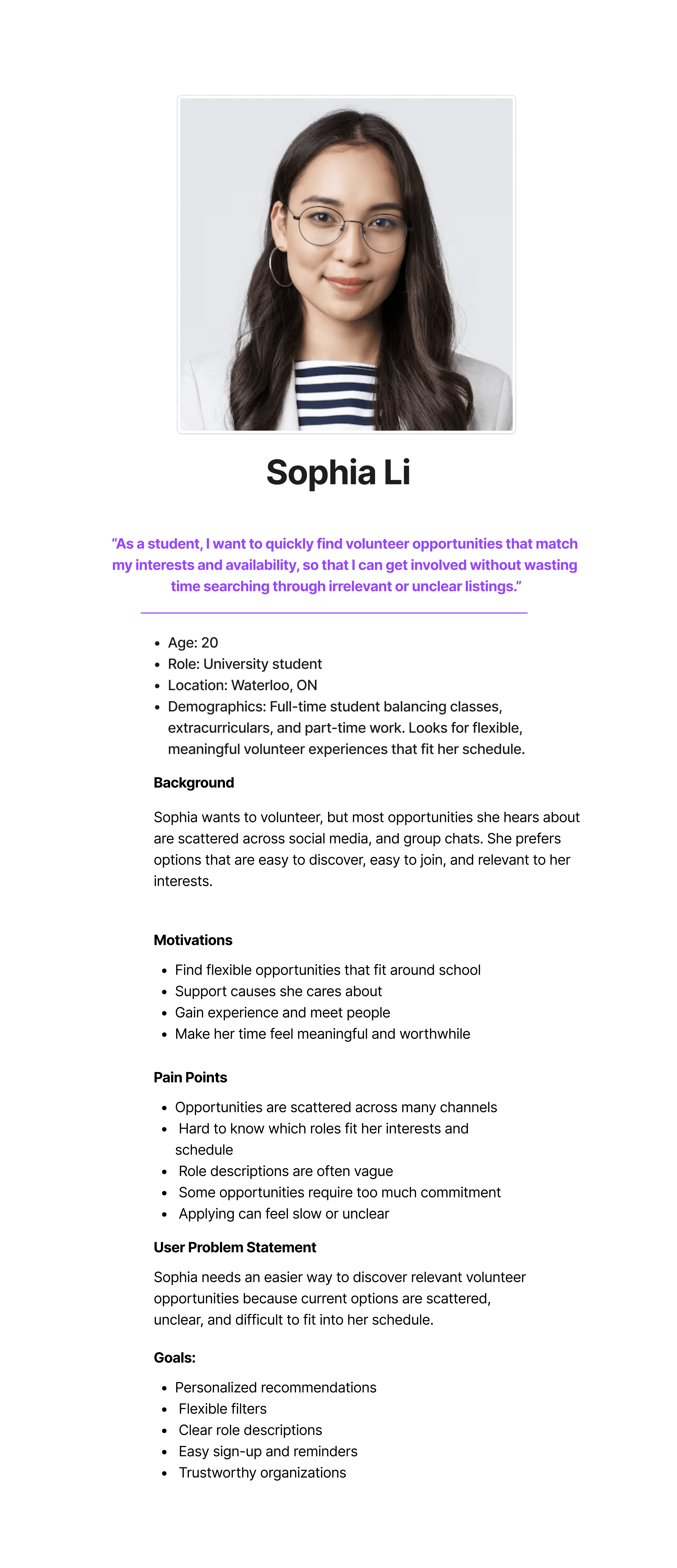
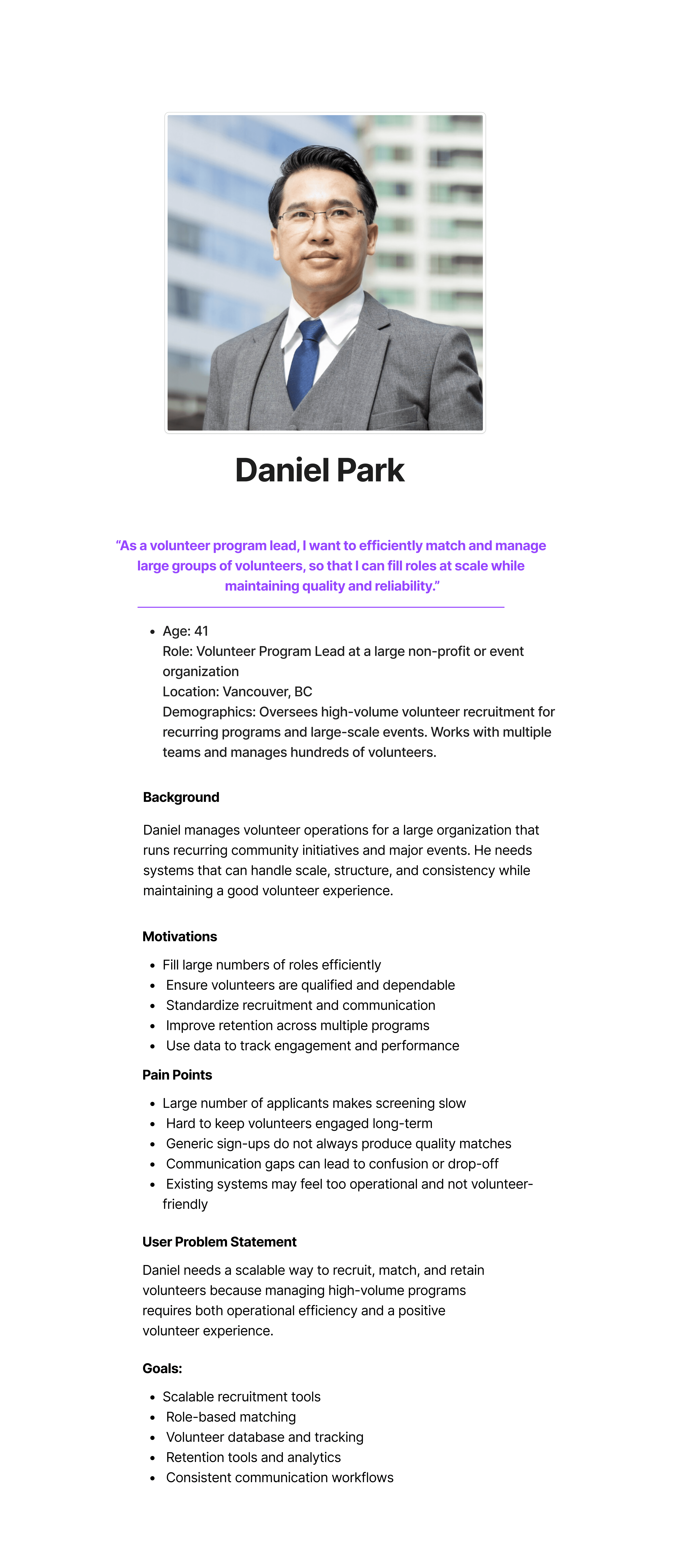
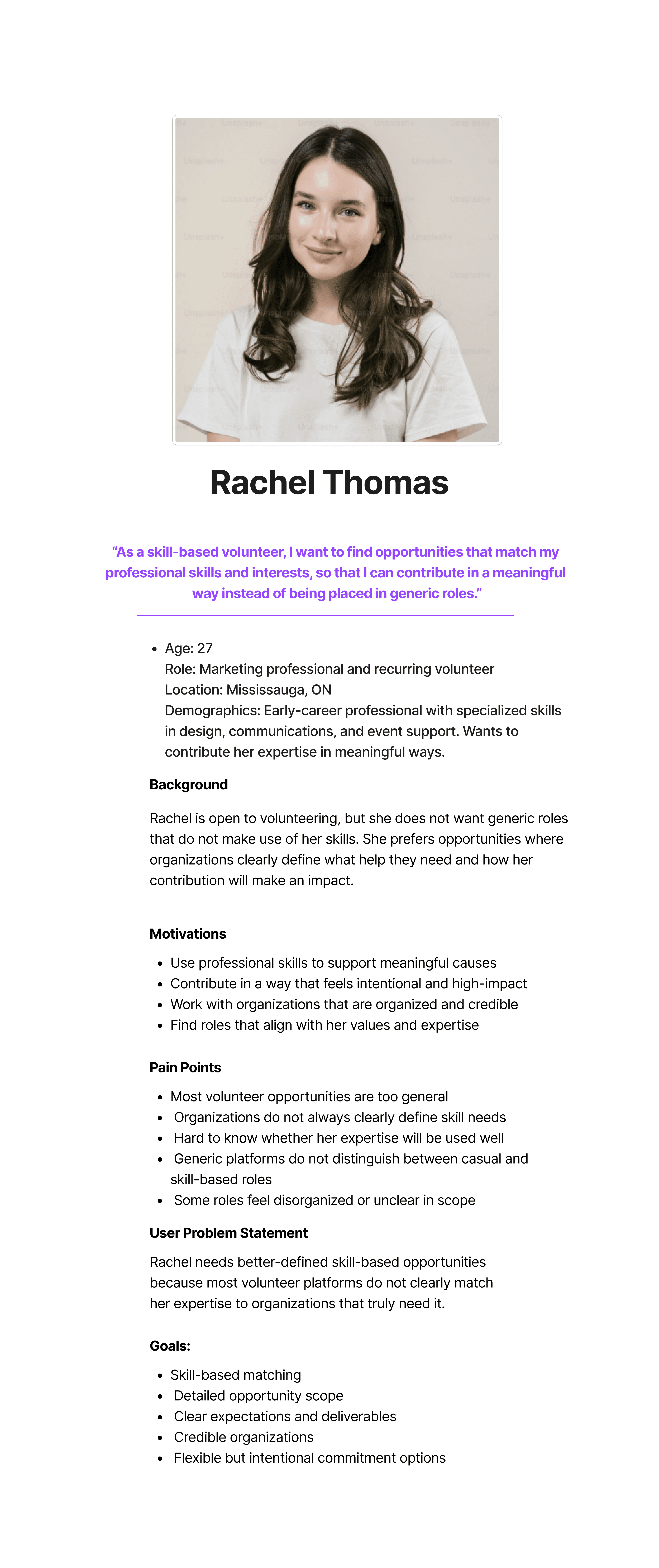
By placing these personas at the center of the design process, I identified several core needs that a successful volunteer app should address:
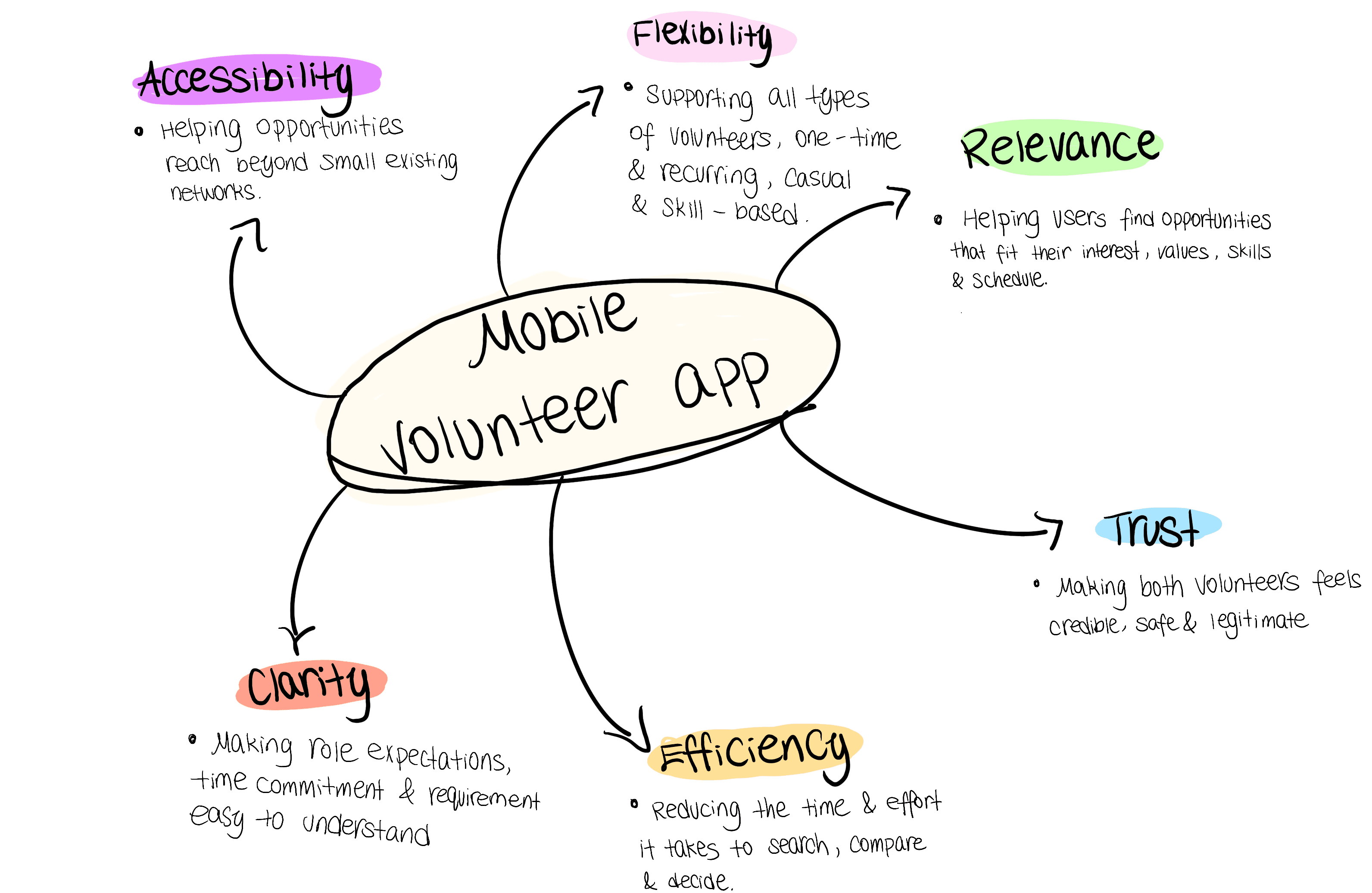
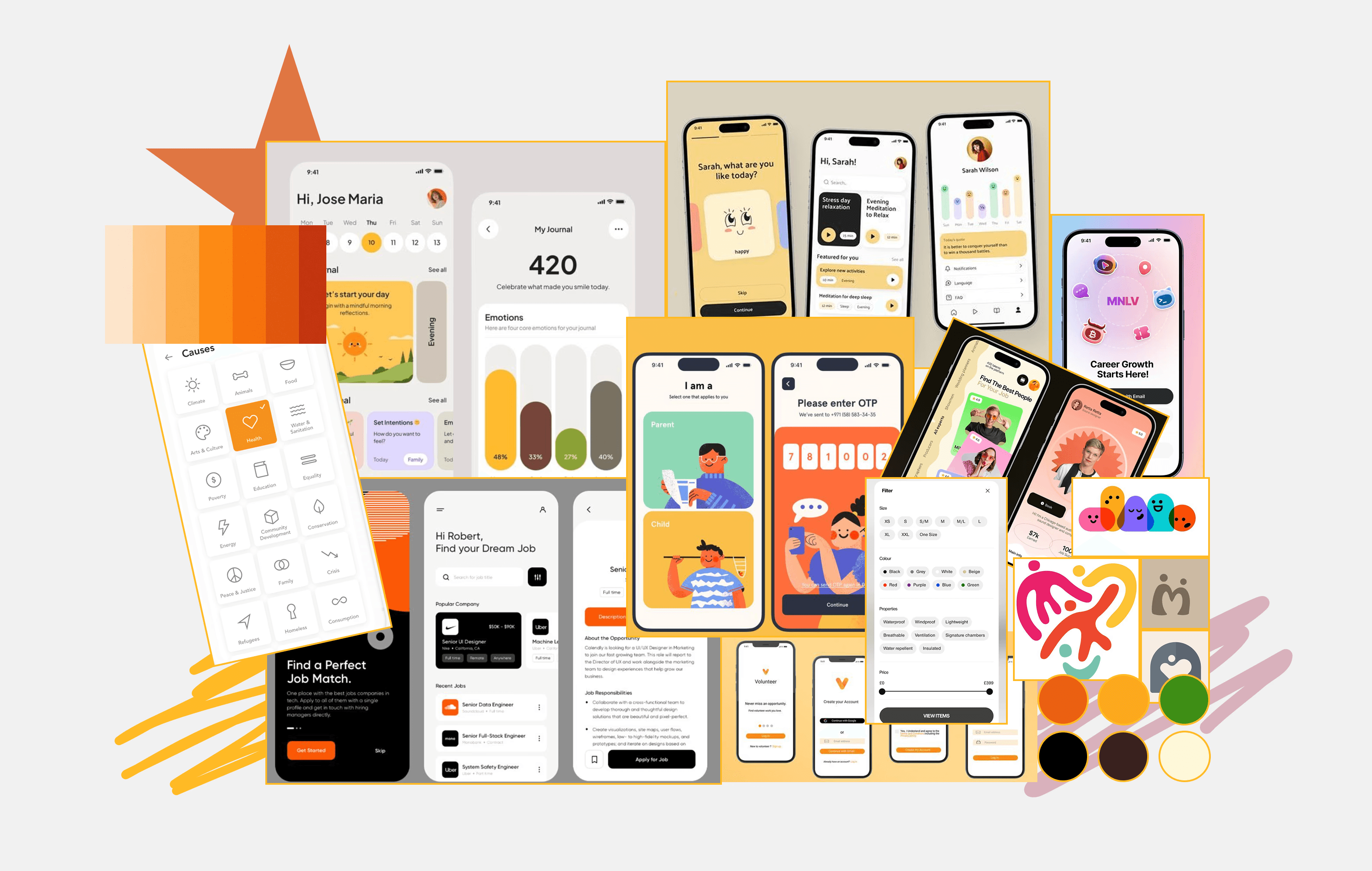
With core user needs established, I used them as design principles to guide ideation. Rather than adding features arbitrarily, I defined key features that directly addressed identified problem areas.
Personalized profiles to surface more relevant opportunities
Verified badges to build trust and credibility
A swipe-based match pool for faster, lower-friction discovery
User Flow
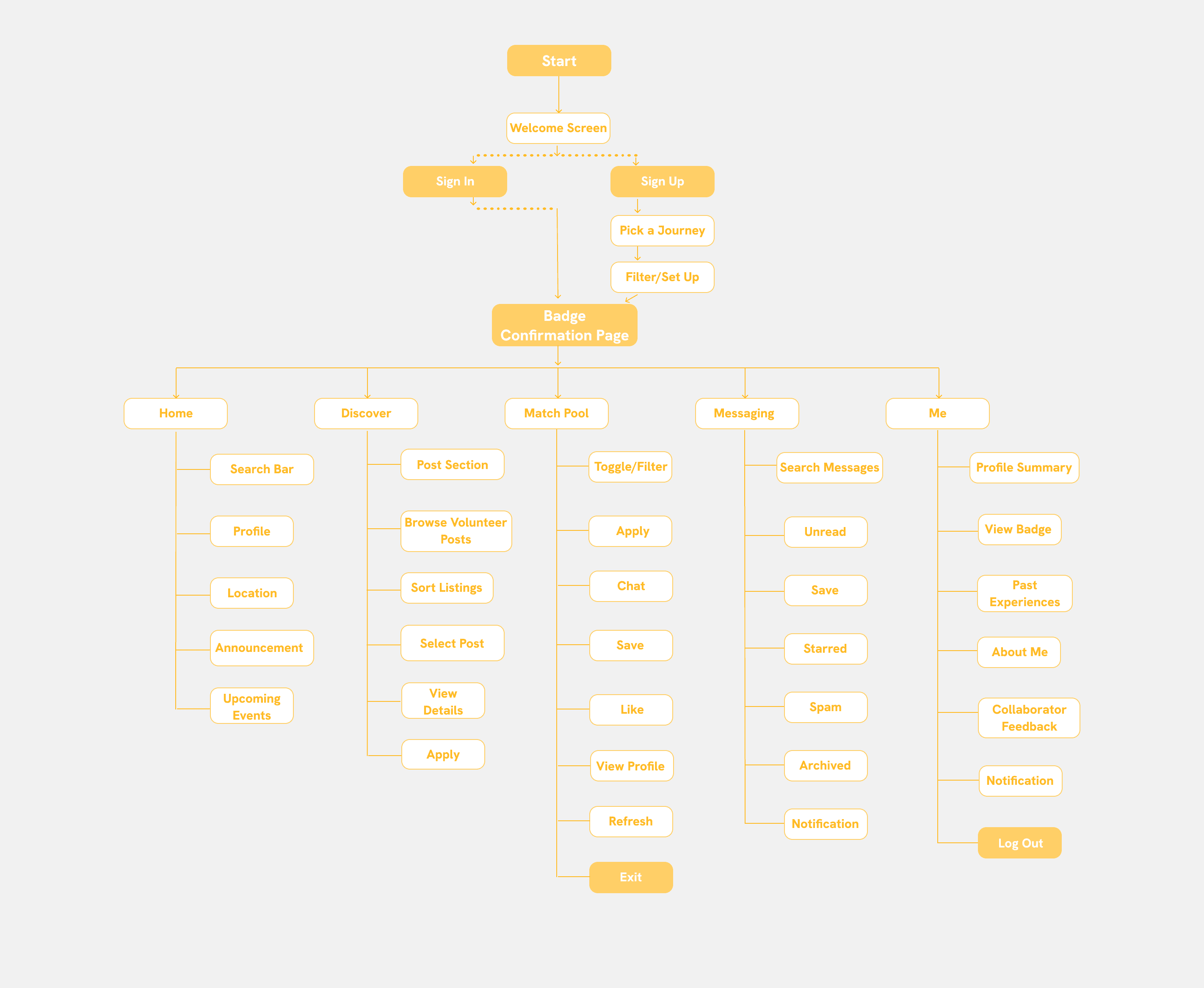
Volunteer Journey
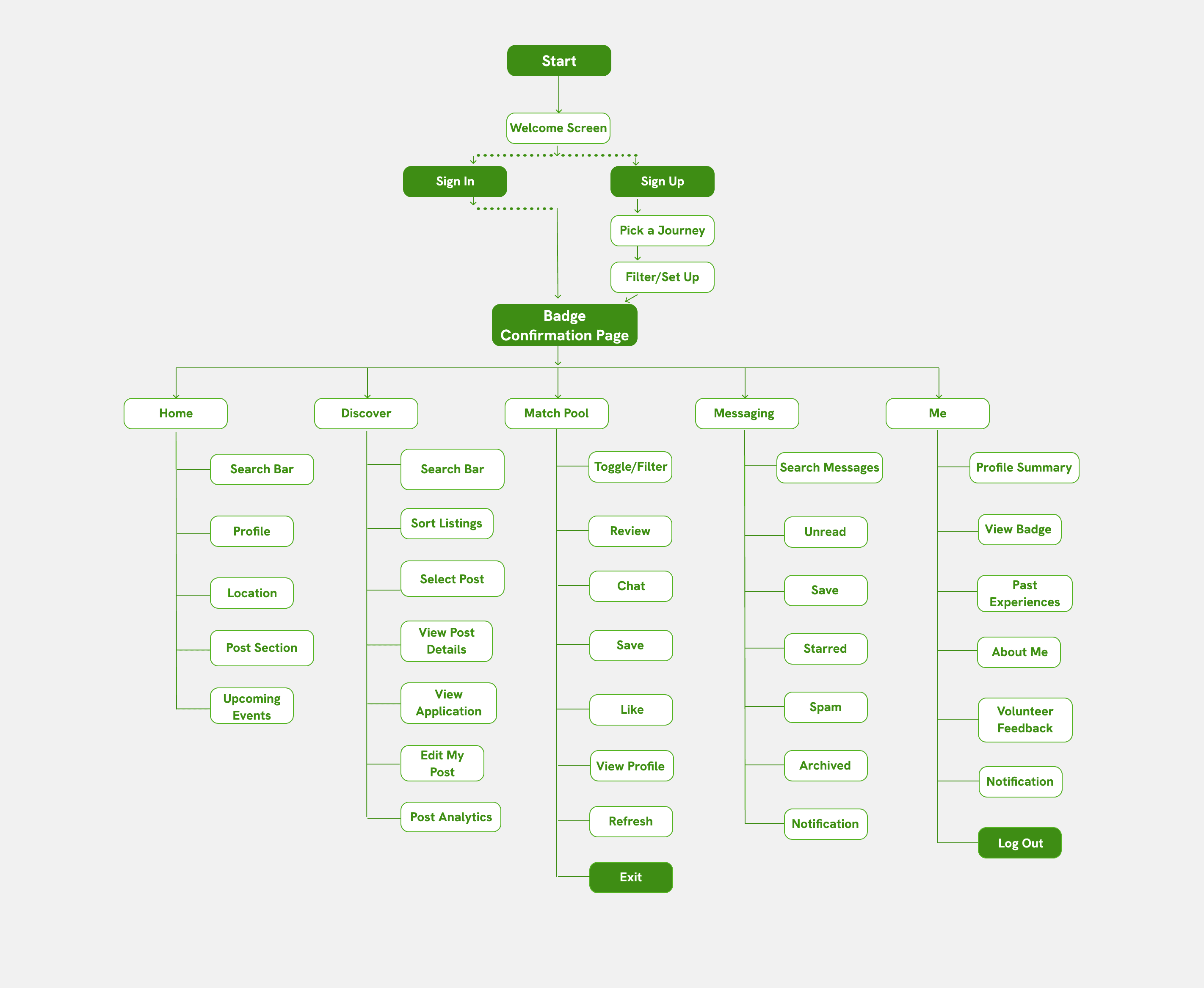
Organizer Journey
Sketches
First, I created a series of sketches to turn early brainstorms into visual concepts. This stage was particularly challenging because the product needed to support two user journeys. So I had to make sure to consistently think and design from both perspectives.
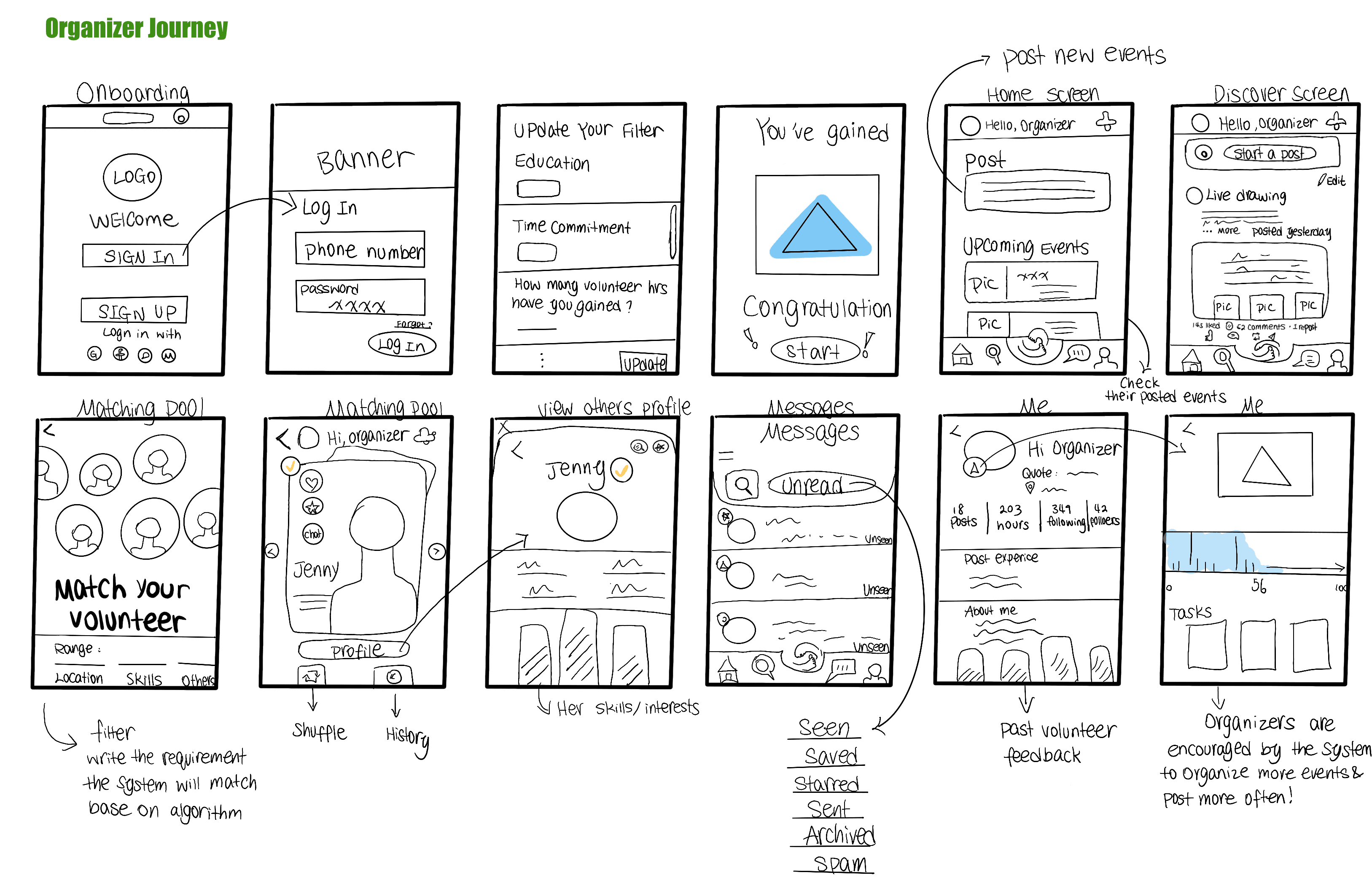
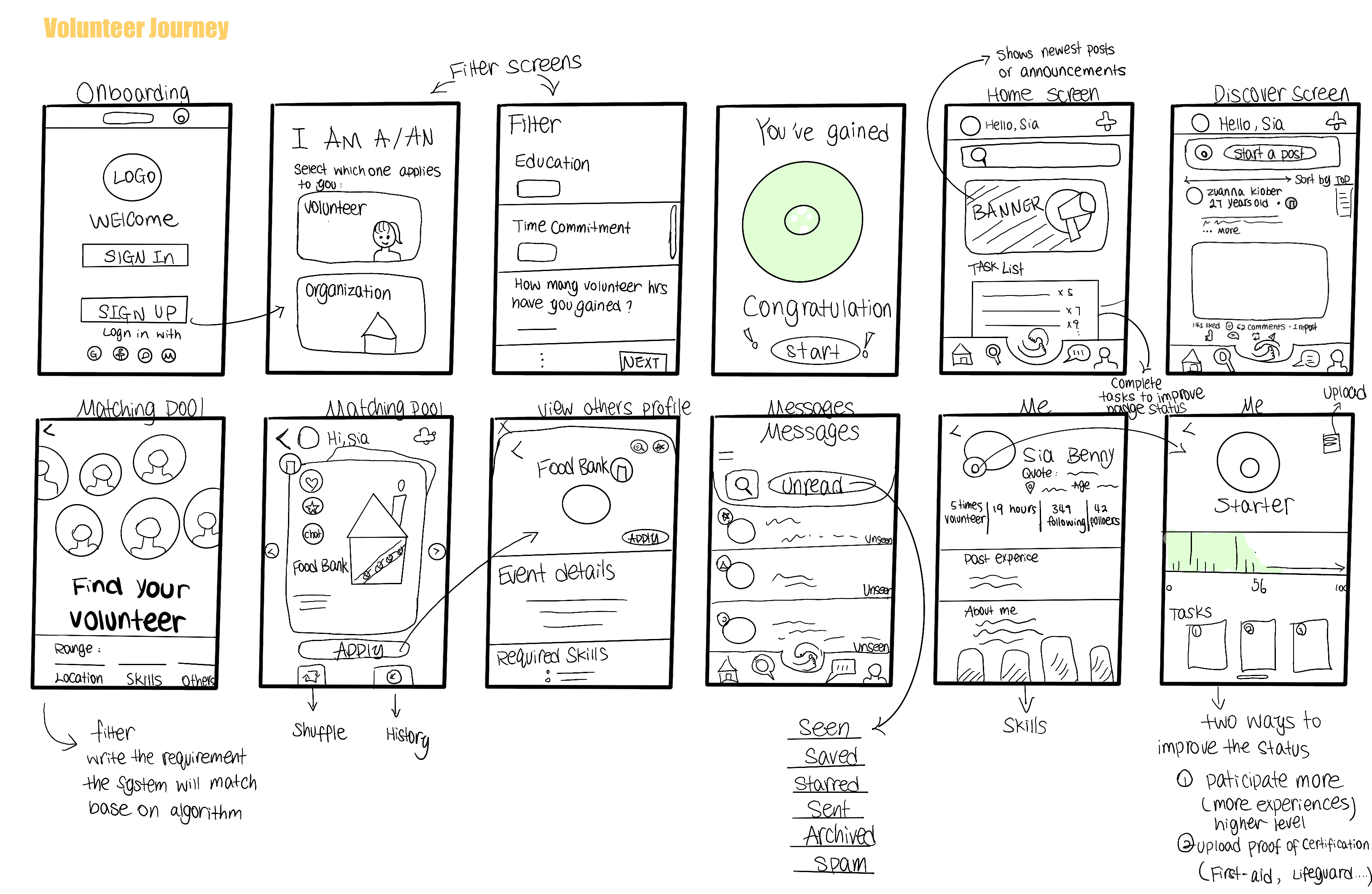
Low-Fidelity Flow
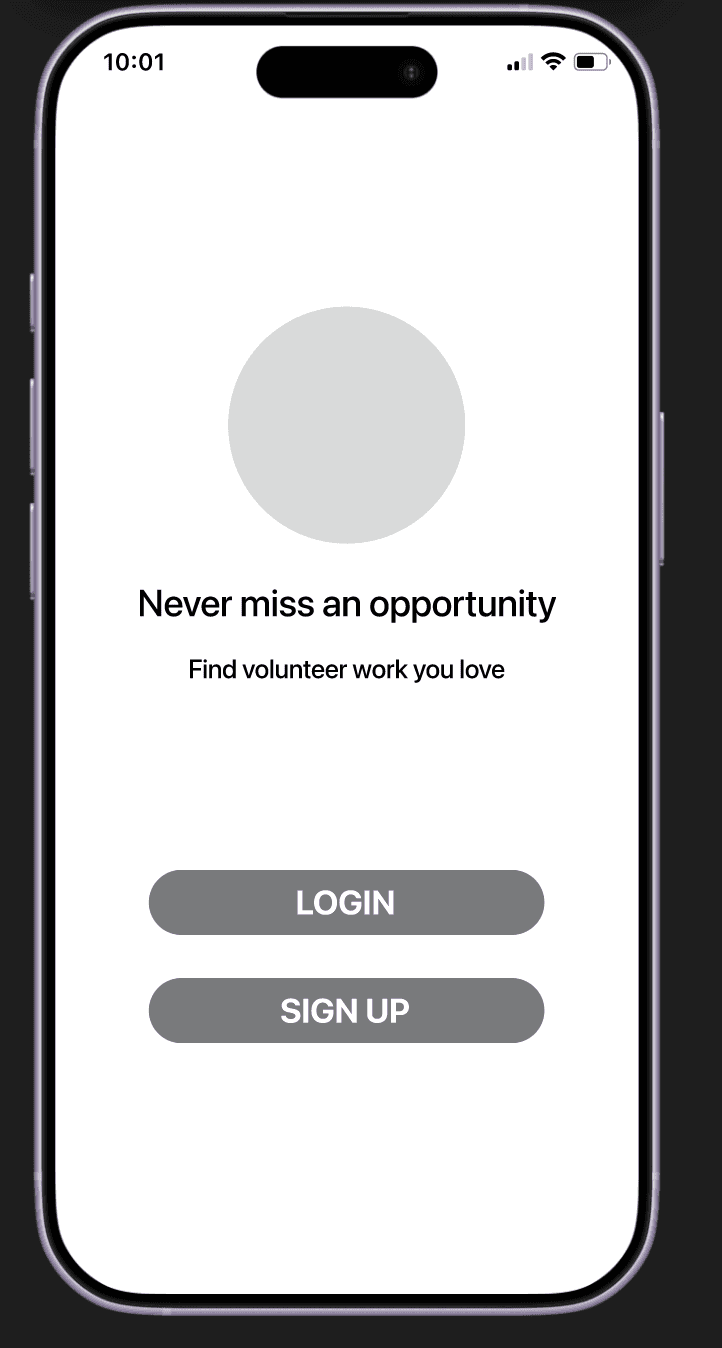
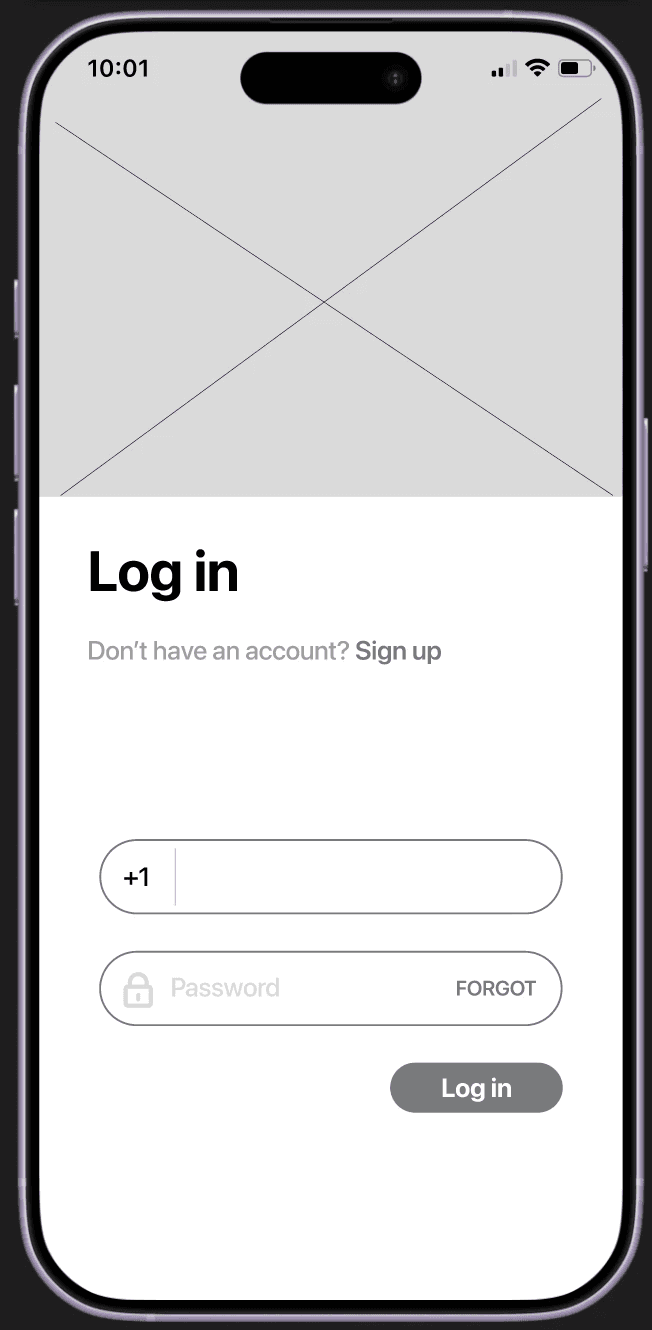
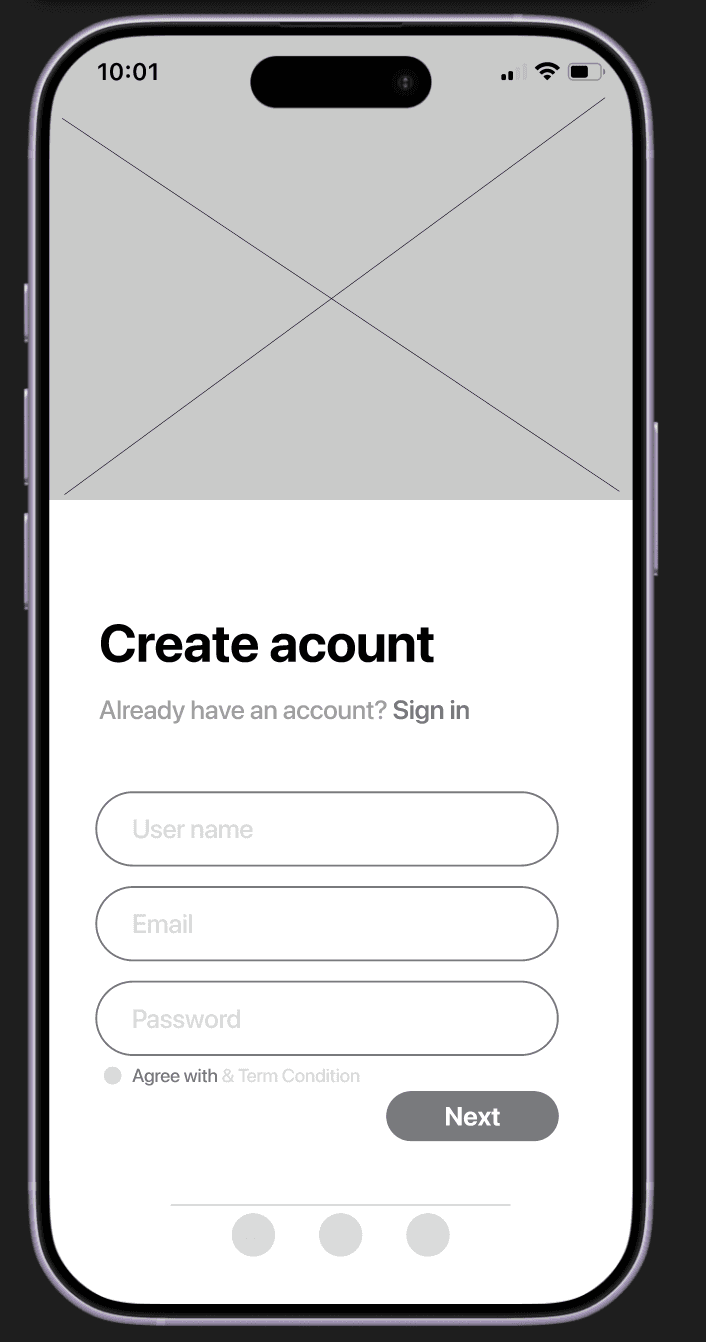
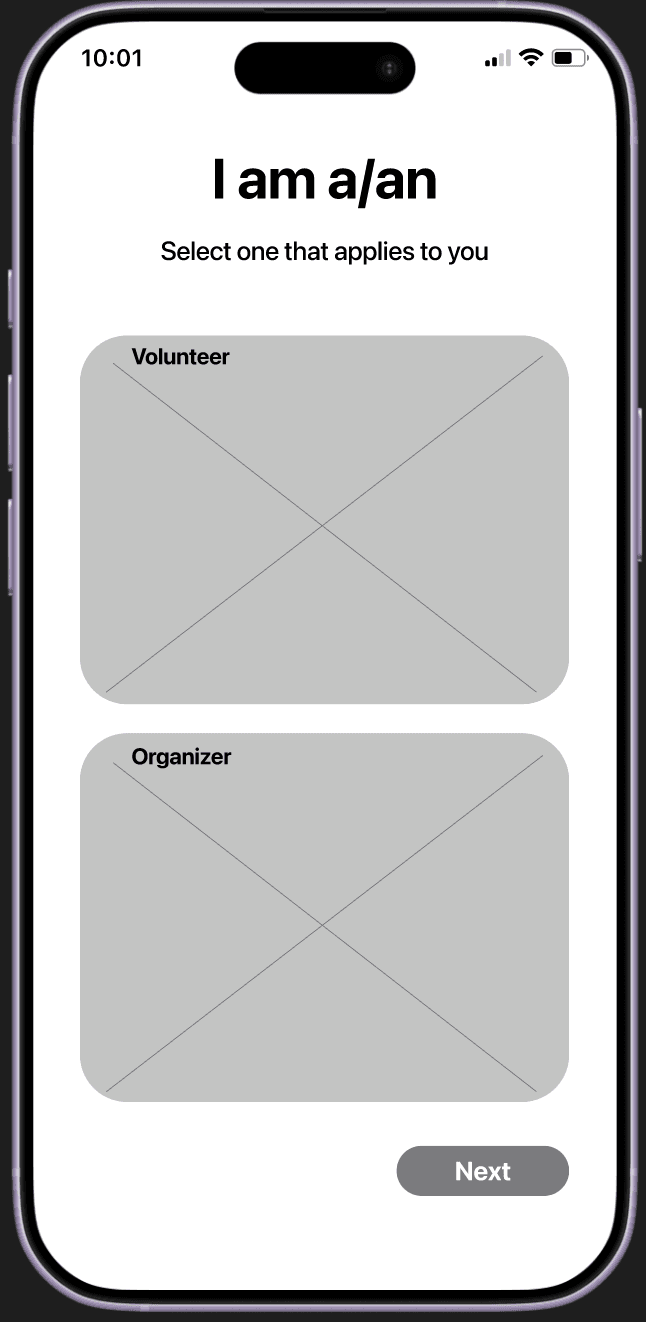
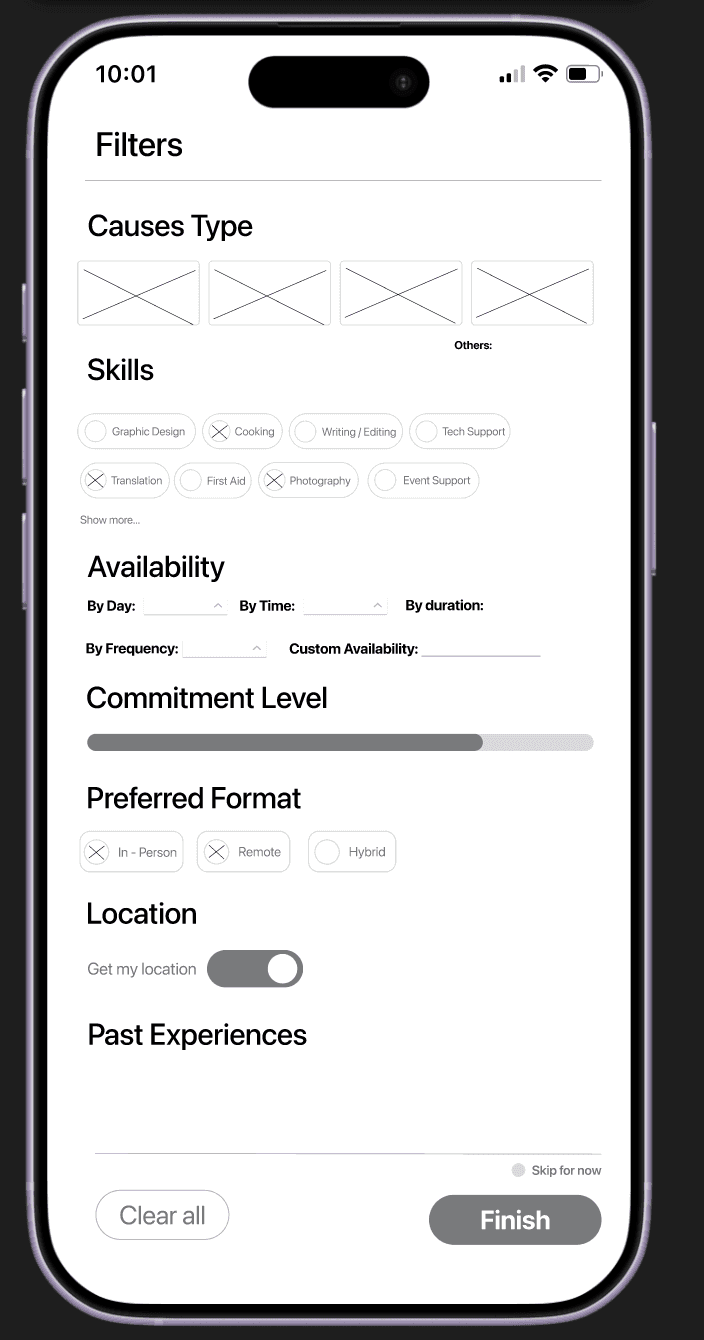
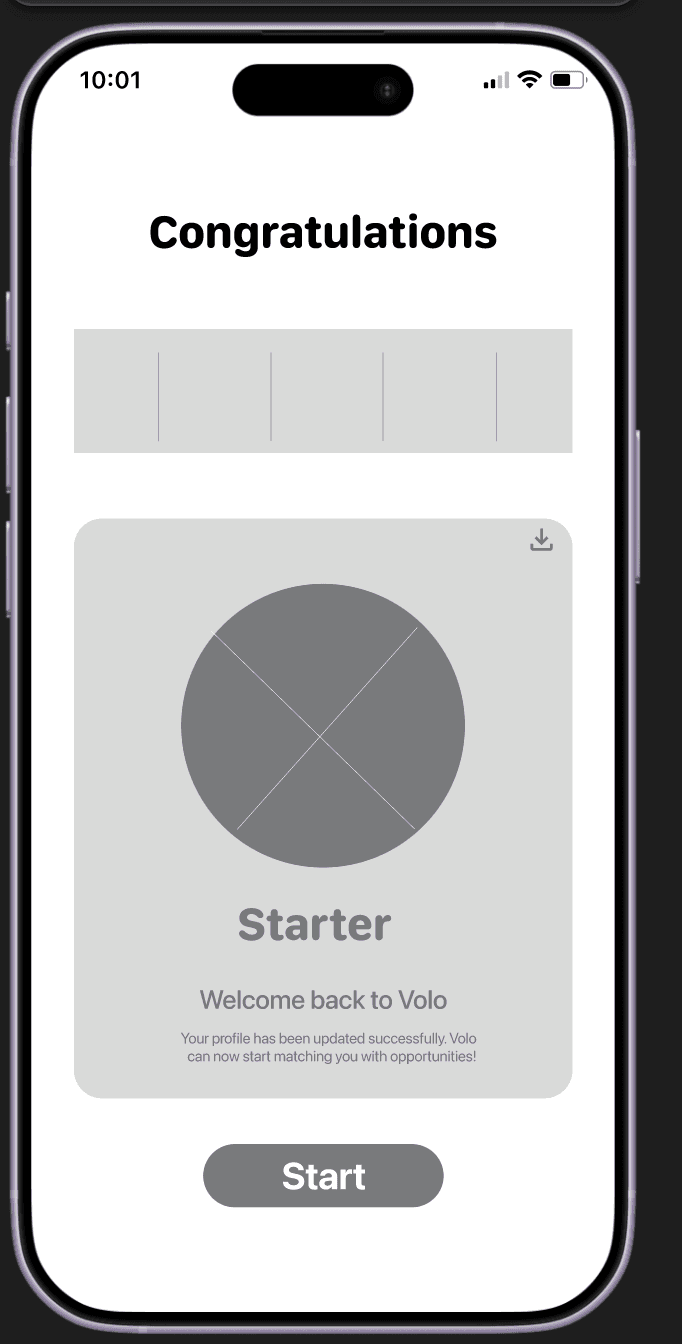
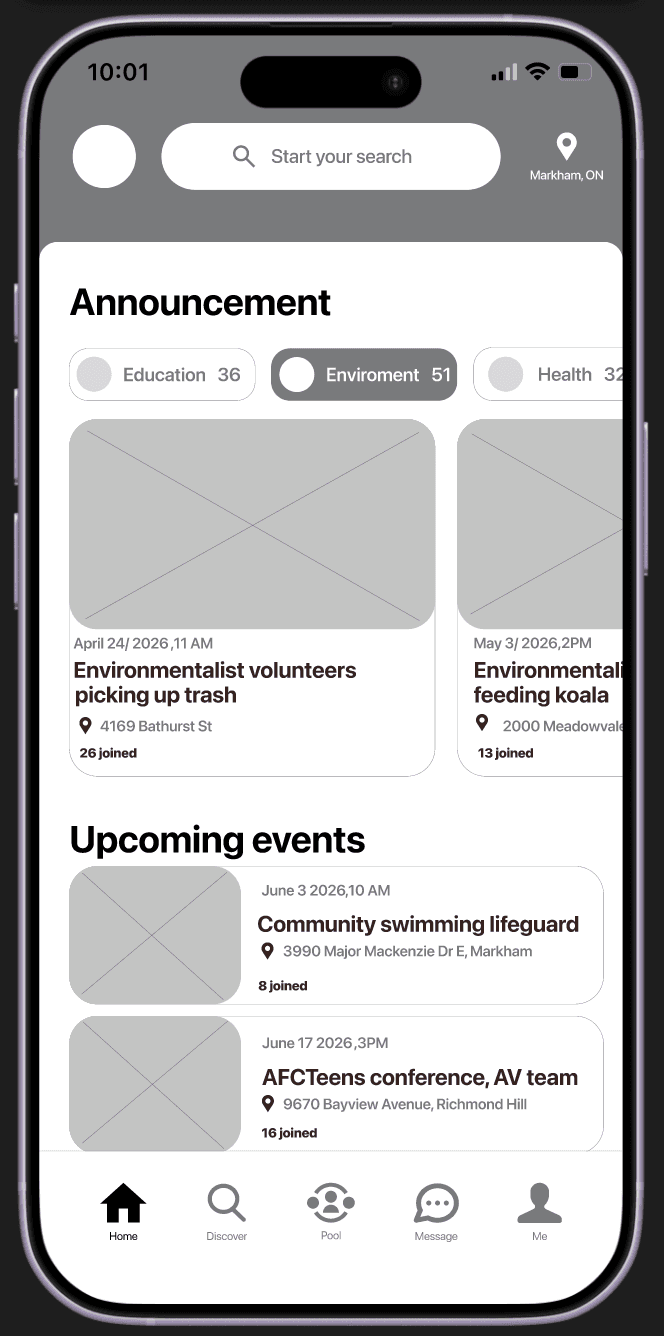
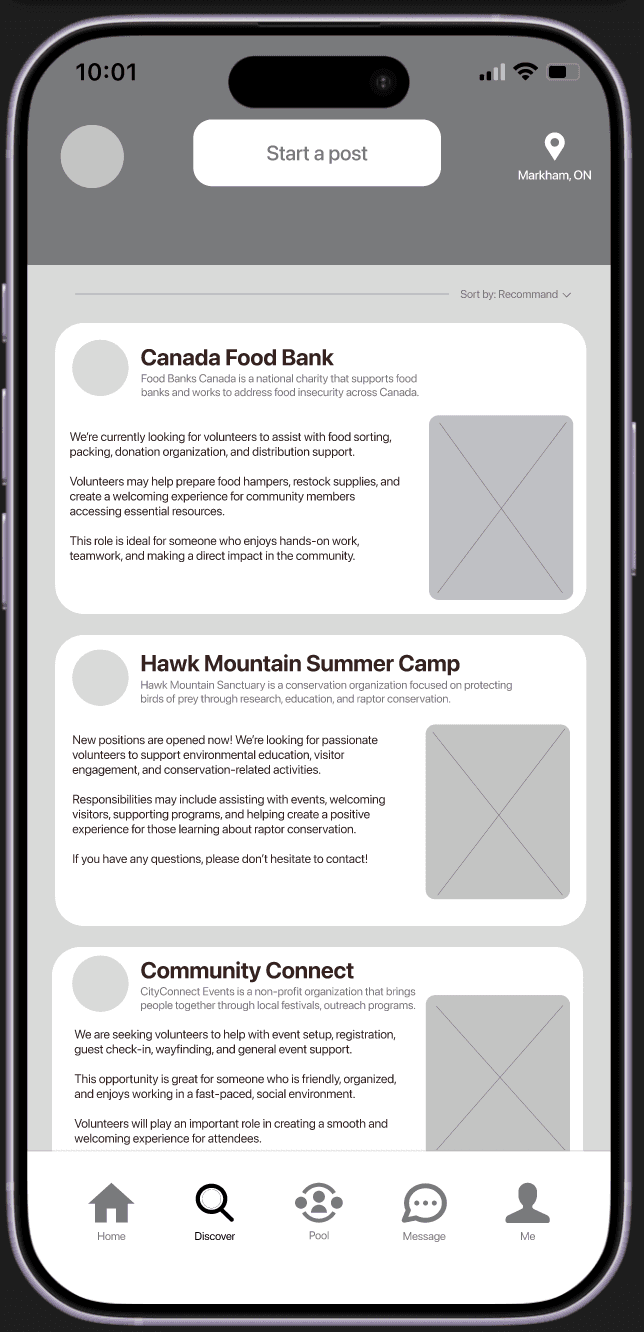
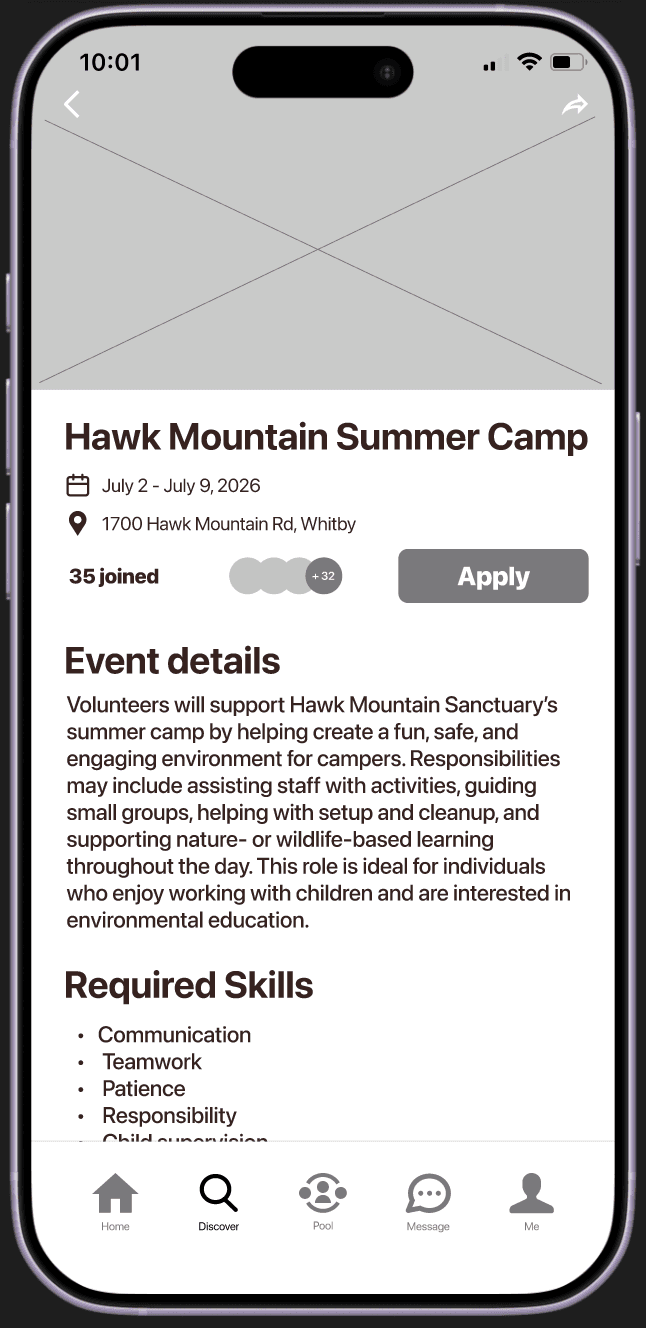
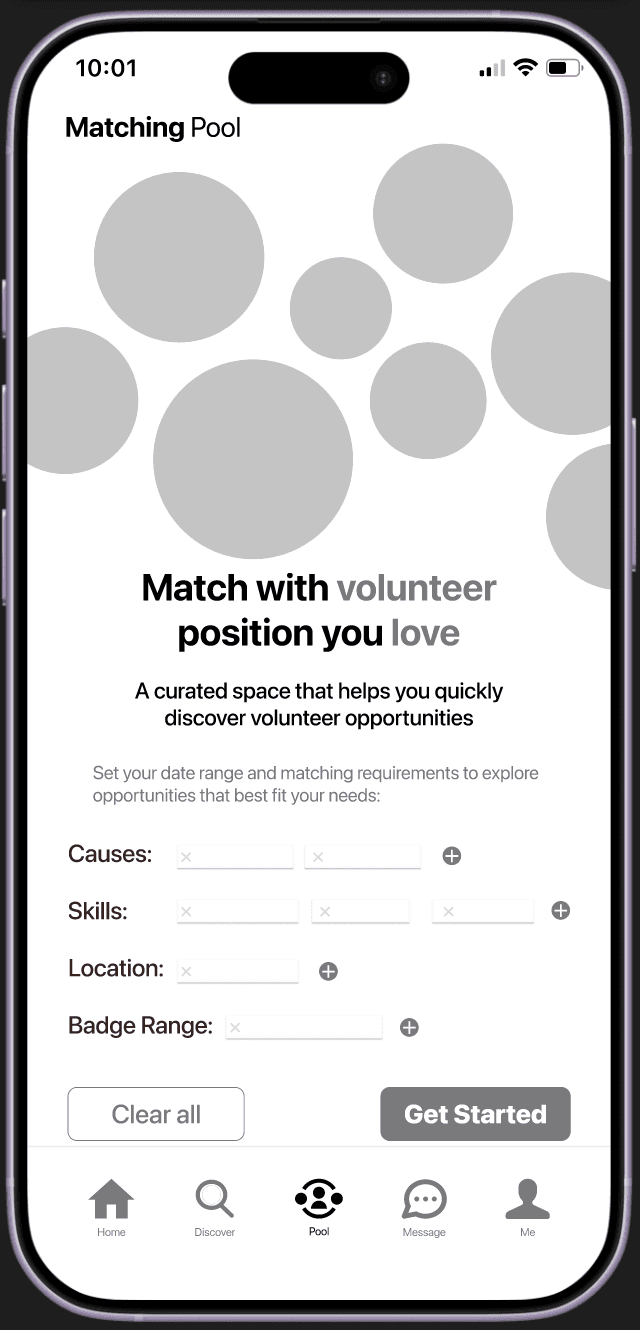
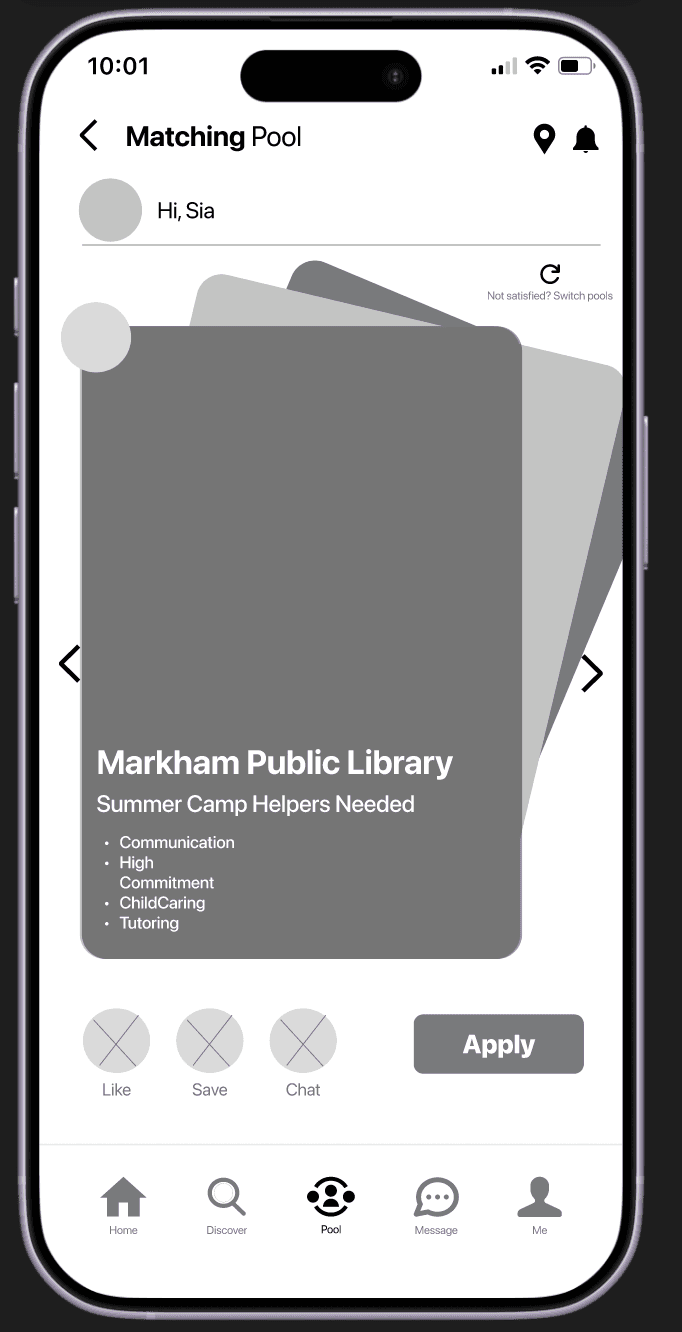
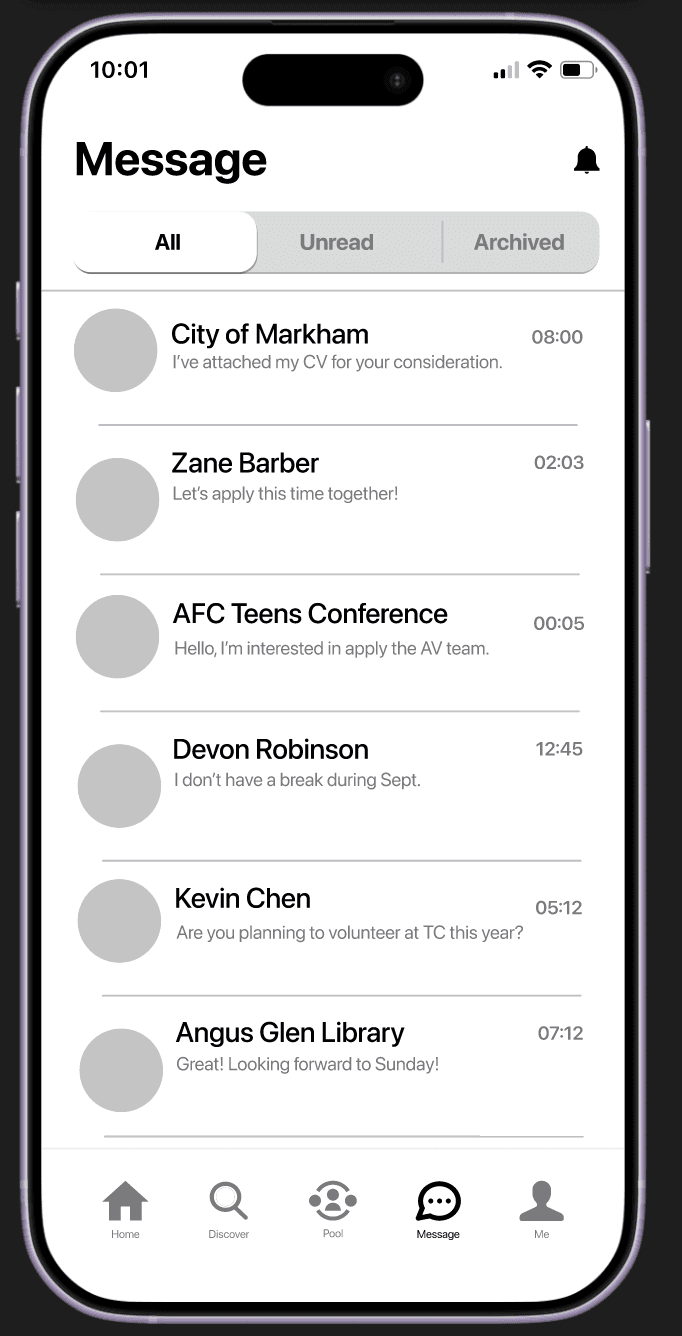
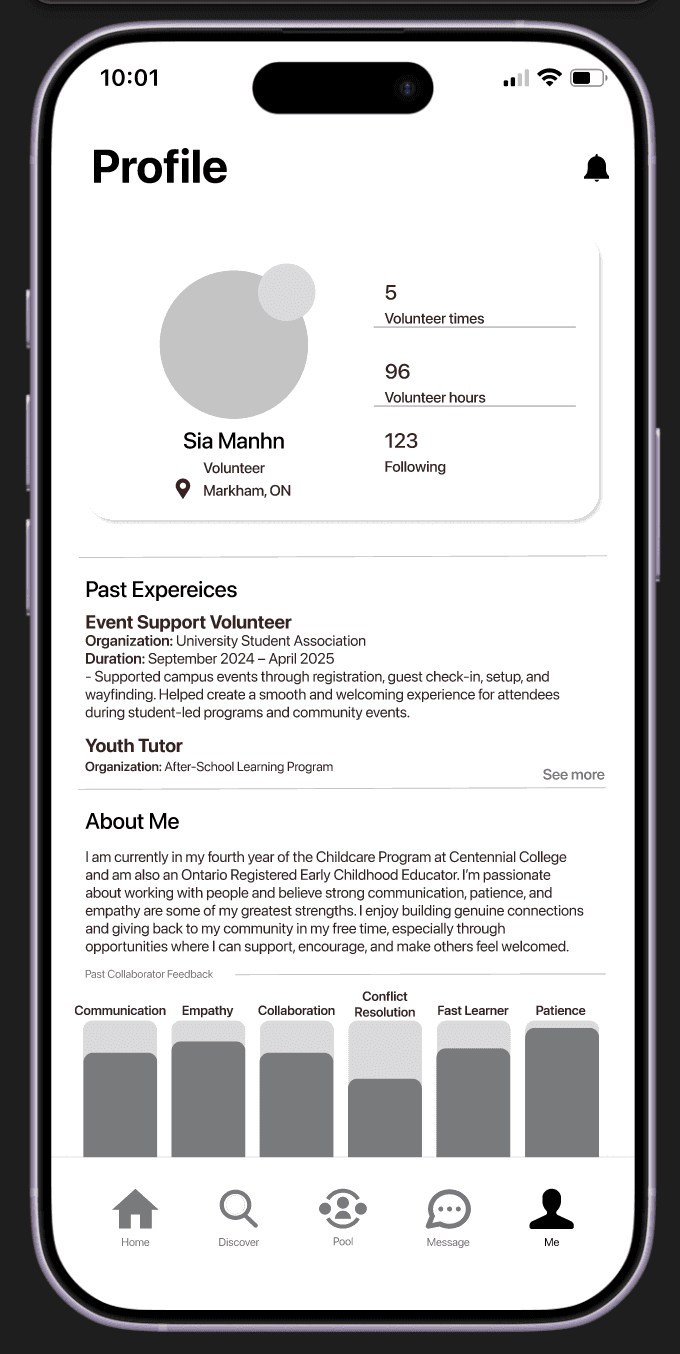
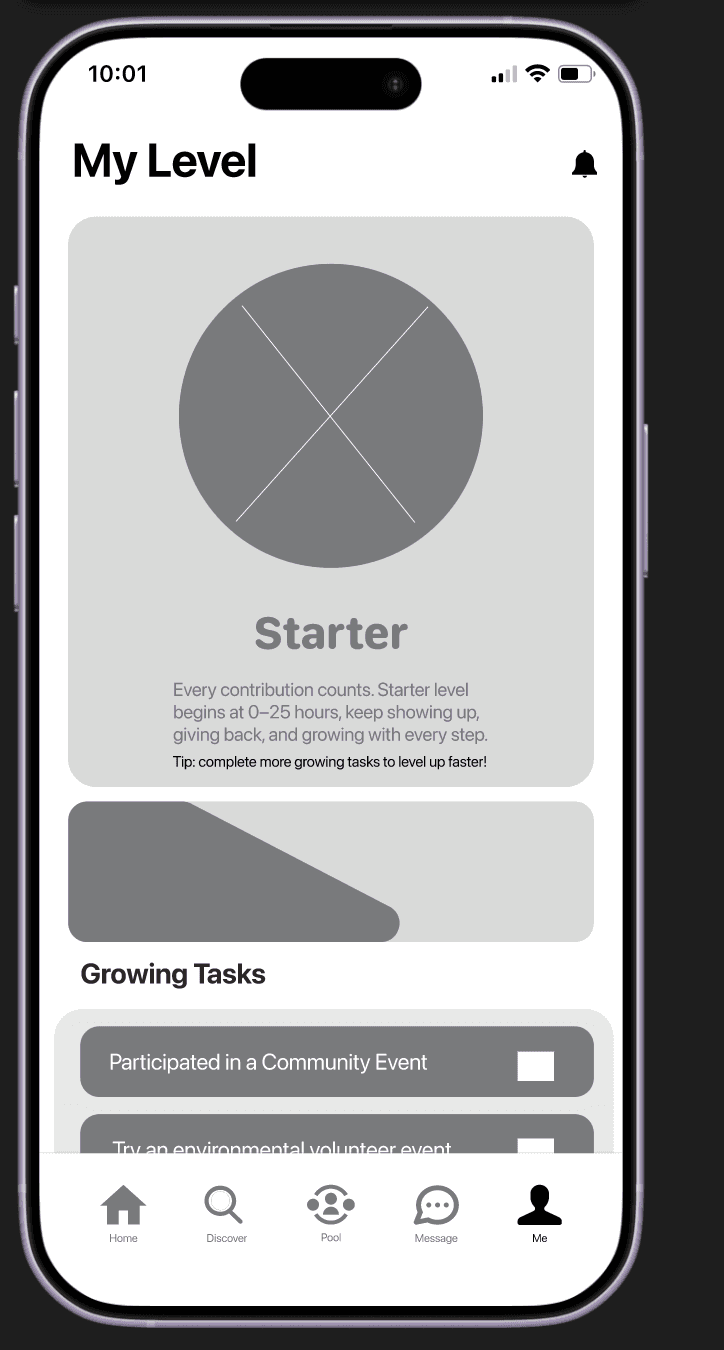
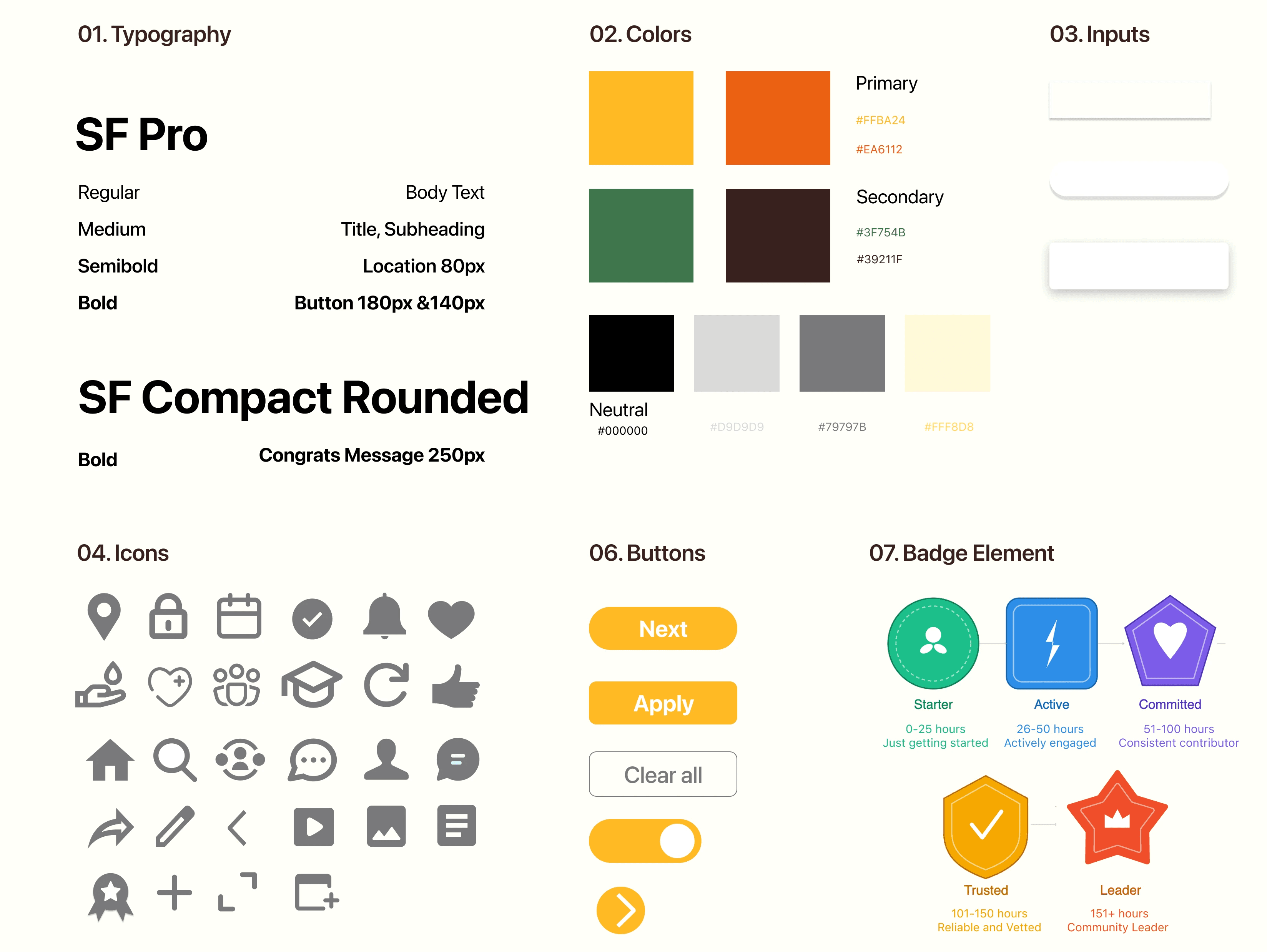
Components and Input Fields
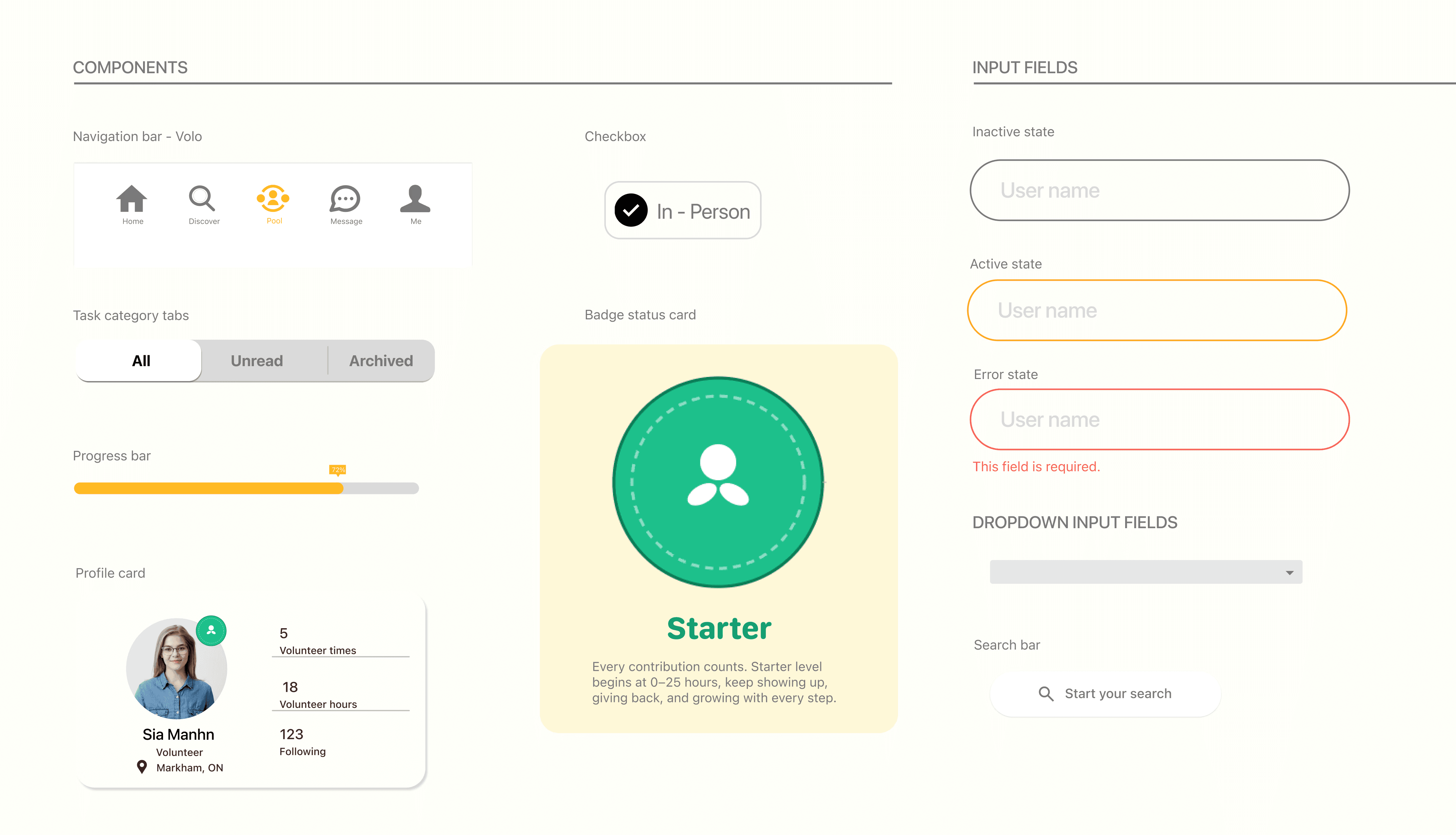
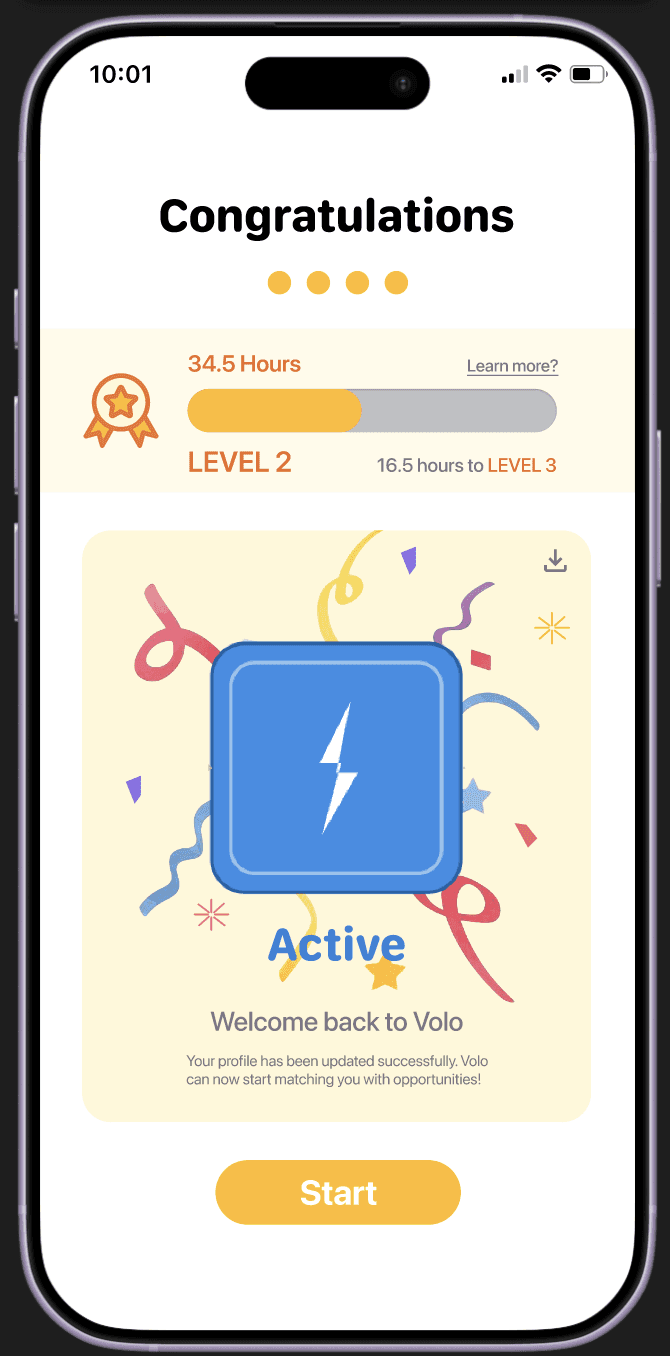
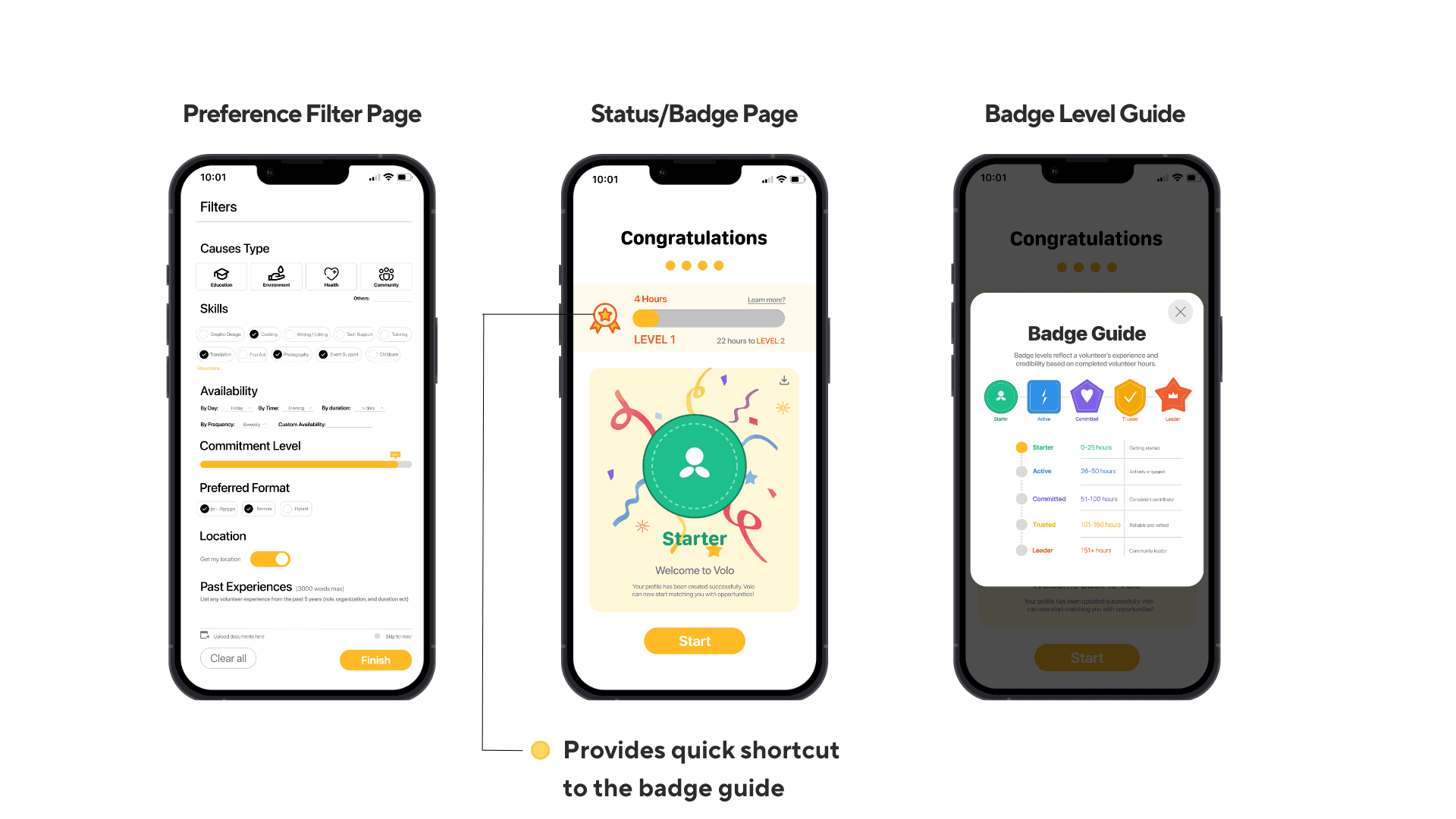
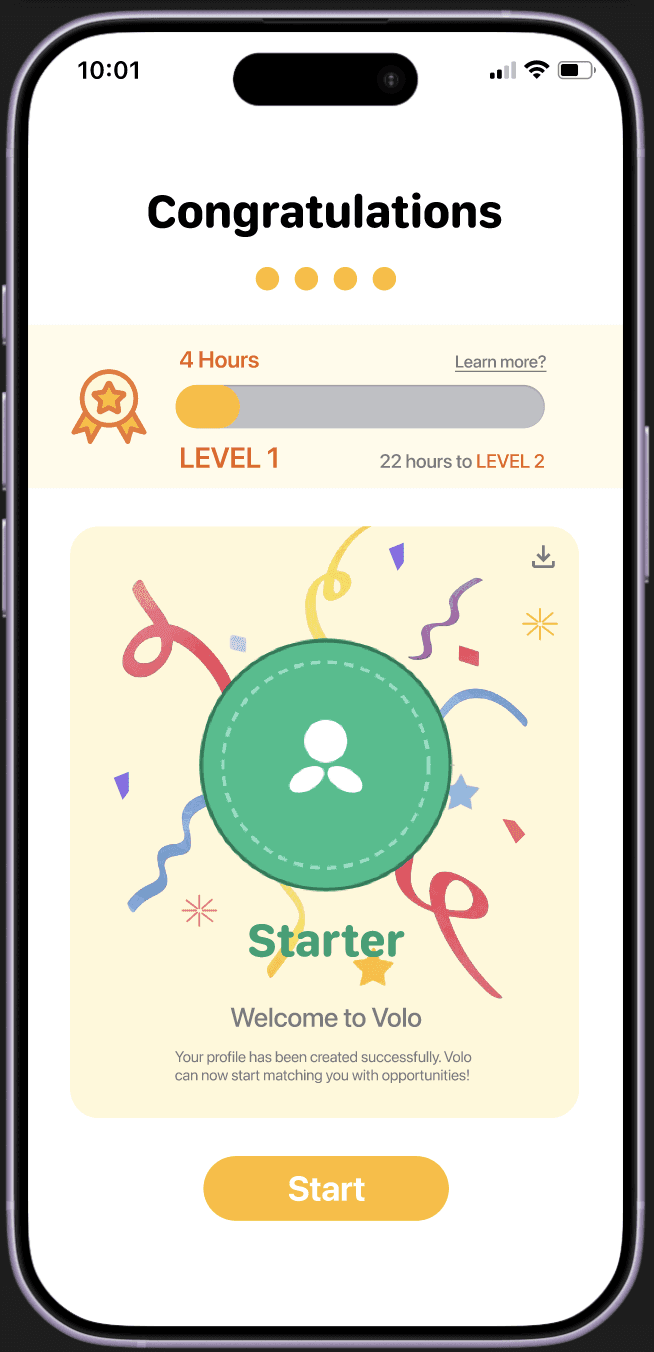
On the status confirmation page, I realized the original version showed the different badges but did not clearly explain how users progress between levels.
The revised version adds a progress bar, current hours, and the hours needed to reach the next level, making the system easier to understand and more motivating.
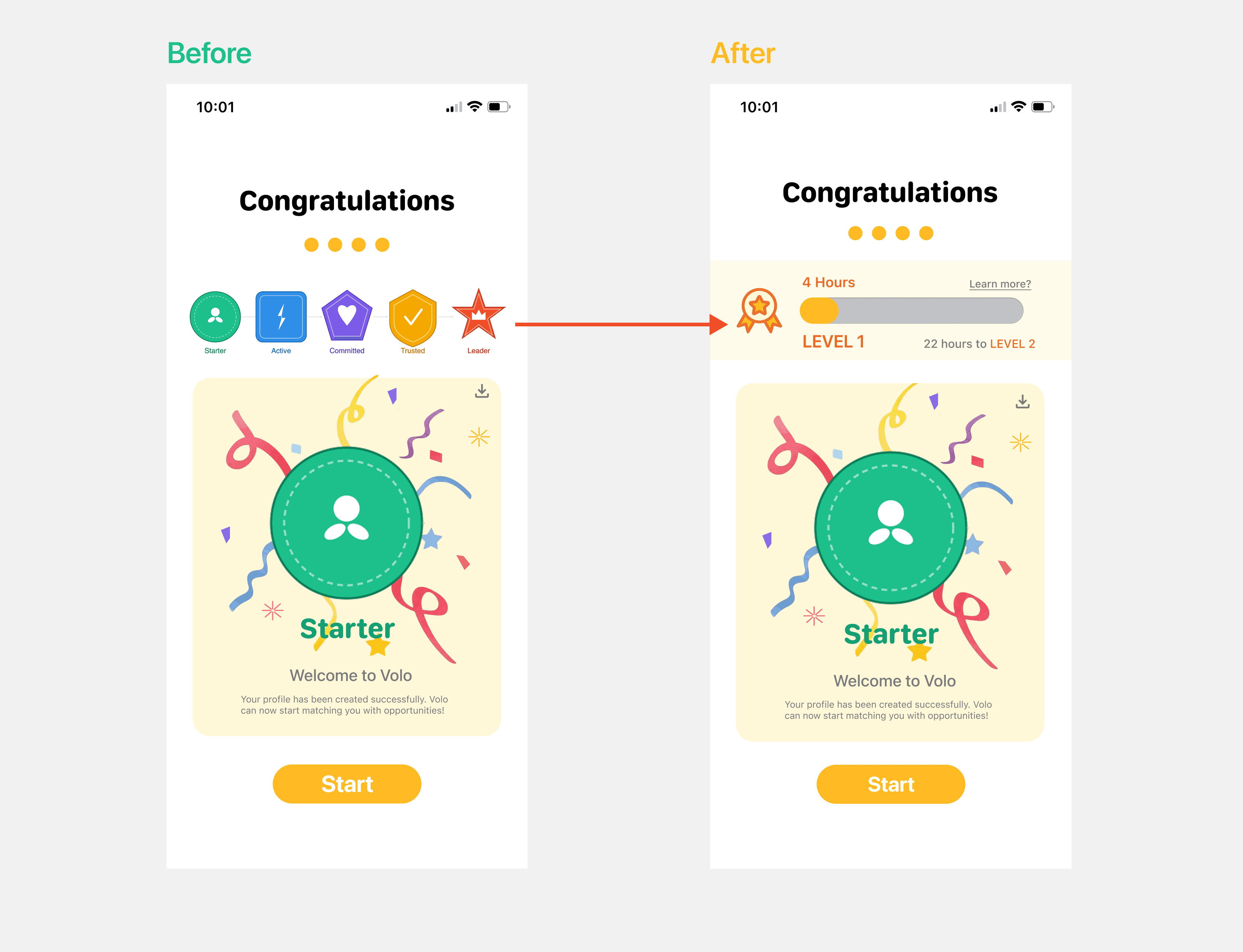
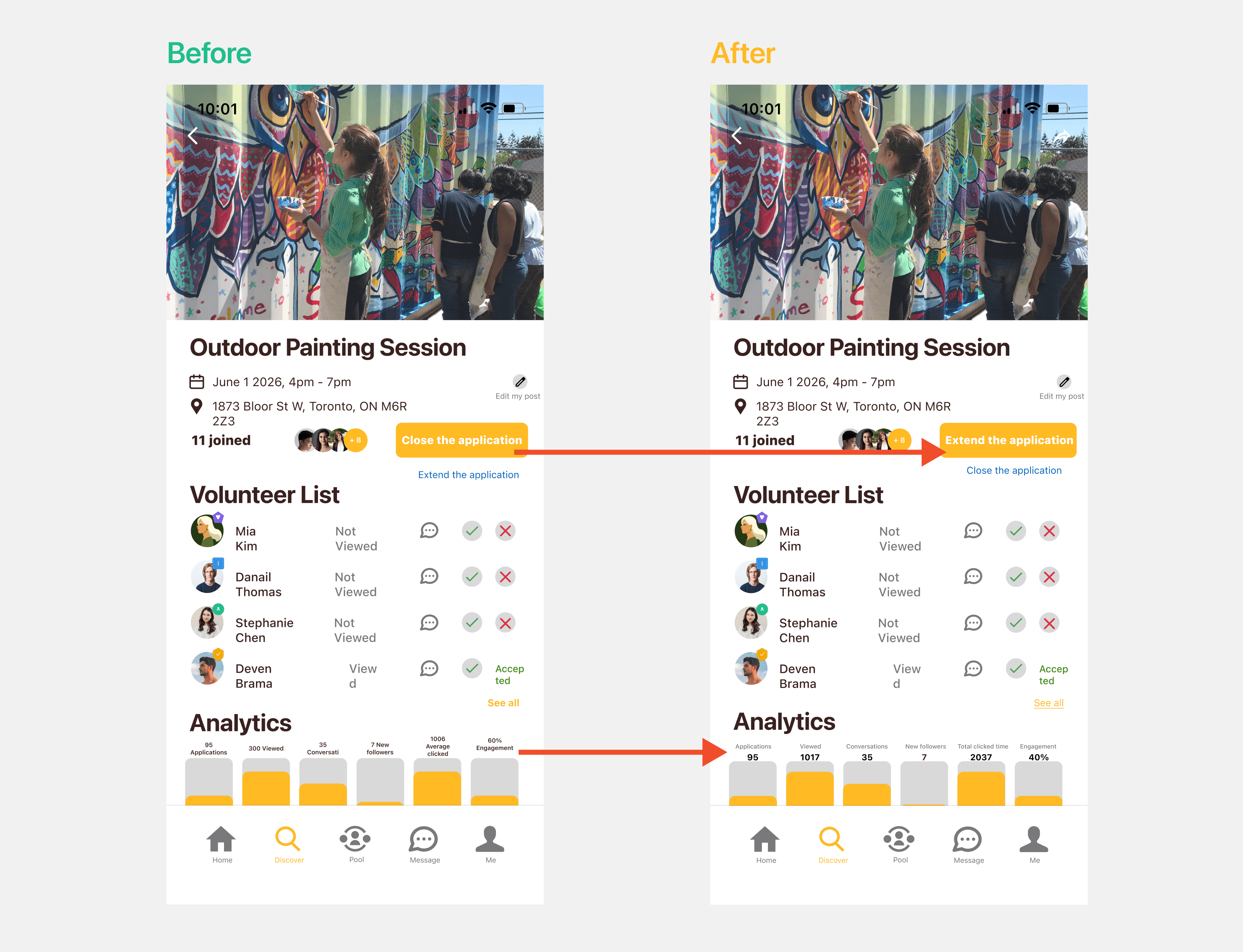
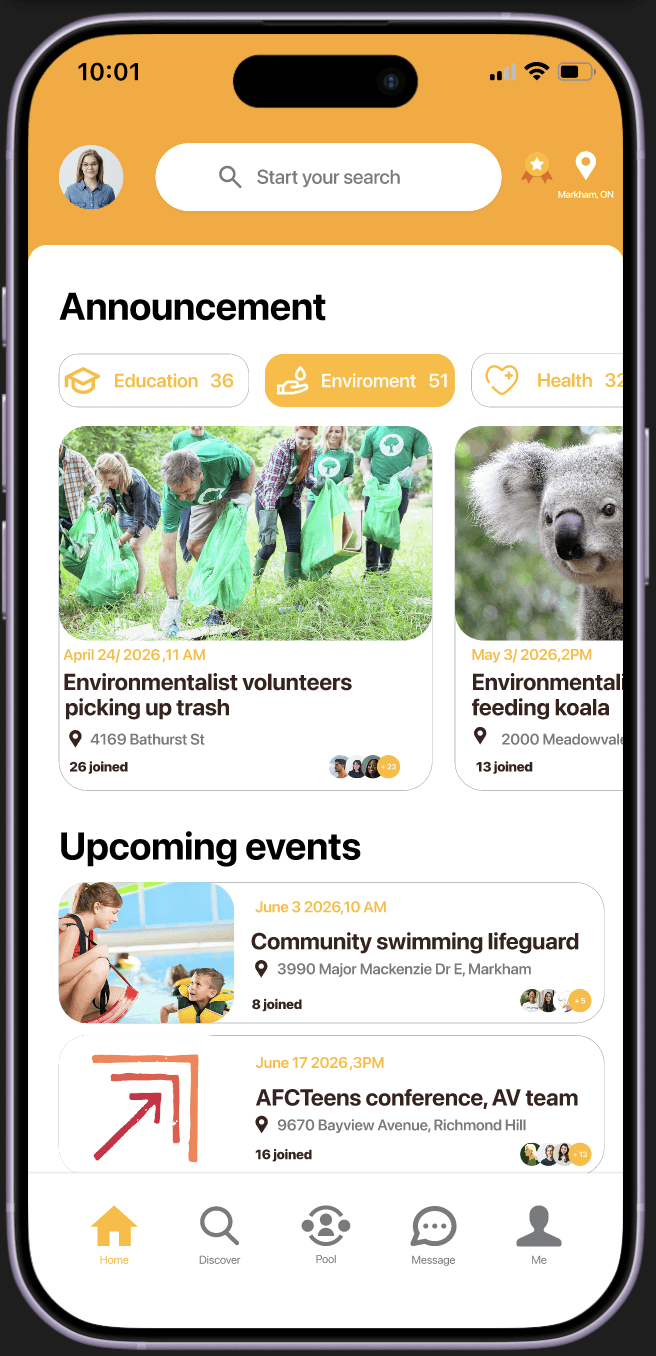
In the new version, I prioritized extending user engagement by reordering the layout so users are encouraged to stay on the app longer.
I also refined how the progress numbers are displayed, making them clearer and more visually prominent.
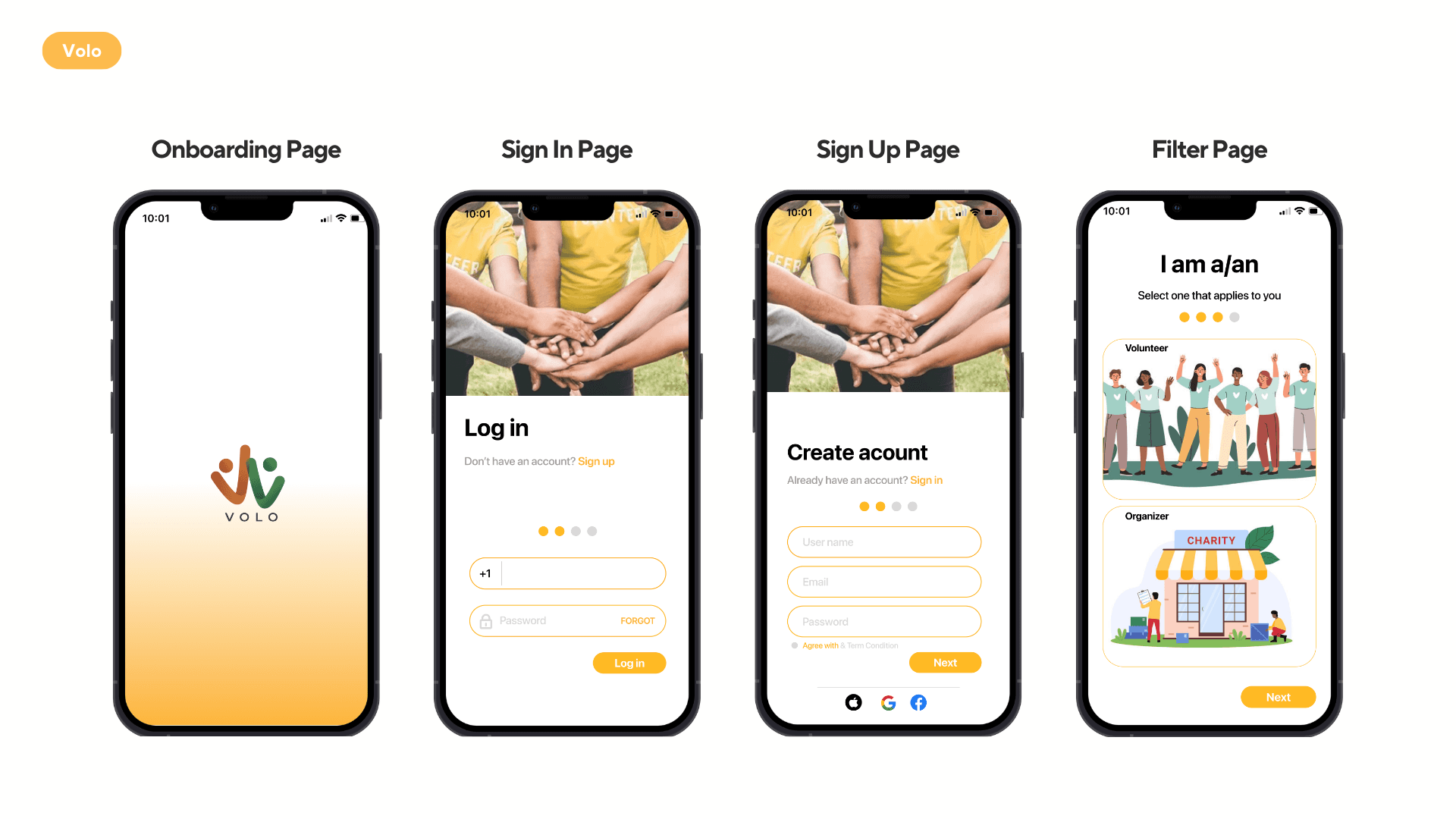
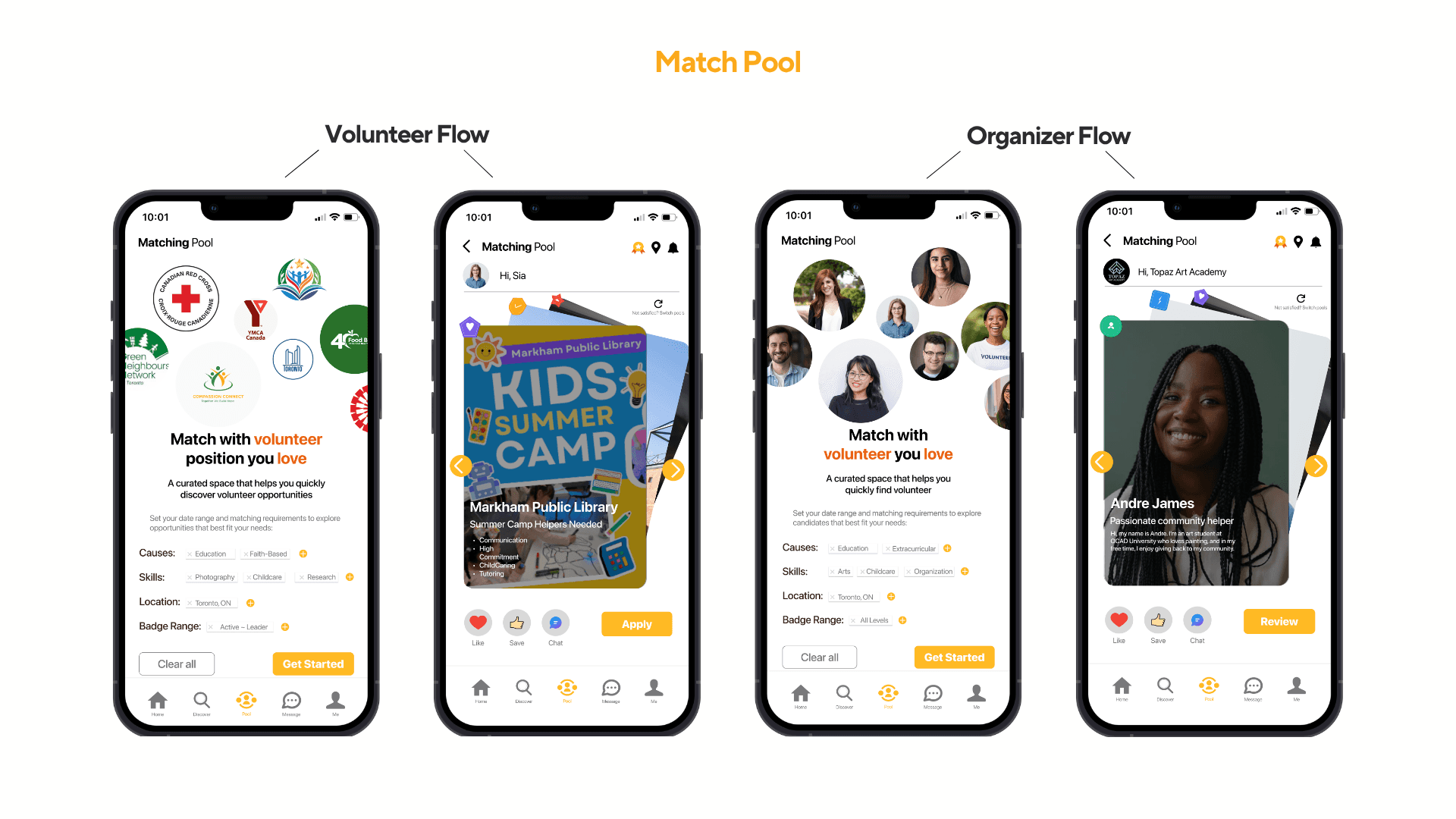
The app was now ready for testing, so I used the prototype to run usability tests based on my four personas. The goal of testing was to evaluate how effectively the prototype supports the needs of both volunteers and organizers across key tasks. I wanted to understand not only whether users could complete each flow, but also where confusion, hesitation, or friction might occur.
Unlike my other projects, I wanted to explore how AI could be used ethically within the design process, so I incorporated ChatGPT during this stage of usability testing.
My prompt: Act as a UX researcher and evaluate my prototype based on the needs of my personas. Identify the key test objectives, then generate a usability test report highlighting areas of confusion, friction, or unclear interaction.
The results suggested that Volo supports its core features well and is generally easy to navigate. Overall, I identified five major issues to prioritize, along with several smaller usability improvements.
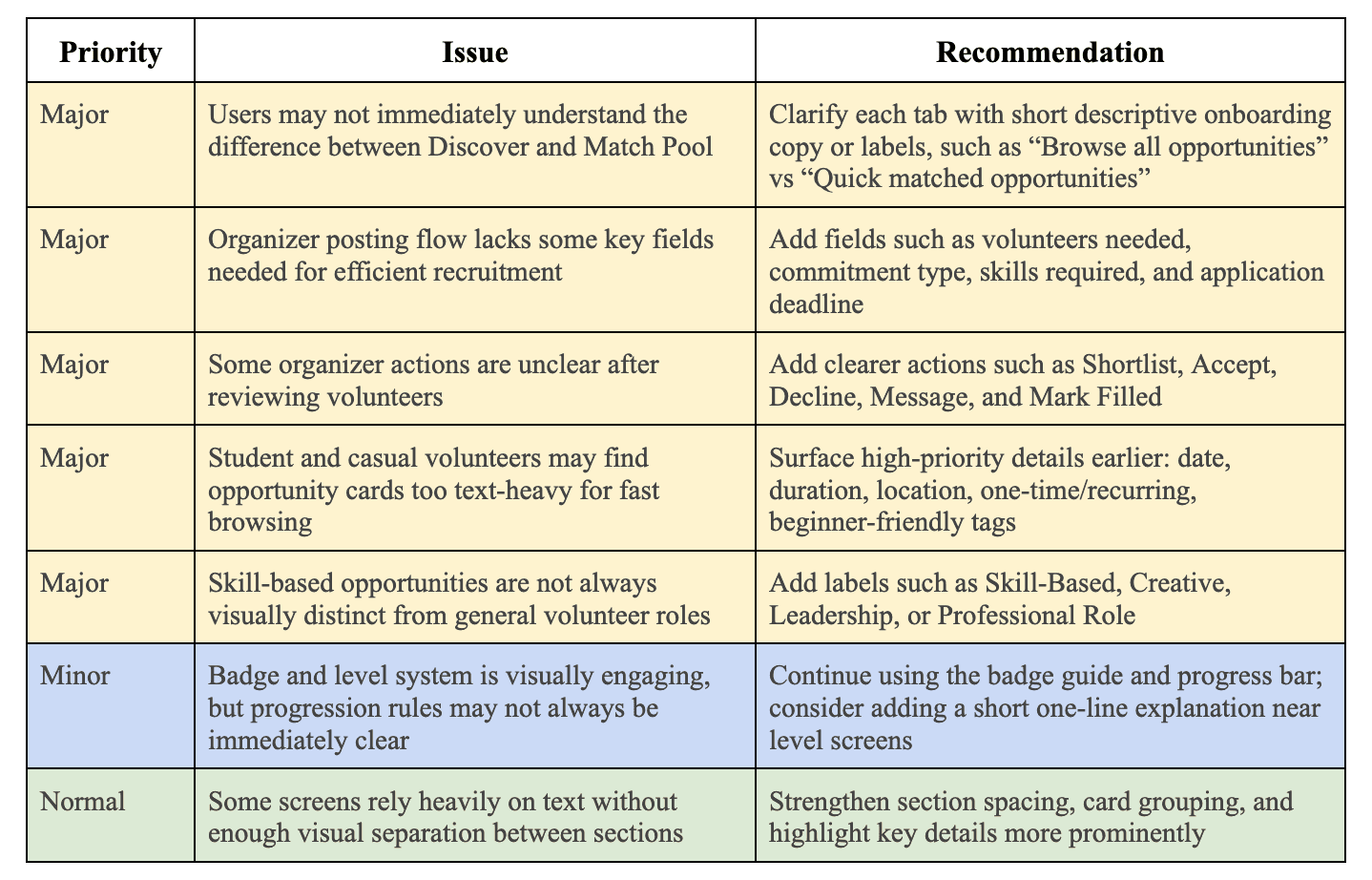
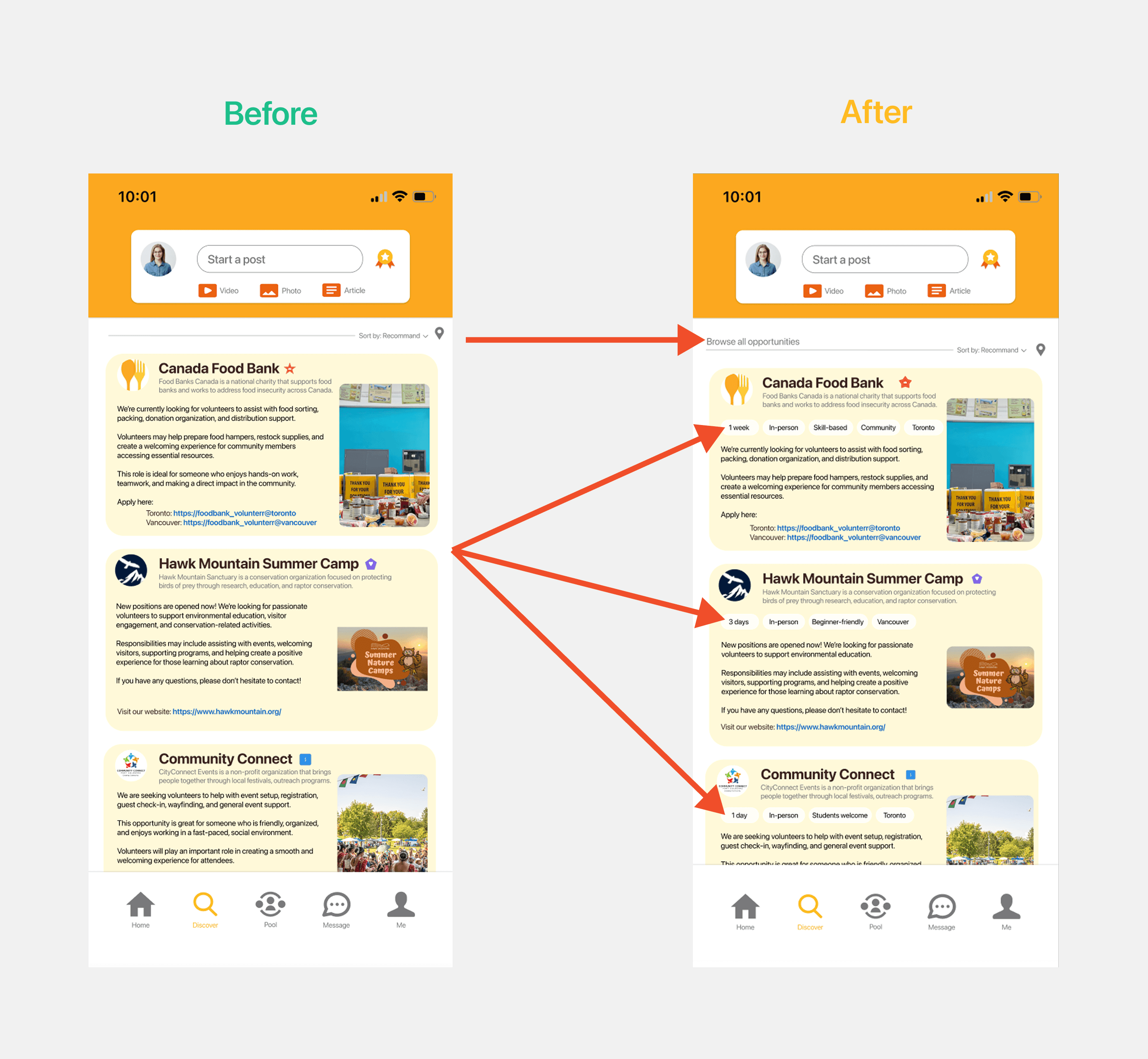
Users may not immediately understand the difference between Discover and Match Pool
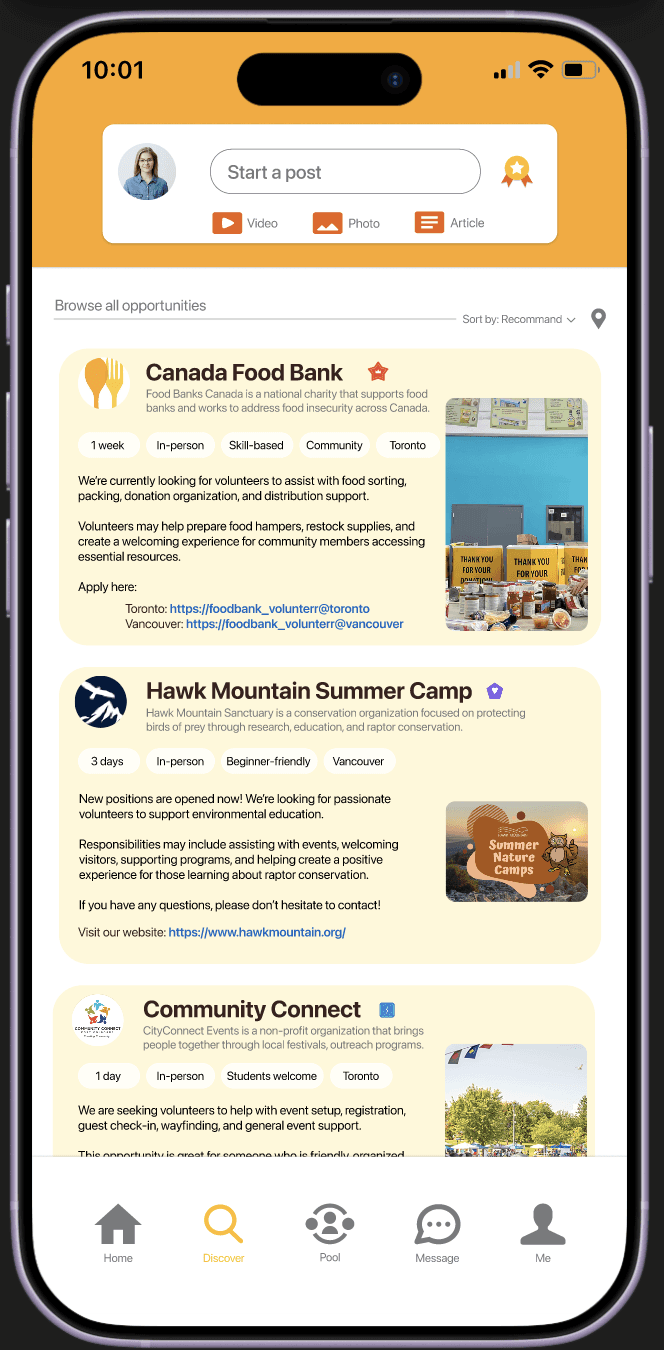
Volunteers may find opportunity cards too text-heavy for fast browsing
I solved it by adding a short descriptive line at the top of the page and surfacing high-priority details on each card to better support quick browsing.
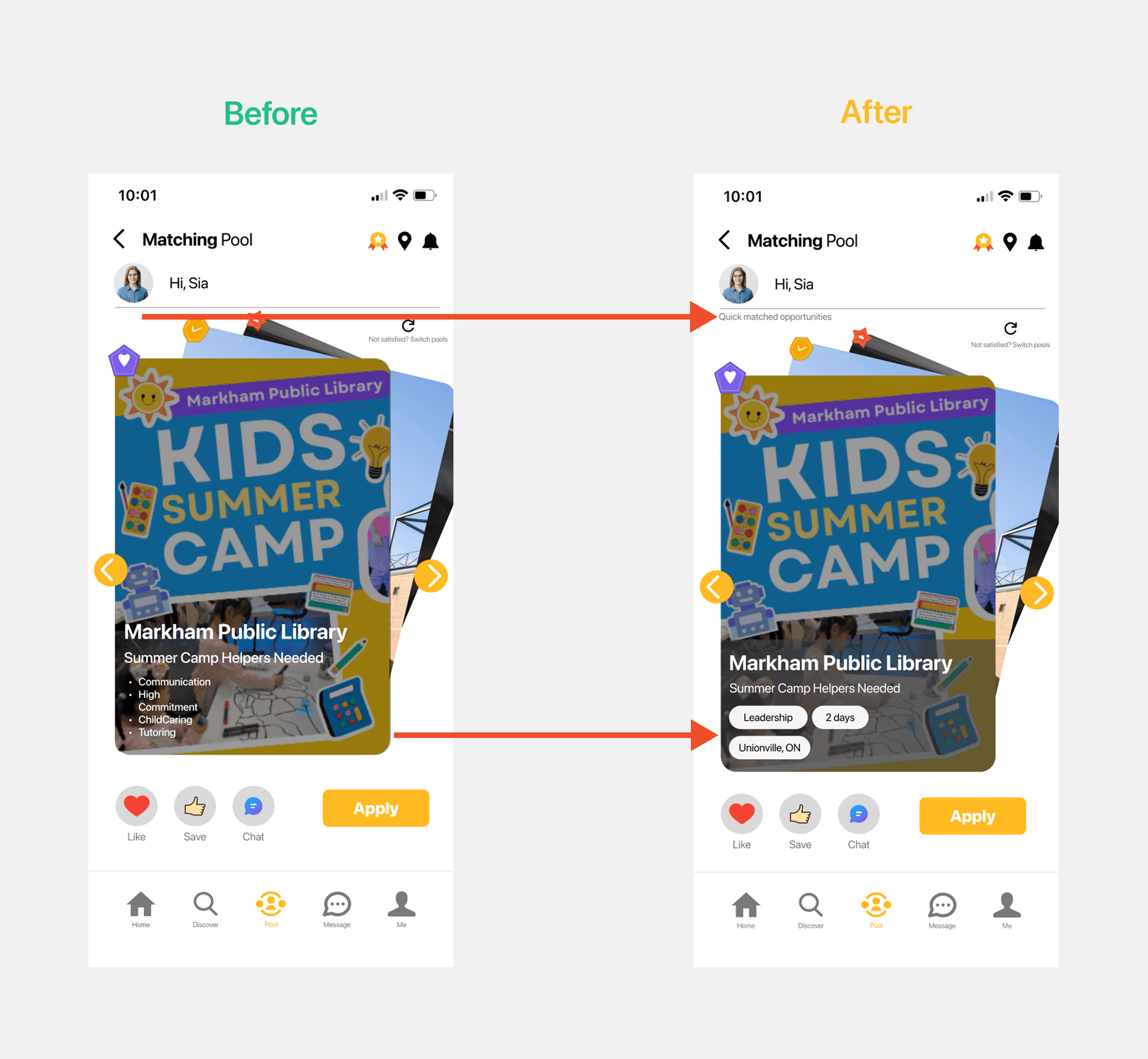
Users may not immediately understand the difference between Discover and Match Pool
Skill-based opportunities are not always visually distinct from general volunteer roles
Again, I added a short description to clarify Match Pool and used a darker overlay to improve contrast and highlight key details for faster scanning.
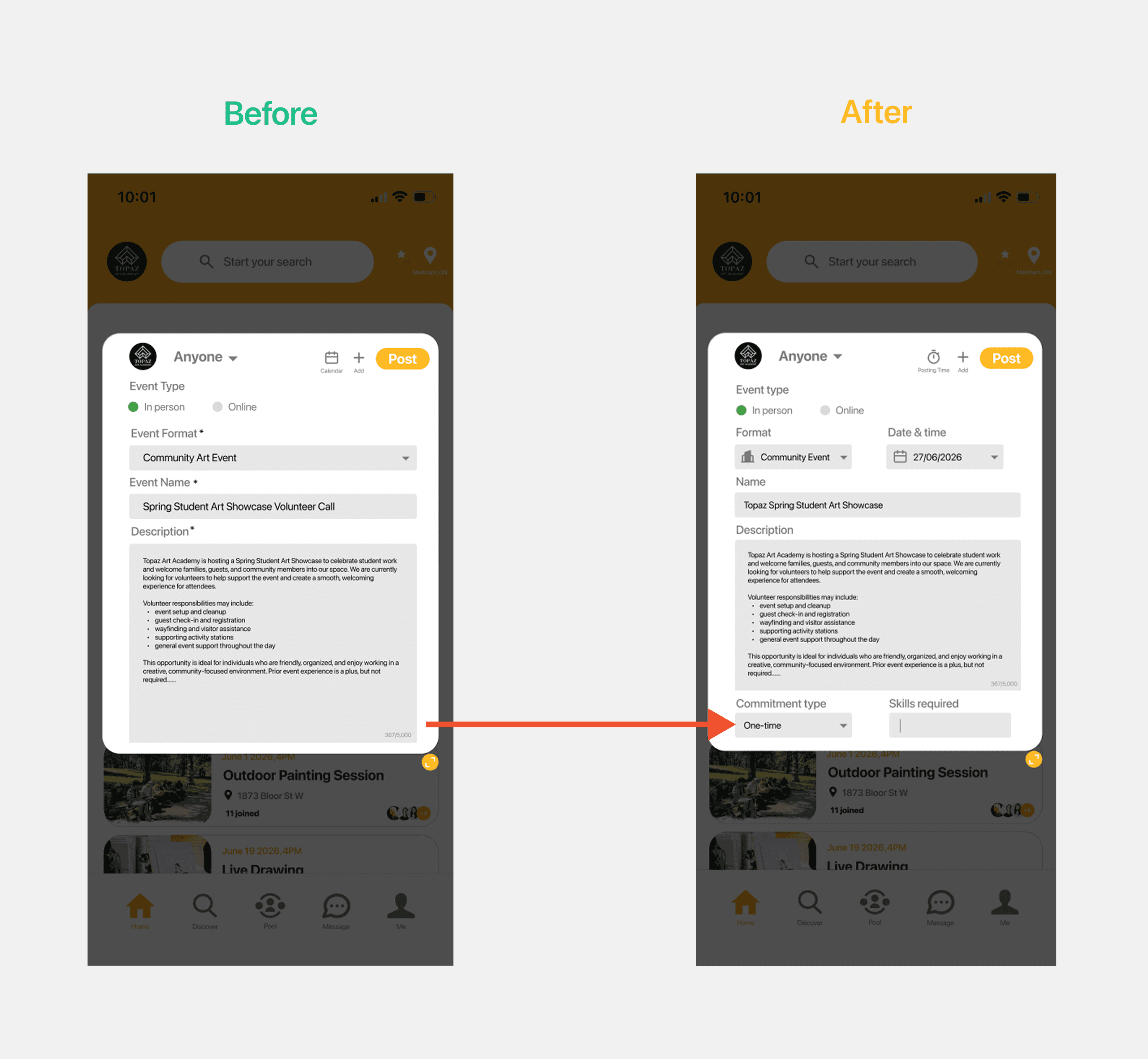
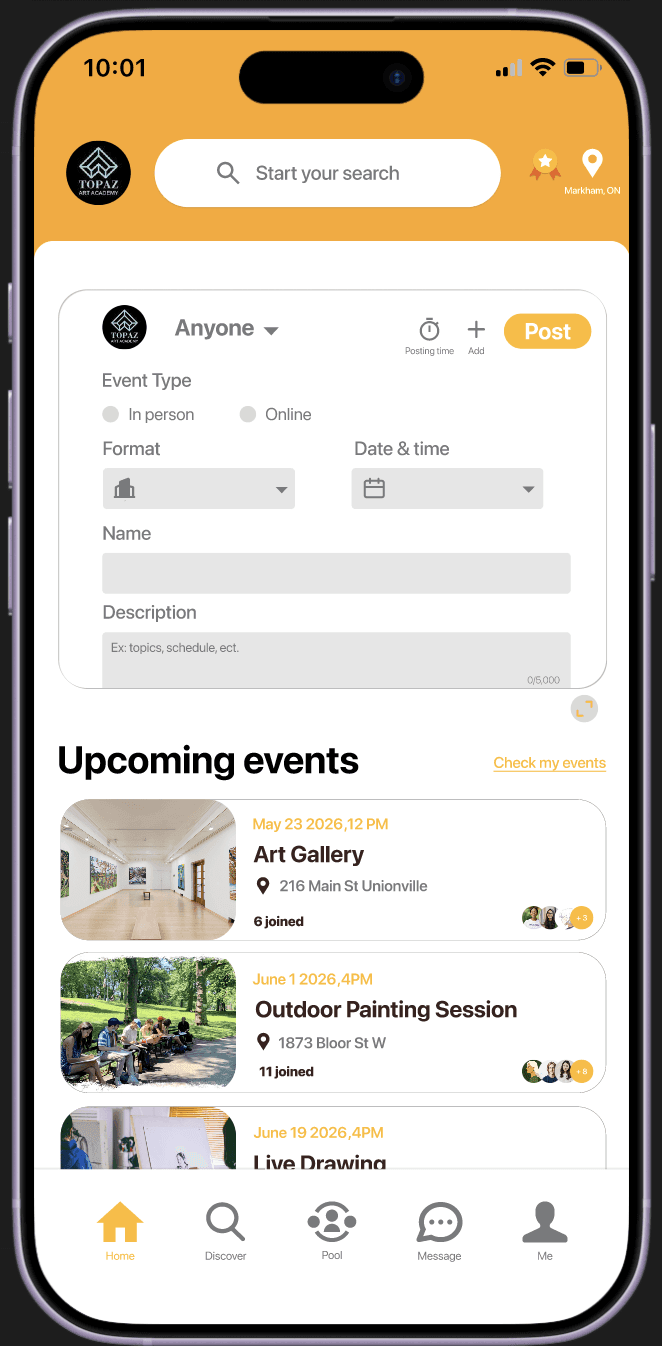
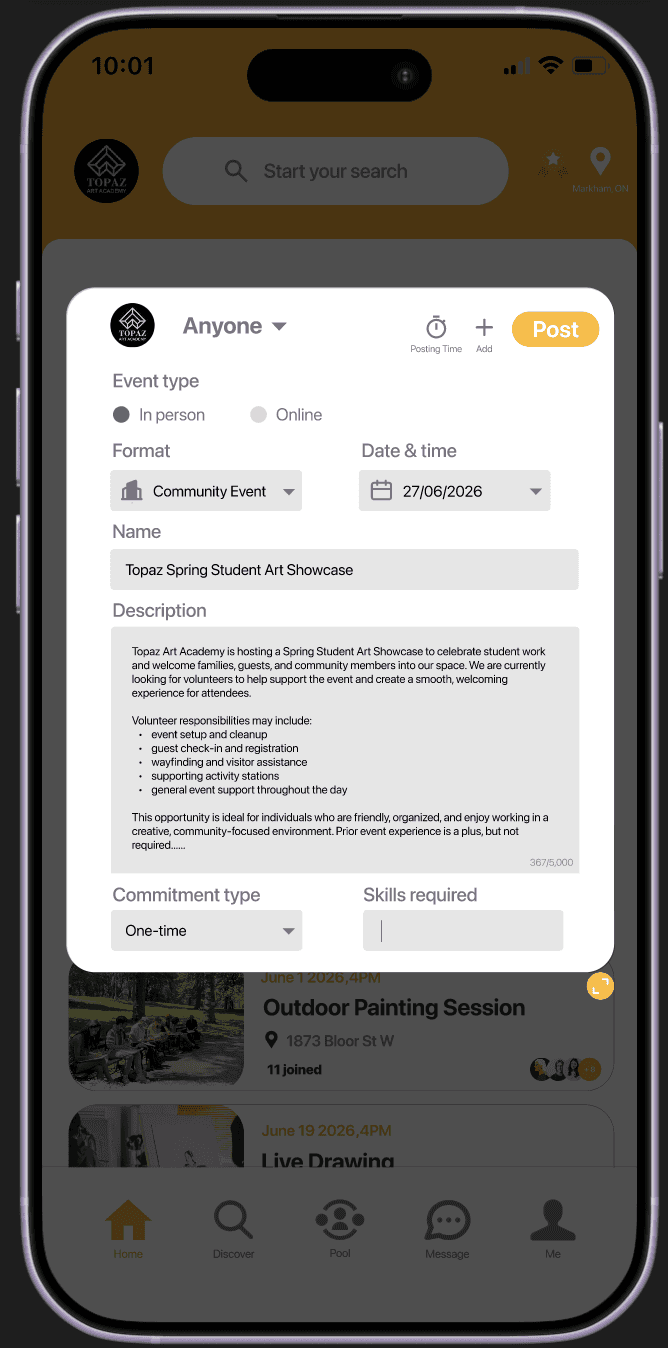
Organizer posting flow lacks some key fields needed for efficient recruitment
I reorganized the layout and added fields such as commitment type and required skills. I also included more icons to improve readability.
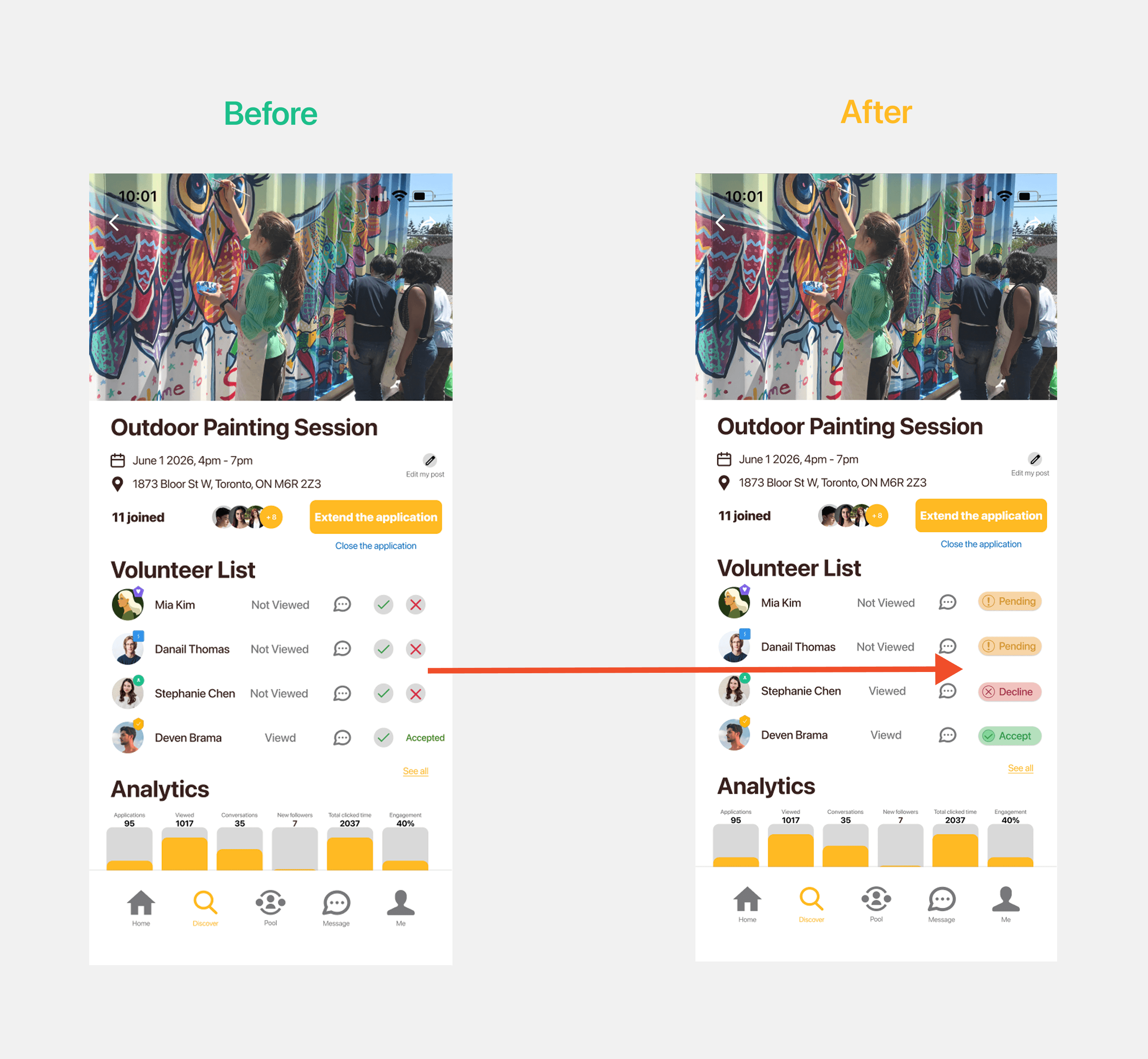
Some organizer actions are unclear after reviewing volunteers
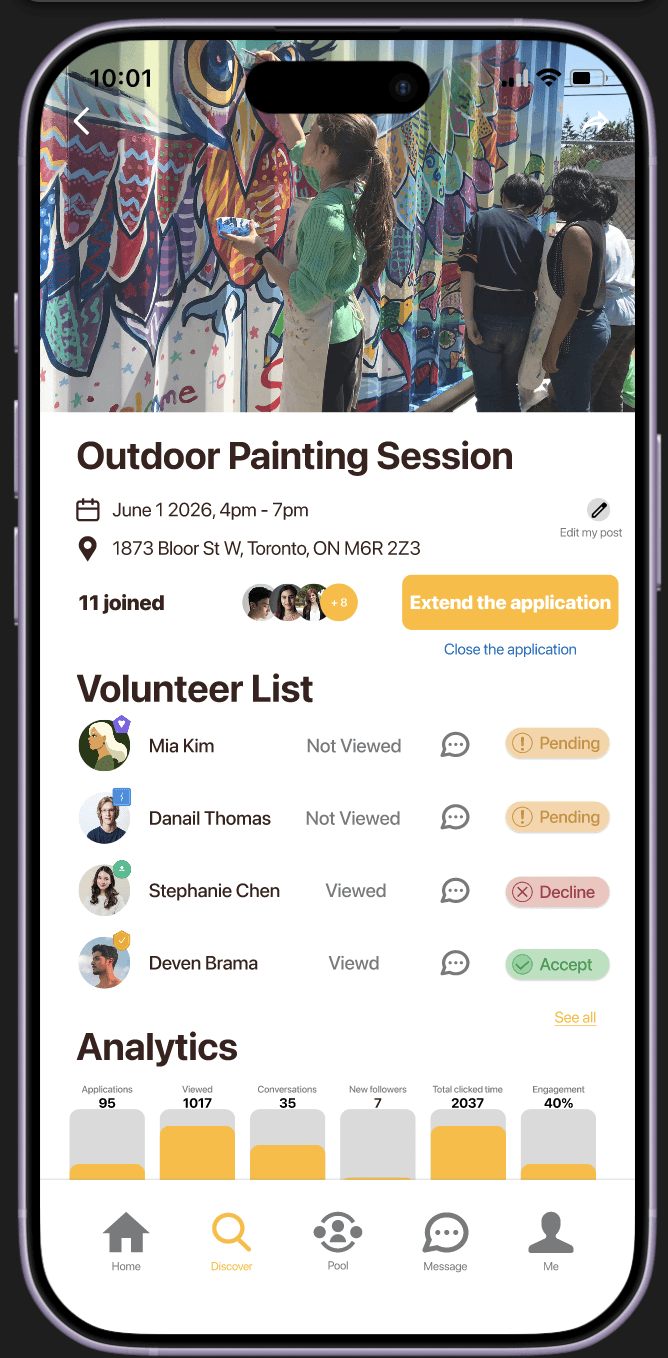
I replaced ambiguous icon-based actions with clearly labeled status chips (e.g., Pending, Accept, Decline), making organizer decisions more intuitive and reducing confusion after reviewing volunteers.
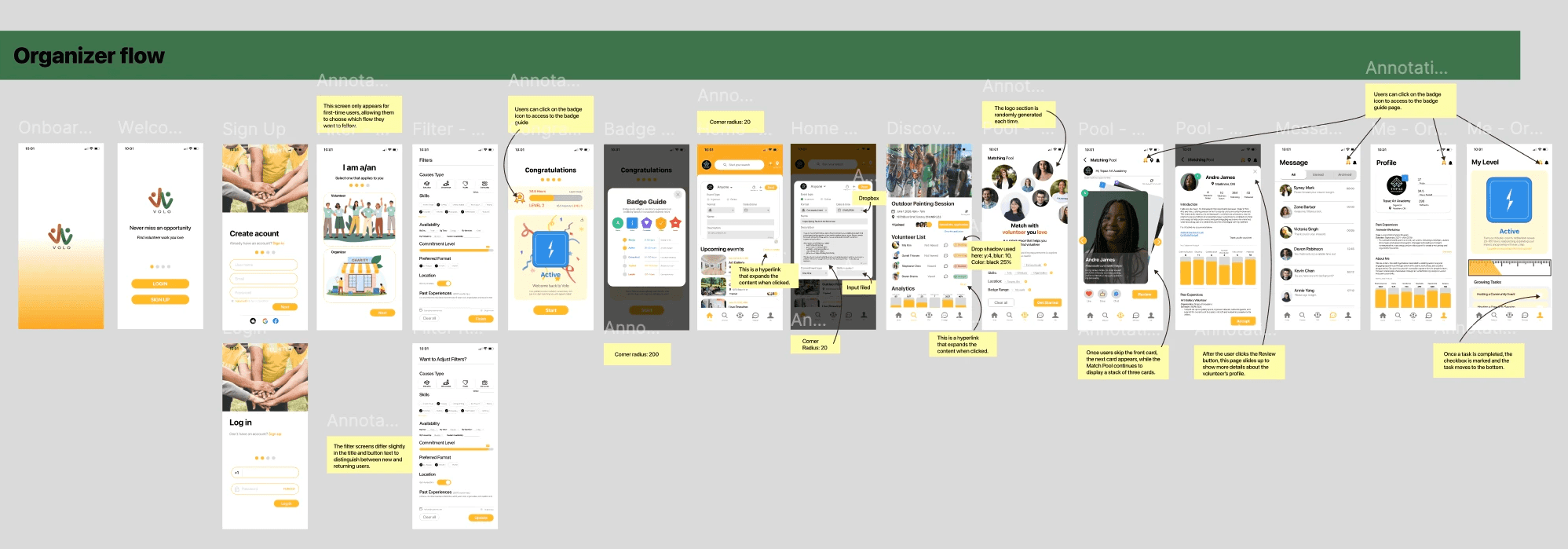
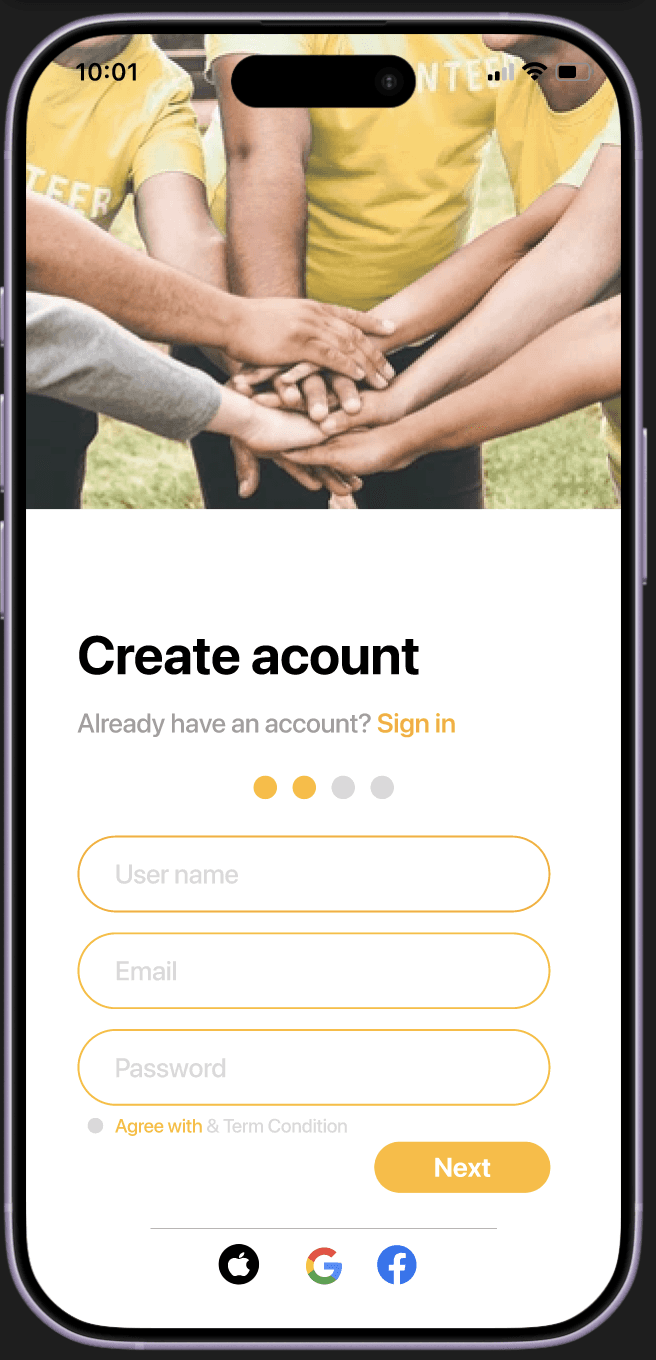
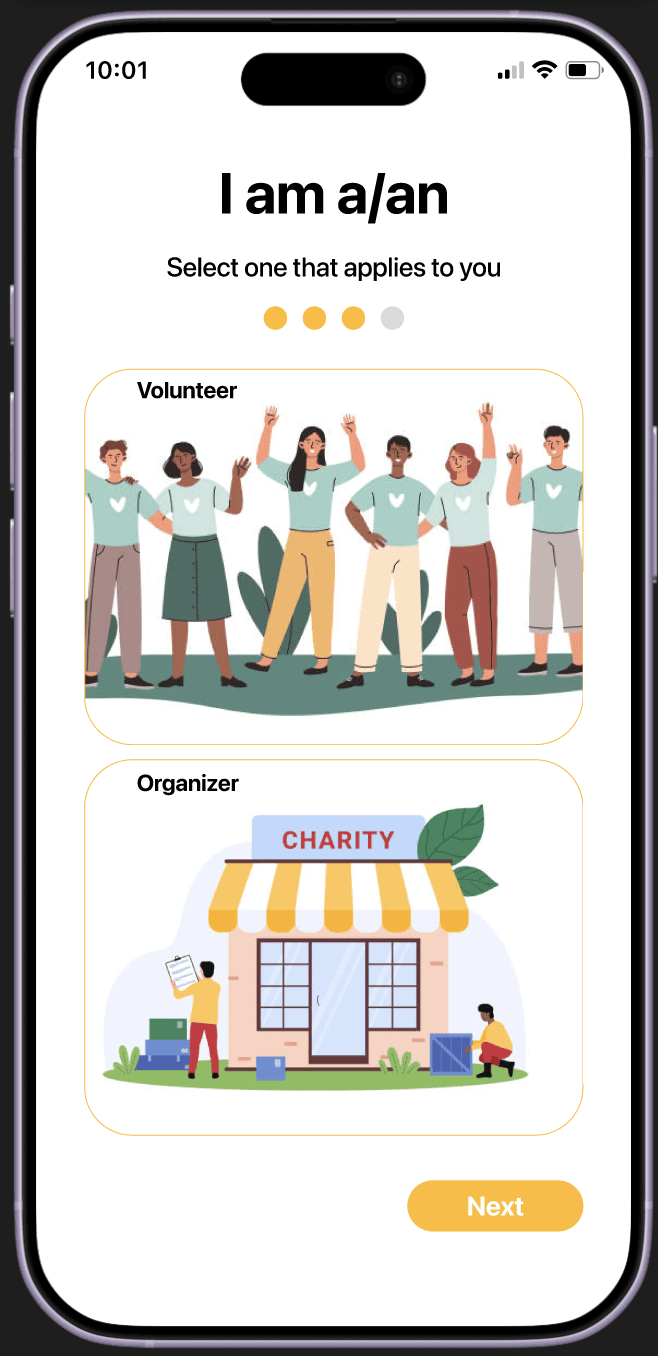
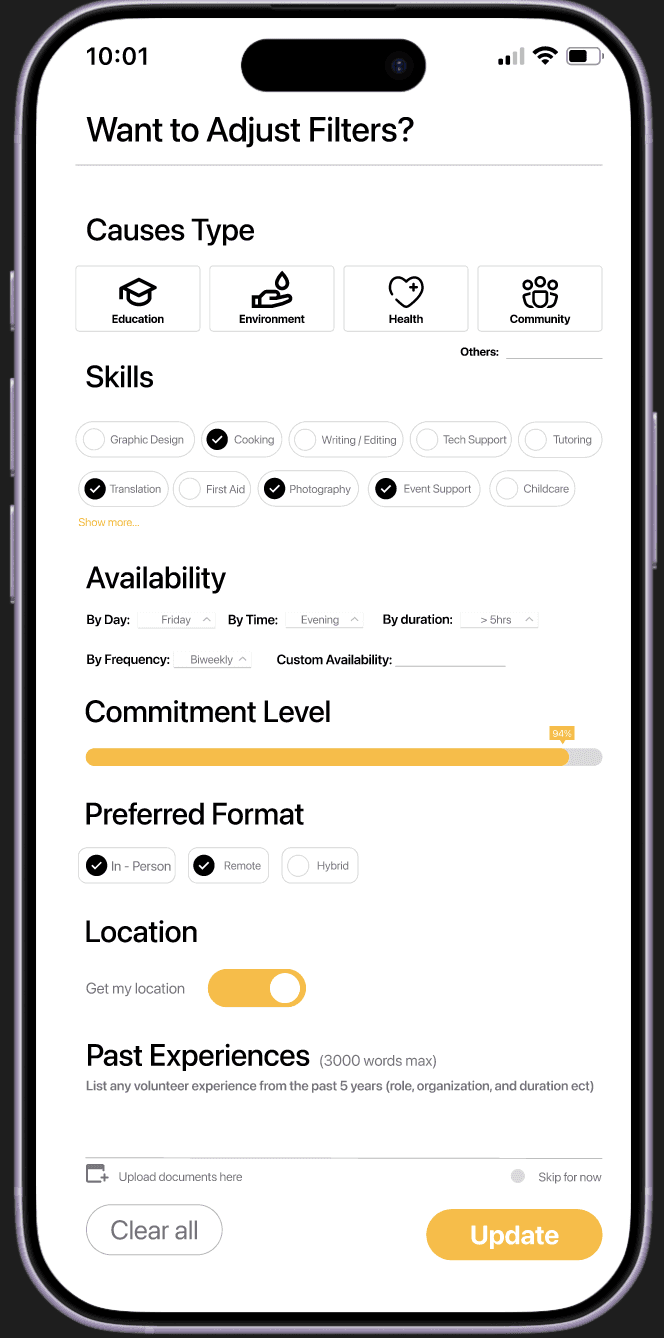
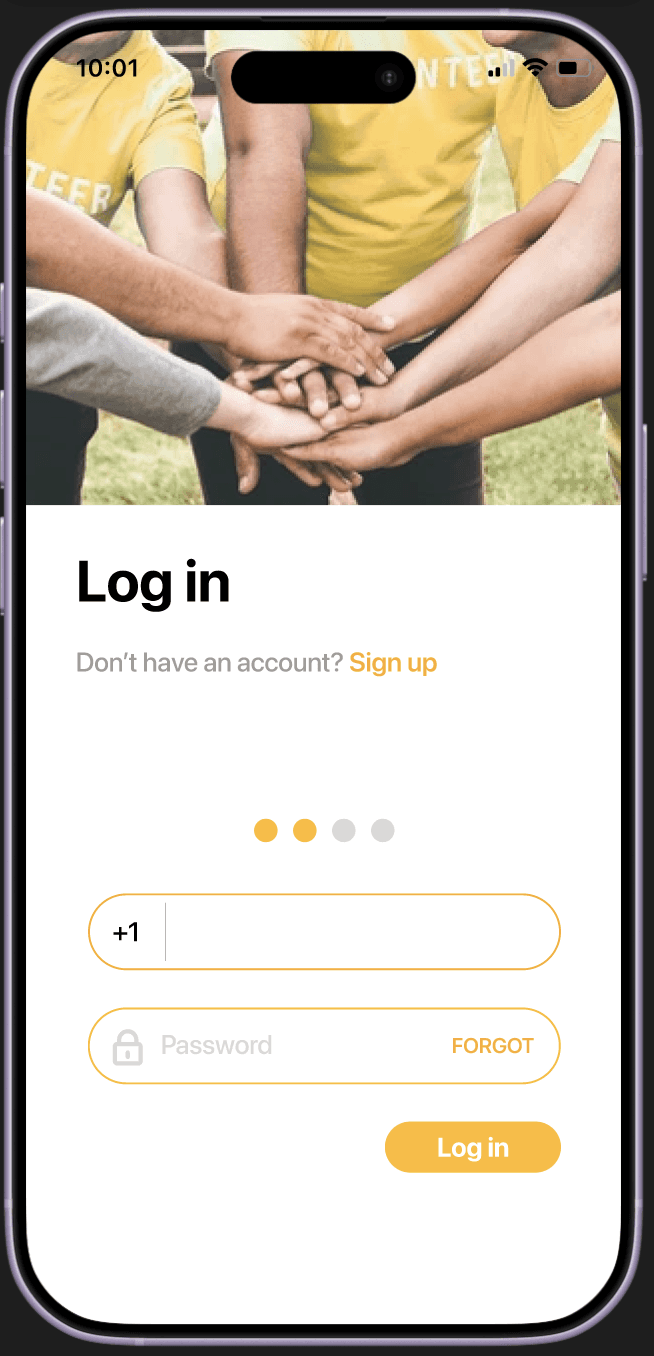
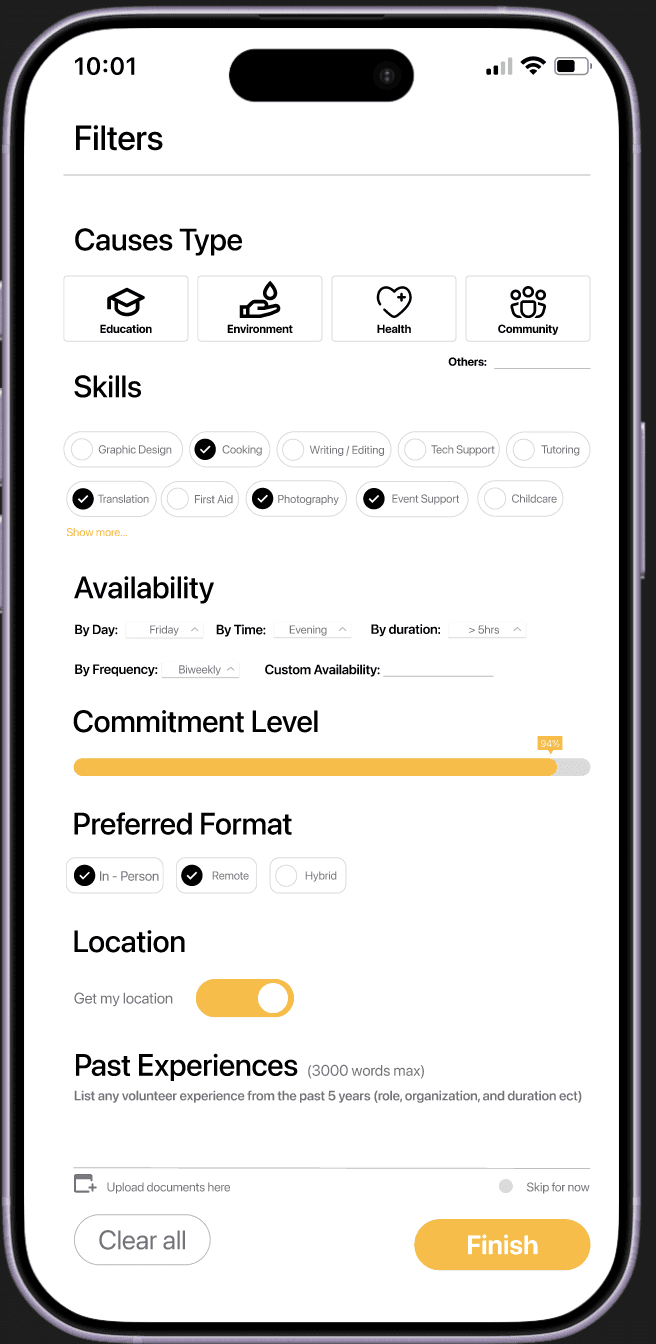
I included a developer handoff section with annotations explaining screen transitions and color-coded user flows: orange for Volunteers and green for Organizers. This structure makes the app’s functionality easier to follow and helps reduce unnecessary back-and-forth during development.
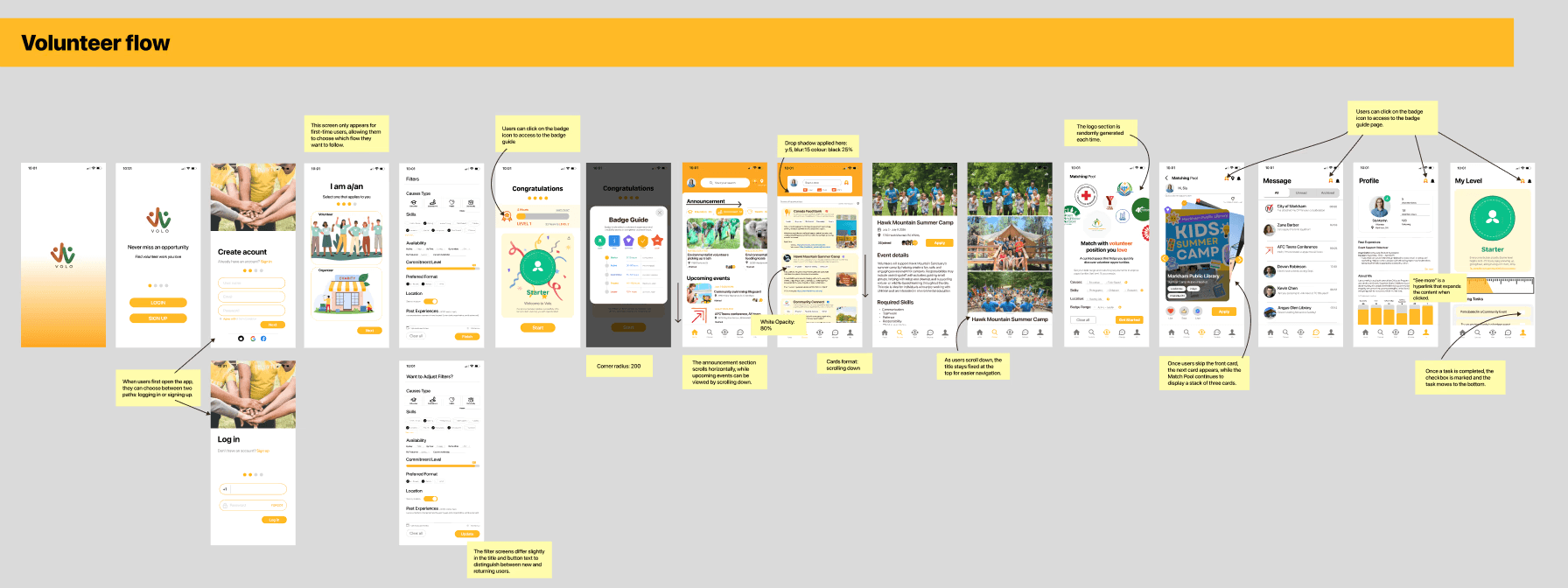
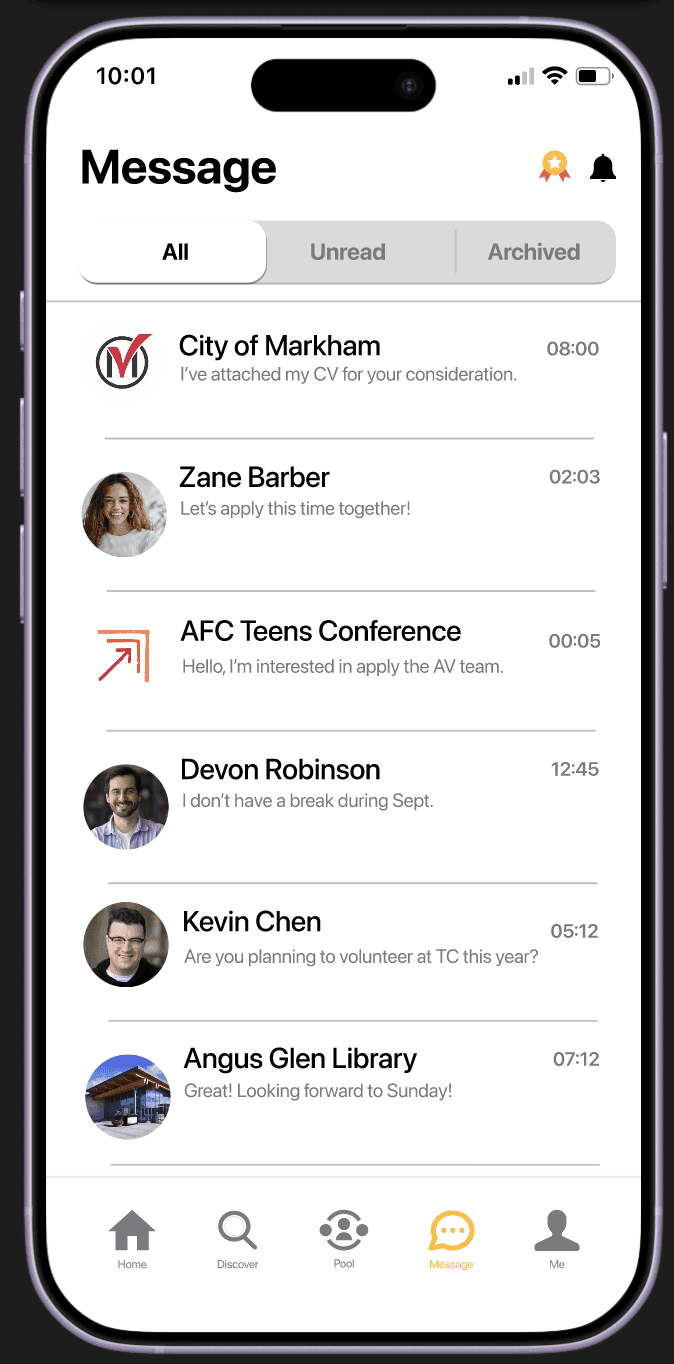
Volunteer Final FLow
Organizer Final FLow